
Our Work
A look at what we do day-to-day — server racks, network installs, workstation builds, cabling runs, and everything in between.
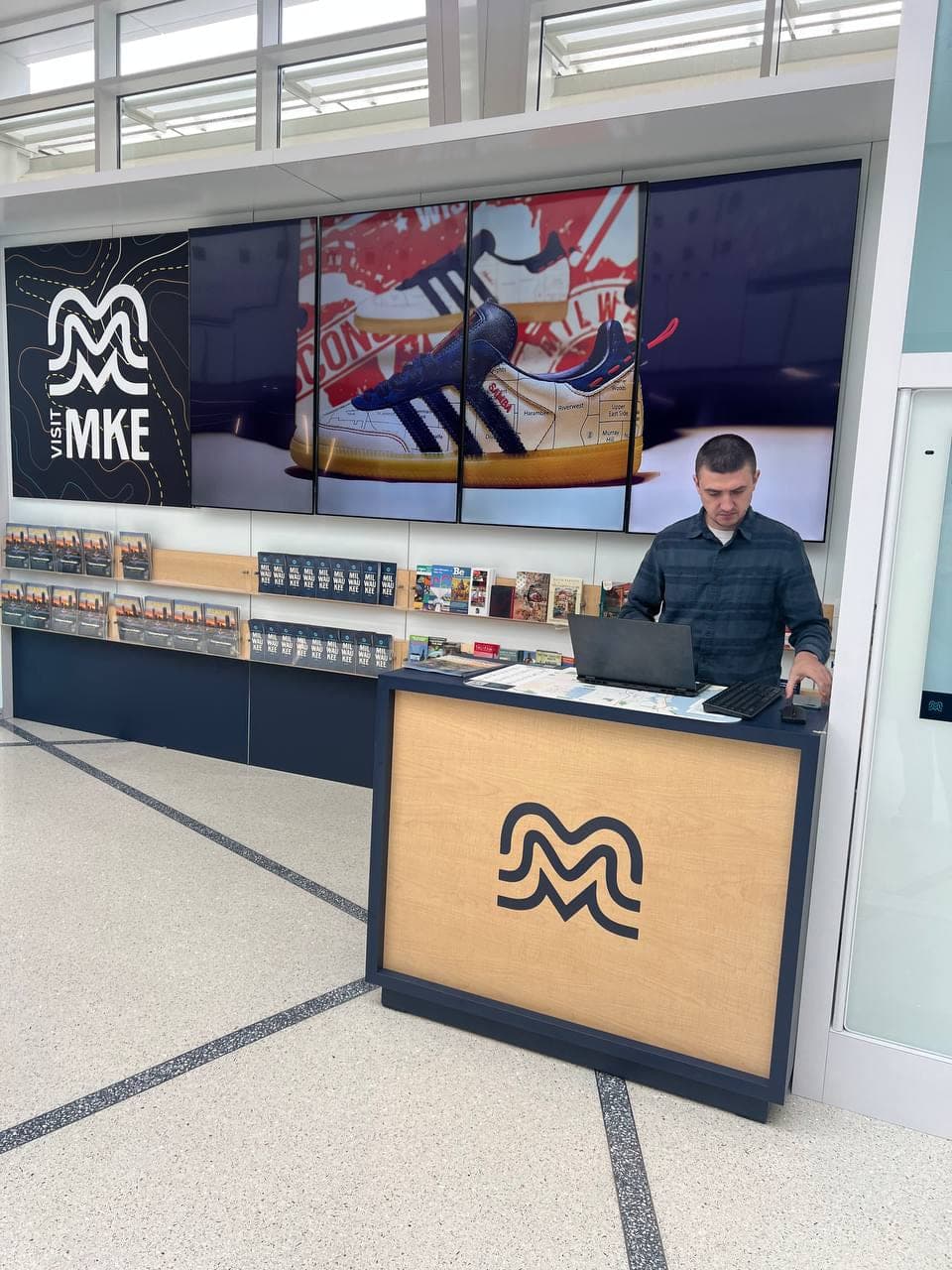
We set up a client's multi-screen video wall and media boxes, configured the supporting infrastructure, and completed the backend technology setup for reliable operation.
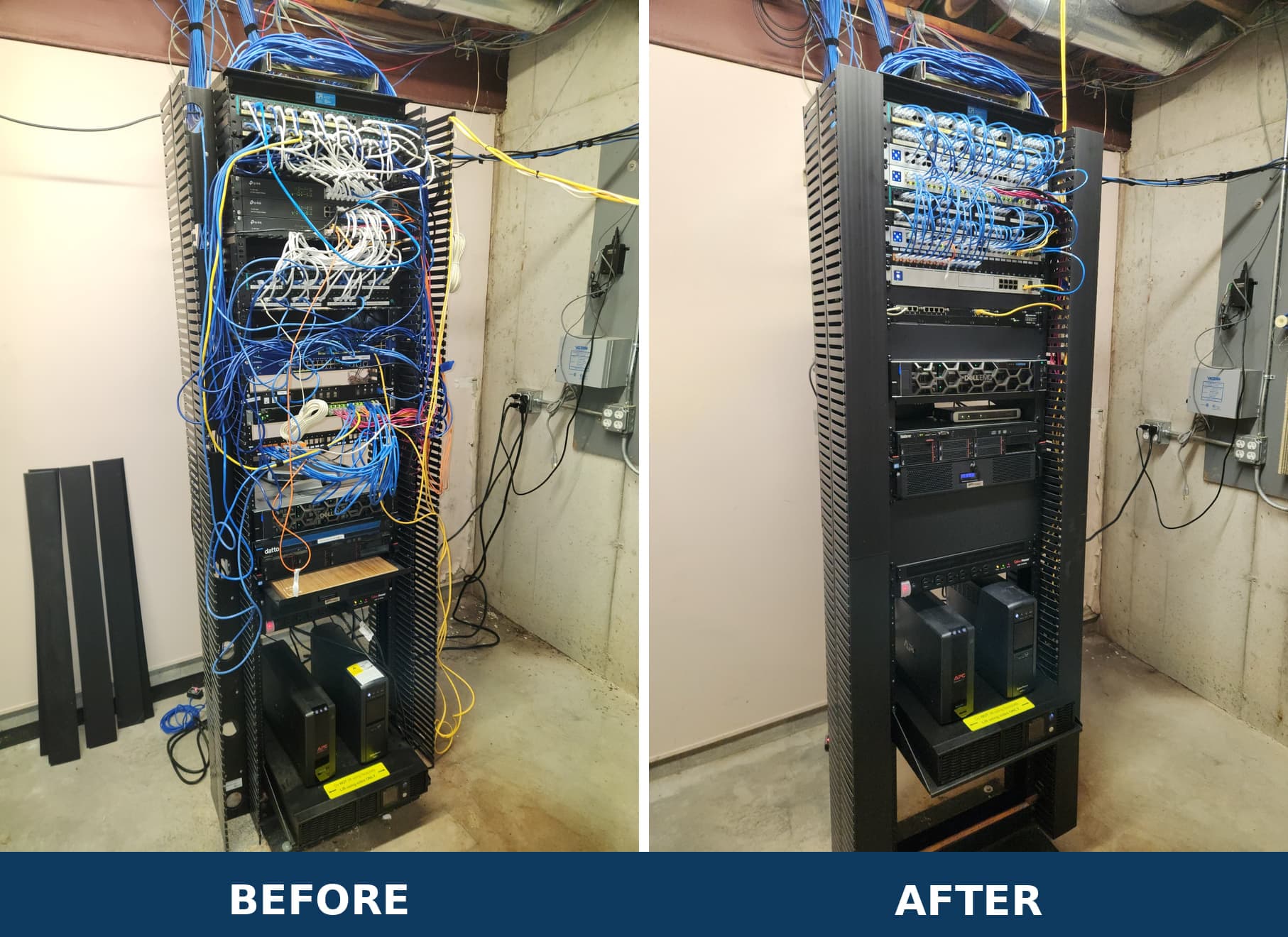
For a client in Watertown, we cleaned up the network for a health care provider. The cabling was tangled, so we reorganized the rack and made it easier to service and maintain.
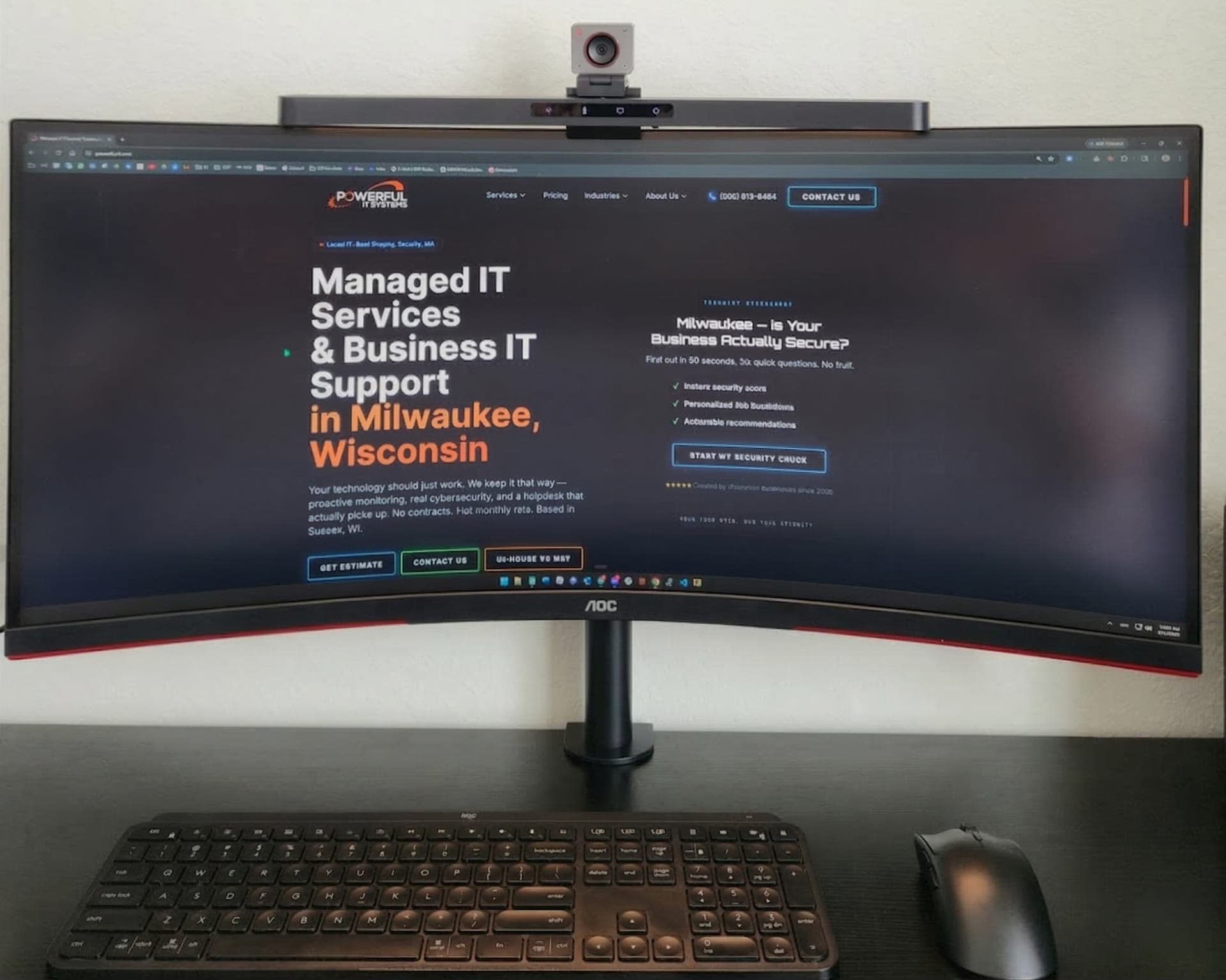
We set up a client's desktop, monitor, and peripherals, then configured the software they needed for day-to-day work.
This video shows an active client network rack with a Fortinet firewall, a Palo Alto firewall retained as backup, and Cisco switches carrying the network traffic.
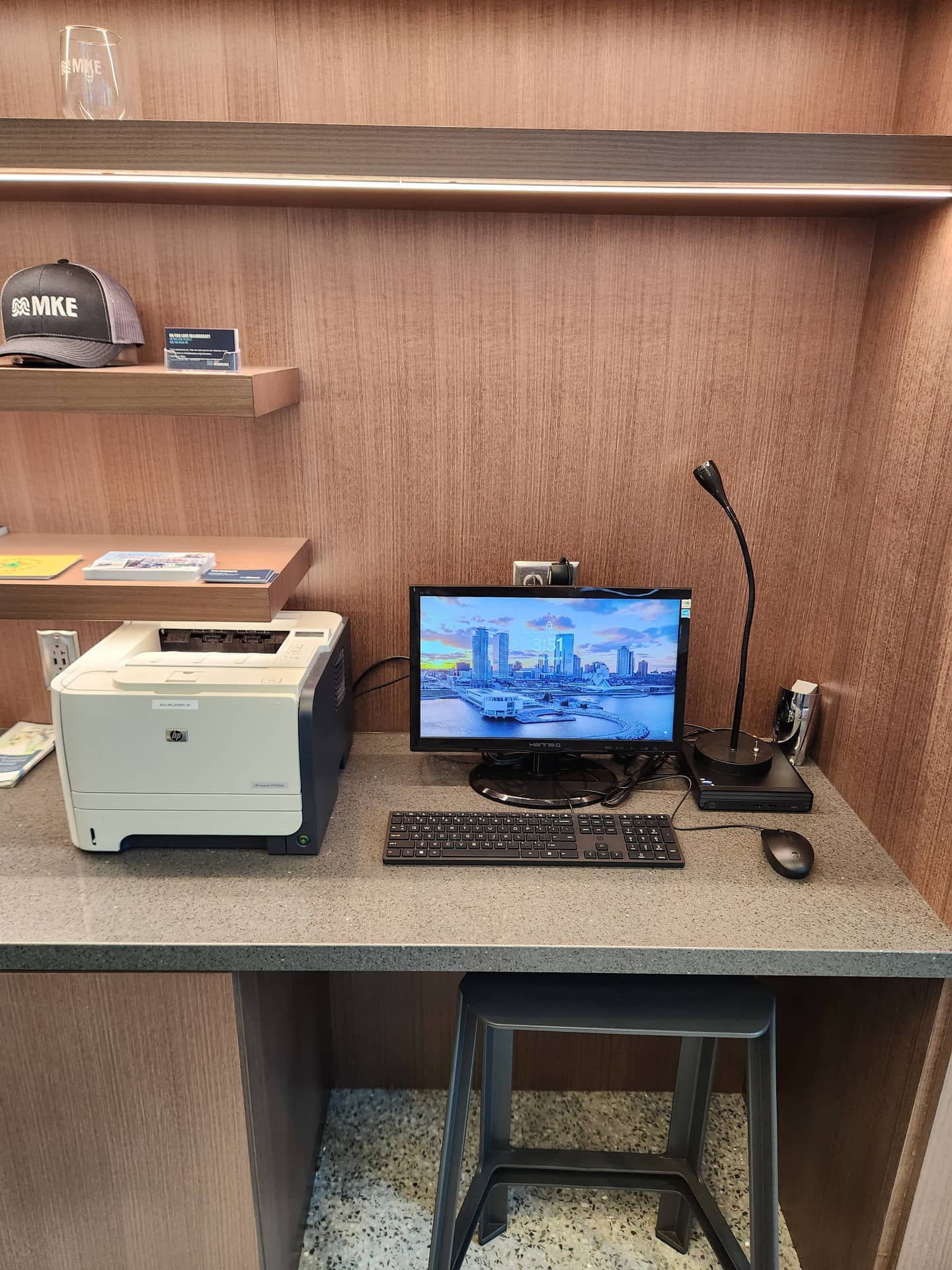
We set up a printer at a client's newest location, a representative office in a major Wisconsin convention center, and connected it to the work network so staff can work securely and efficiently.
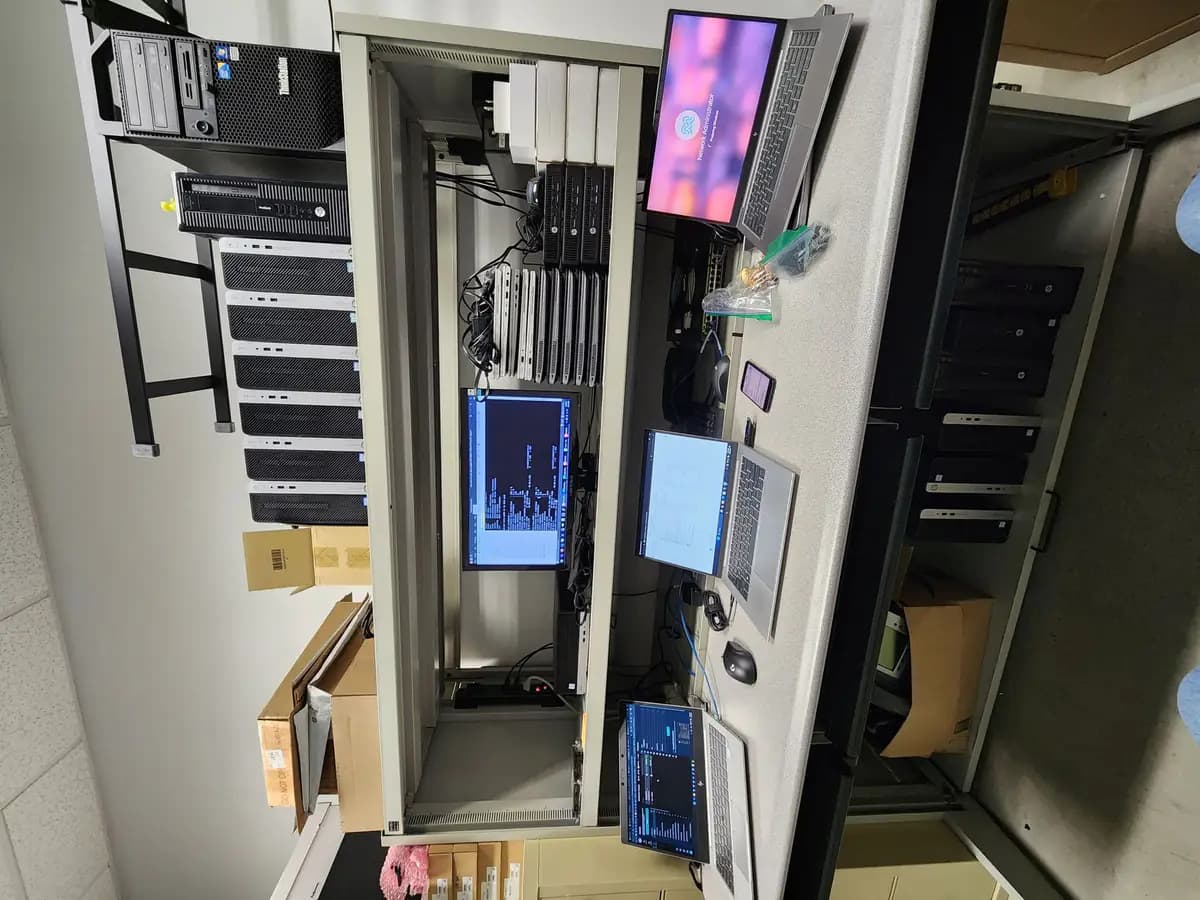
For client deployments, we use this staging bench to image, update, and prepare desktop and laptop systems before they go to the site.

We deployed and configured this managed firewall for a Milwaukee client to segment the network and protect the internet connection.
This video shows the aggregation switch, a Cisco switch passing traffic through a client's network rack.
This video takes a close look at a client's firewall front panel, including the labeled ports, status lights, and secure network connections.
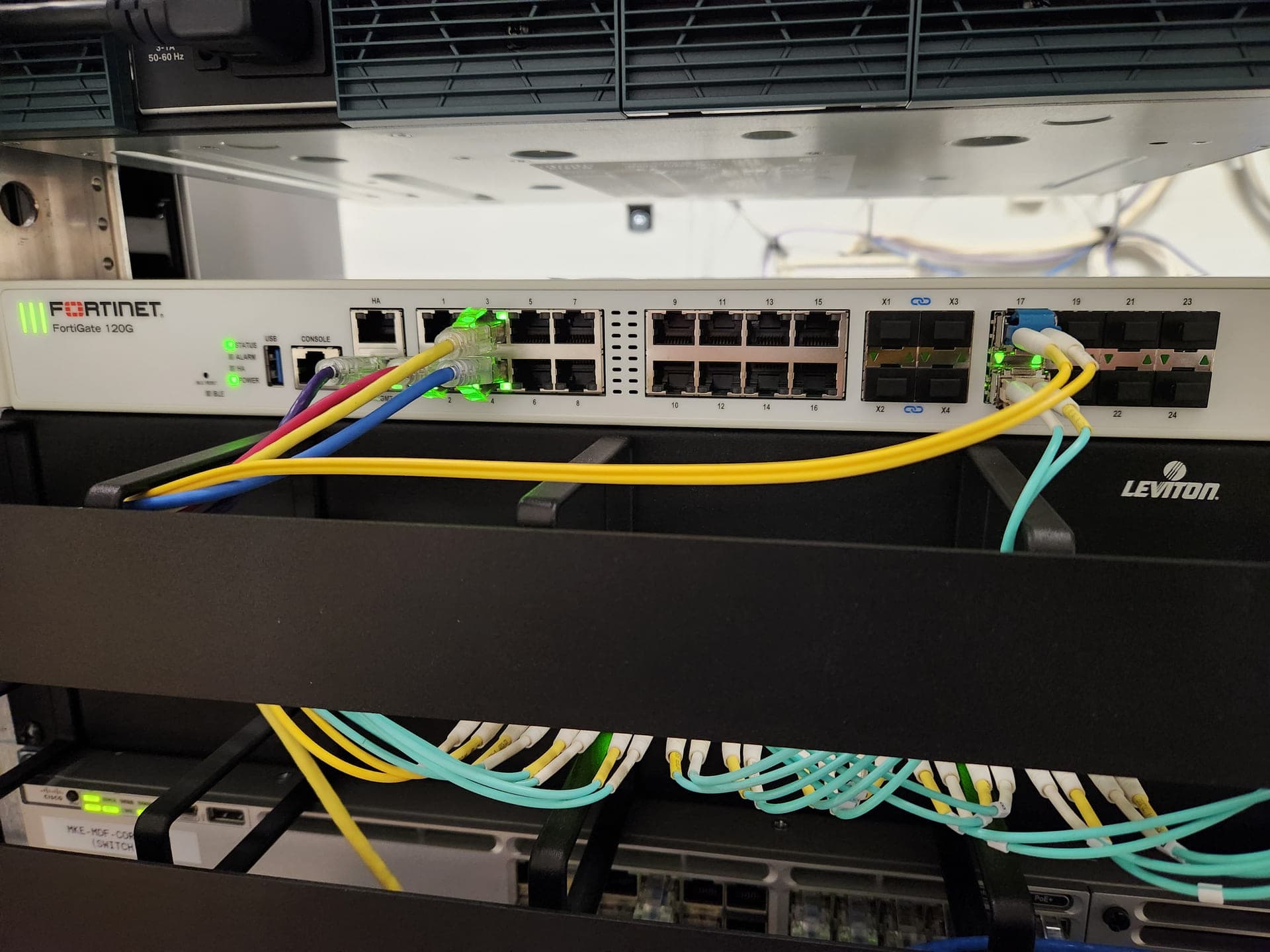
We installed a Fortinet firewall above a Cisco switch in a client's core rack, then dressed the fiber and copper uplinks into the rack.
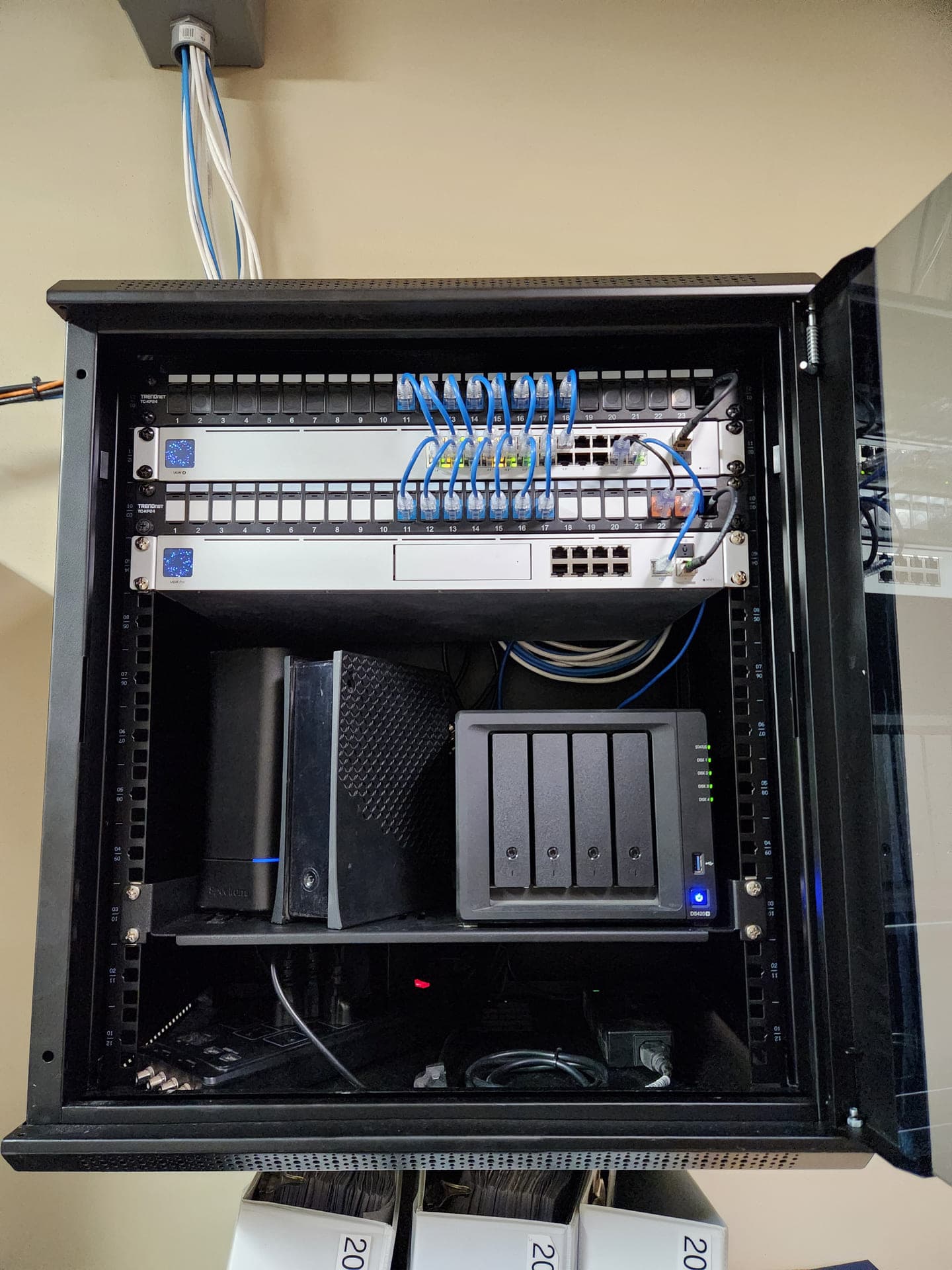
For a client in Hartford, we built out the network cabinet with new UniFi networking and Wi-Fi equipment, then configured Synology file storage in a compact, quiet setup.
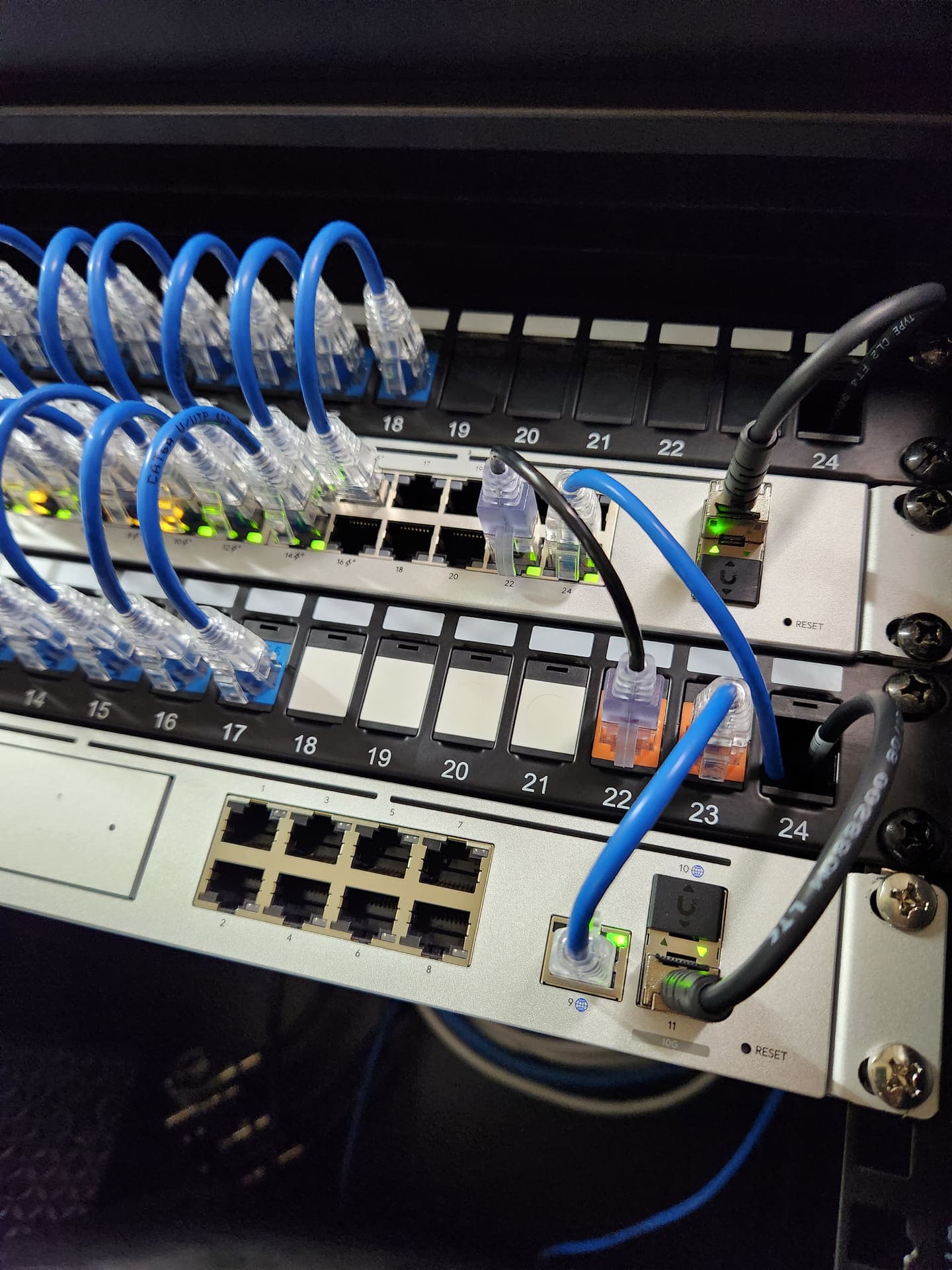
We terminated this client's patch panel into a 10G switch, keeping the bundles clean and mapping each port.
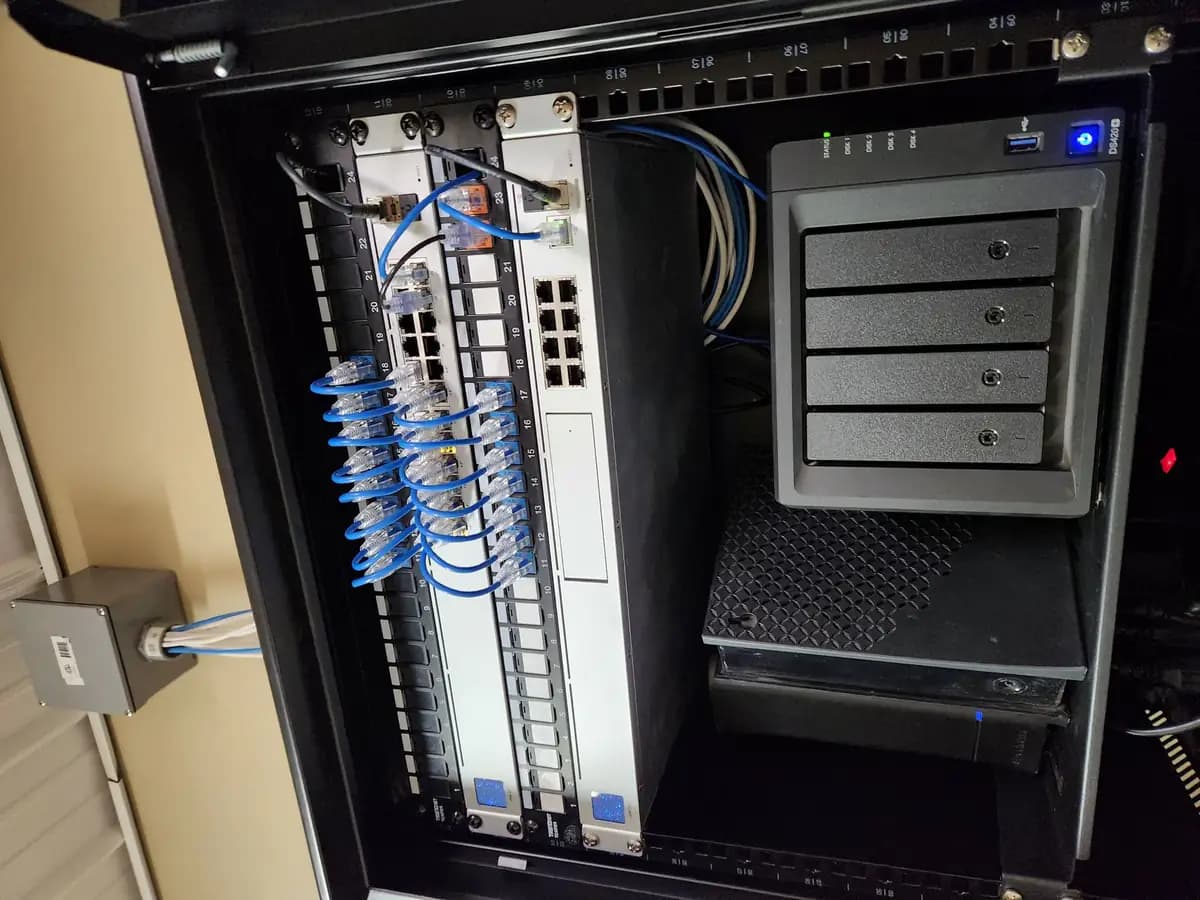
We installed and configured a Synology DS420+ for a client's file storage, with the patch panels organized above it.
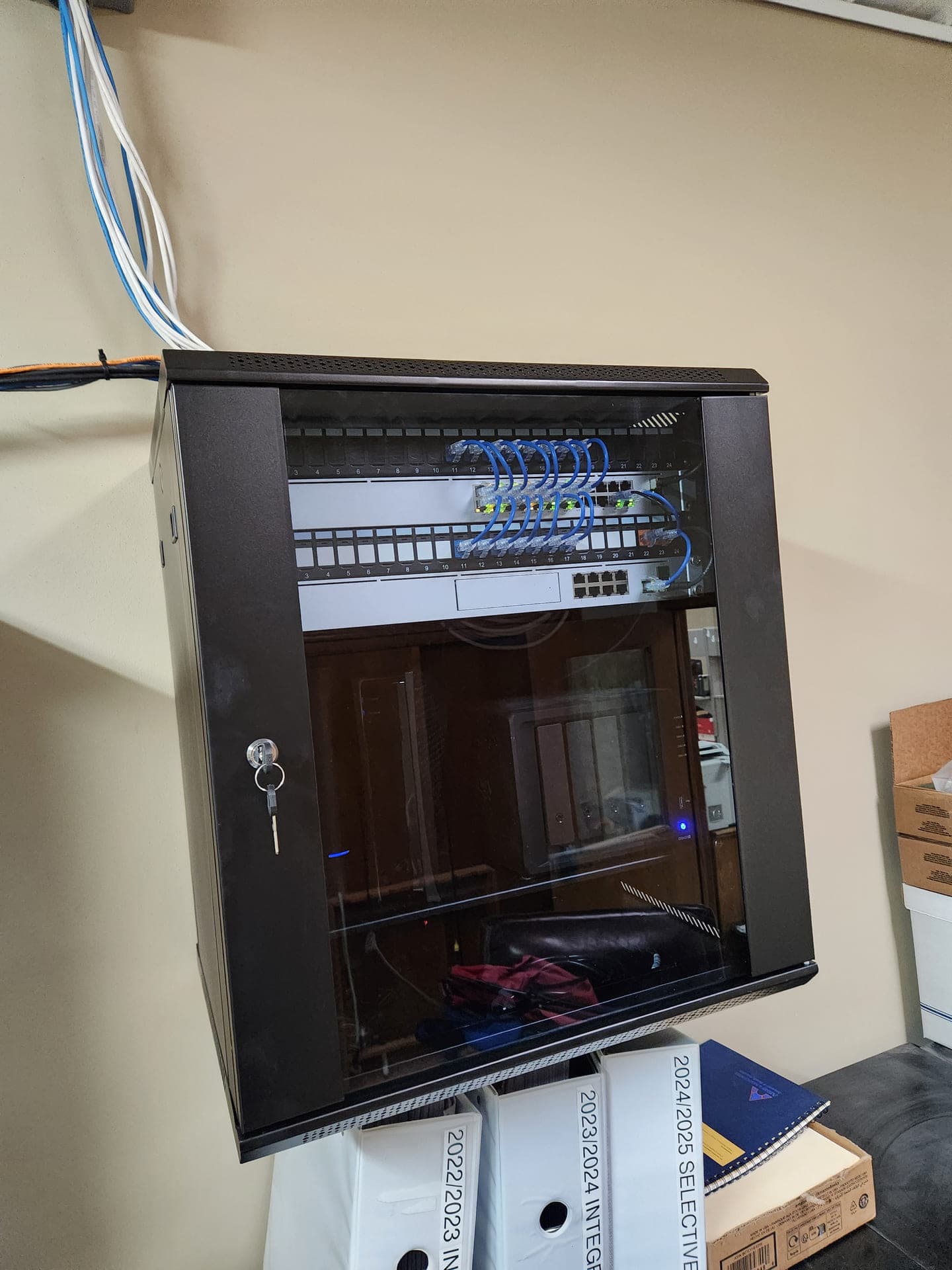
We re-terminated this client's wall cabinet, organized the patch panels and switch, and labeled the cable runs.

We configured a Brother multifunction printer for a client and connected it to the office network for printing, scanning, and copying.
This video shows a full network infrastructure setup for a client moving into a new marketing office. We installed and configured the network, cabling, and supporting equipment.
This video gives an overview of a client's network rack filled with HP servers, all powered up and running.
This video shows a client's core rack with a Cisco voice gateway and Palo Alto firewall powered up and passing traffic.
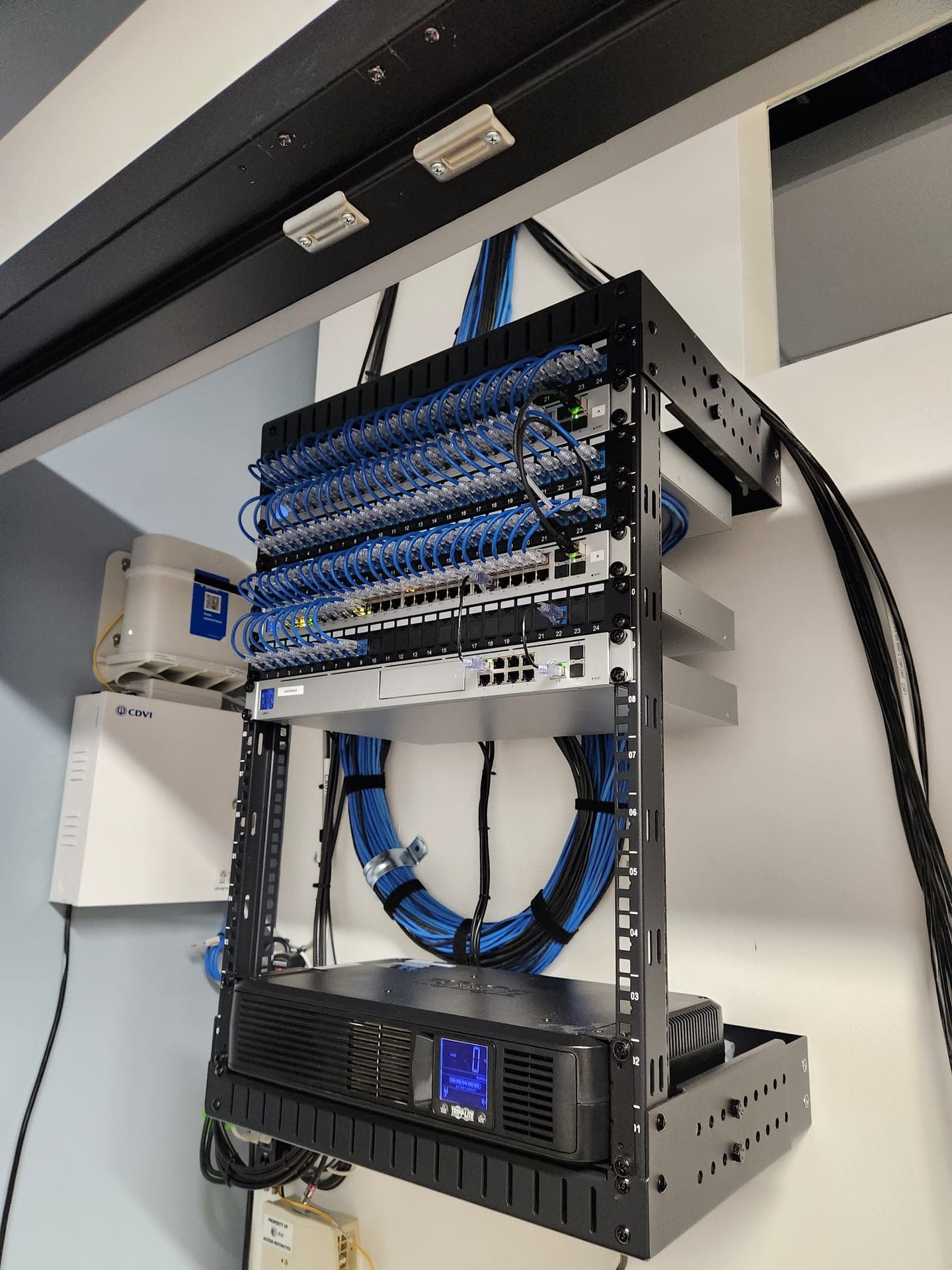
We installed patch panels, a gateway appliance, and a Tripp Lite UPS in this client's network closet.
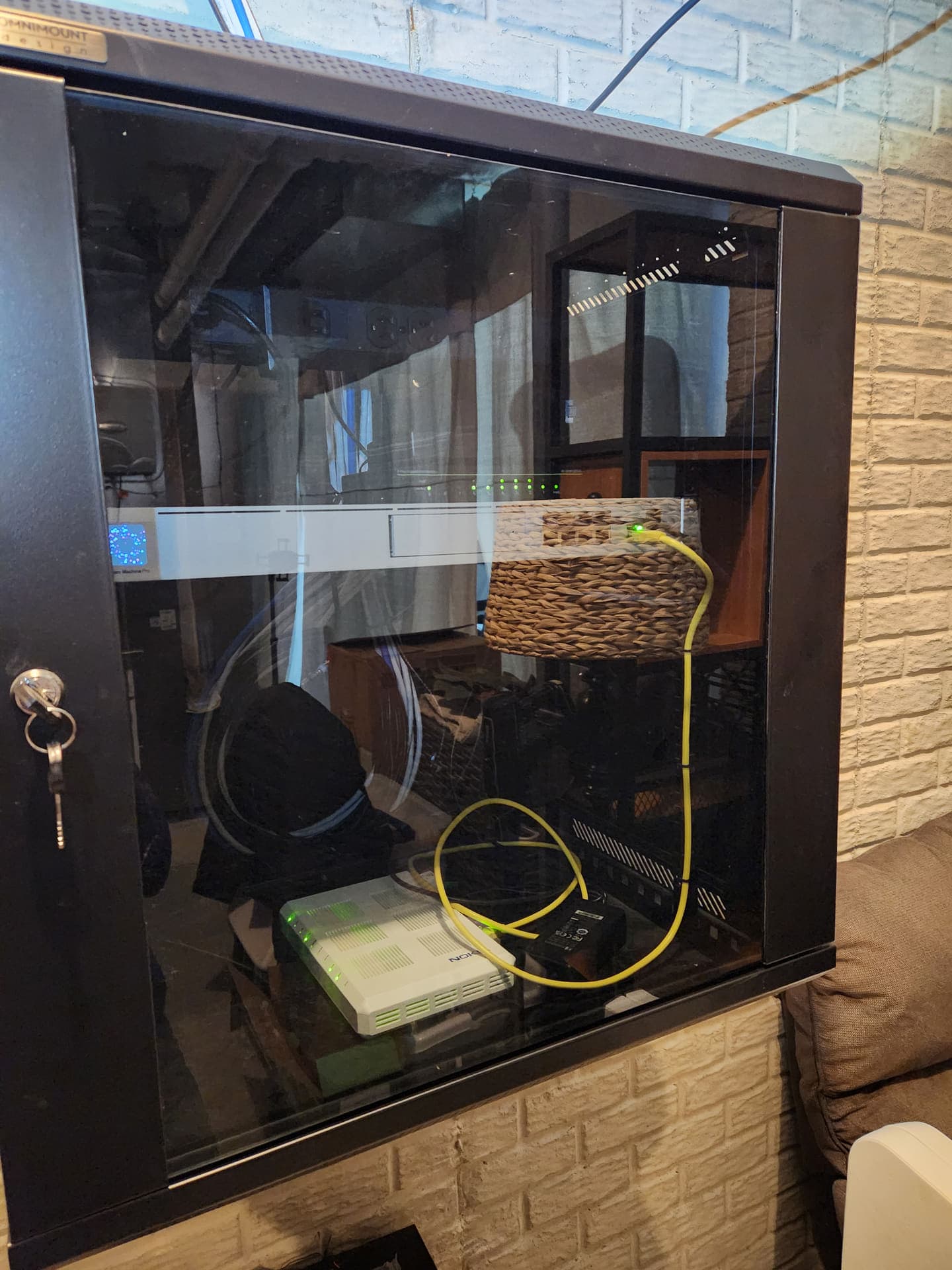
For a home client, we set up new UniFi access points, a firewall, and a small network switch to make the wireless network more stable and the home network more secure.
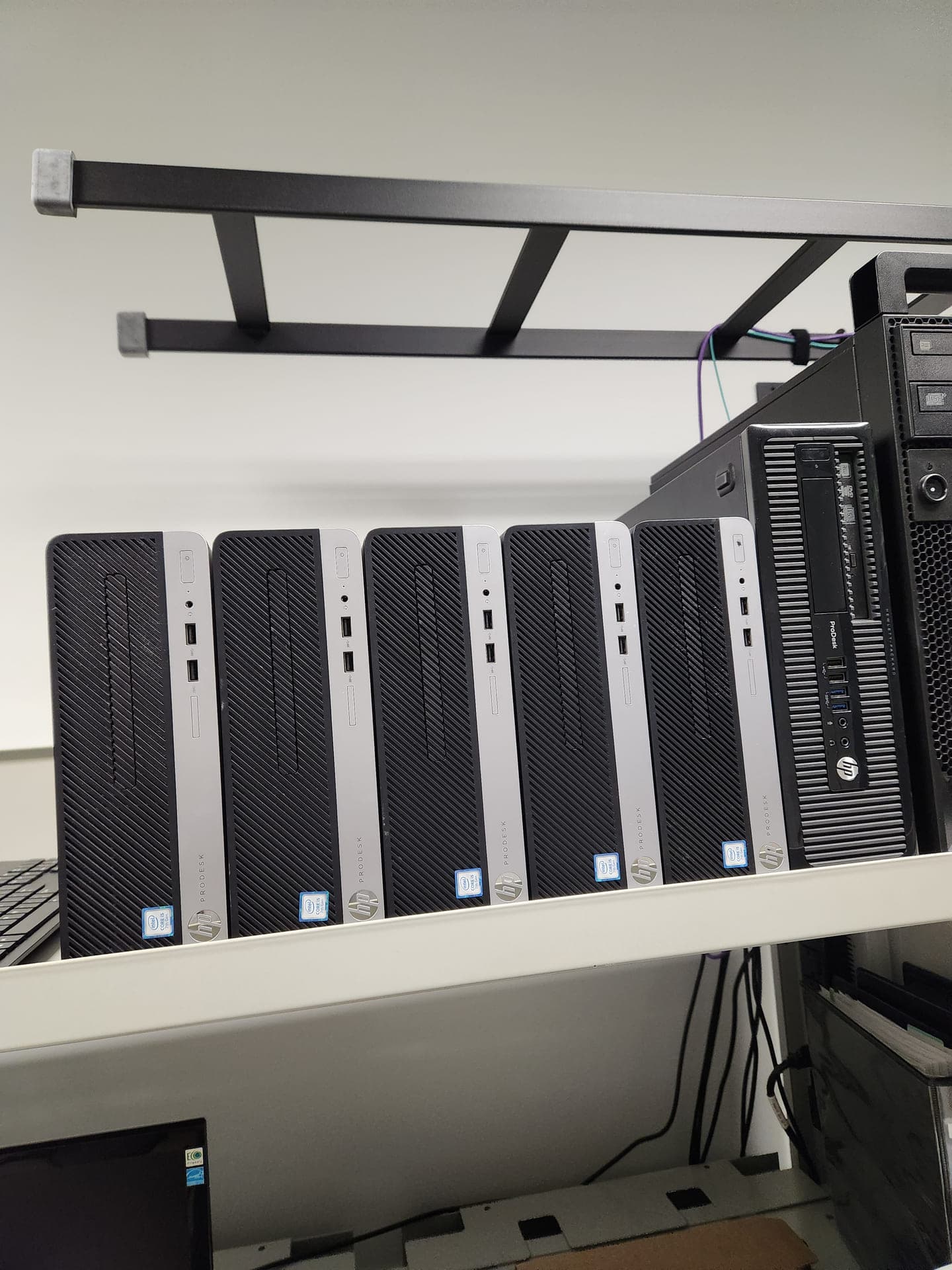
These desktops were staged for client work. Some are outdated and waiting to be recycled, while others are ready for new employees' workstation setups.
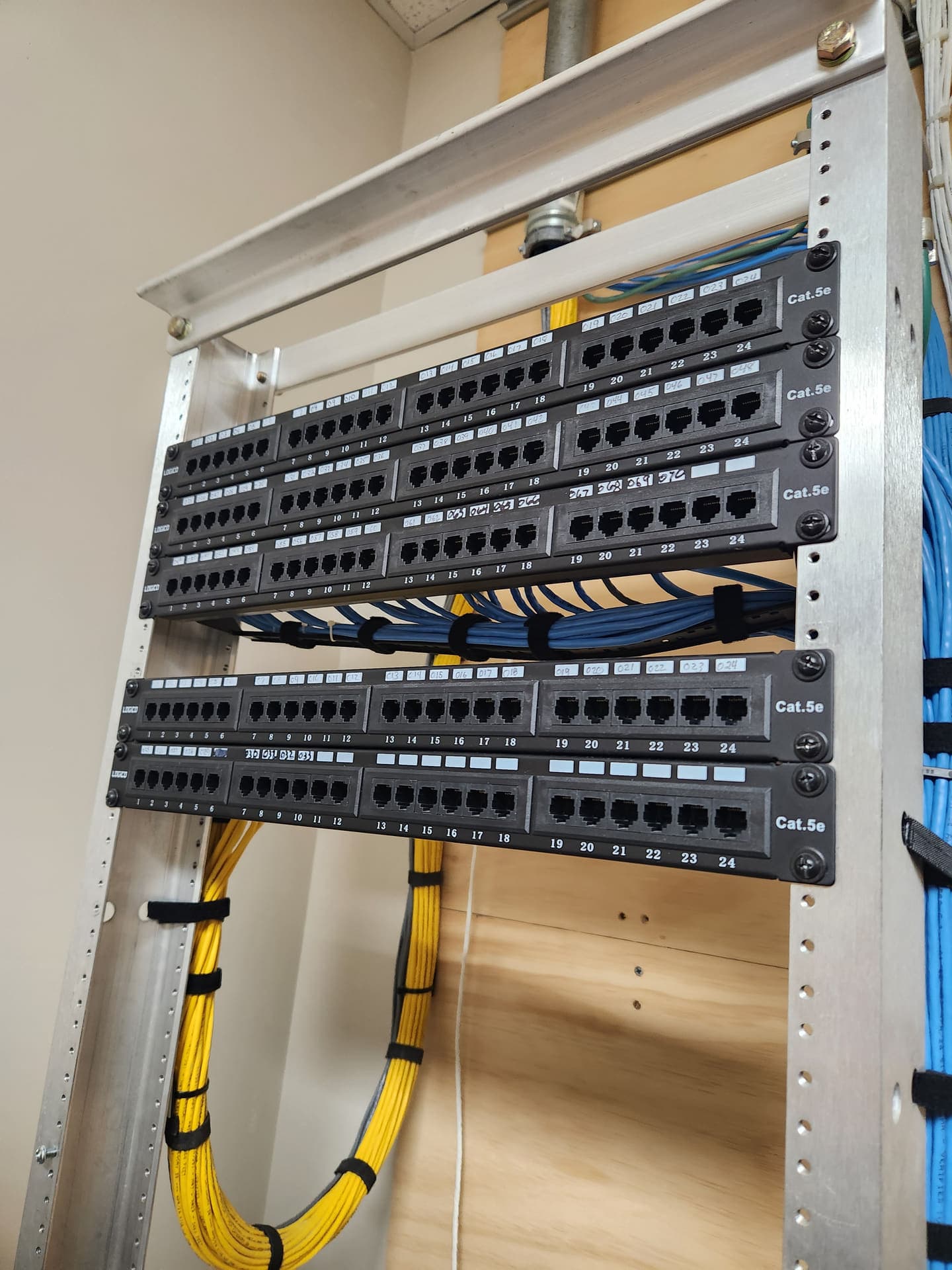
We prepared this clean patch panel in a client's network rack while waiting for the new switch to be installed and configured during their onboarding.
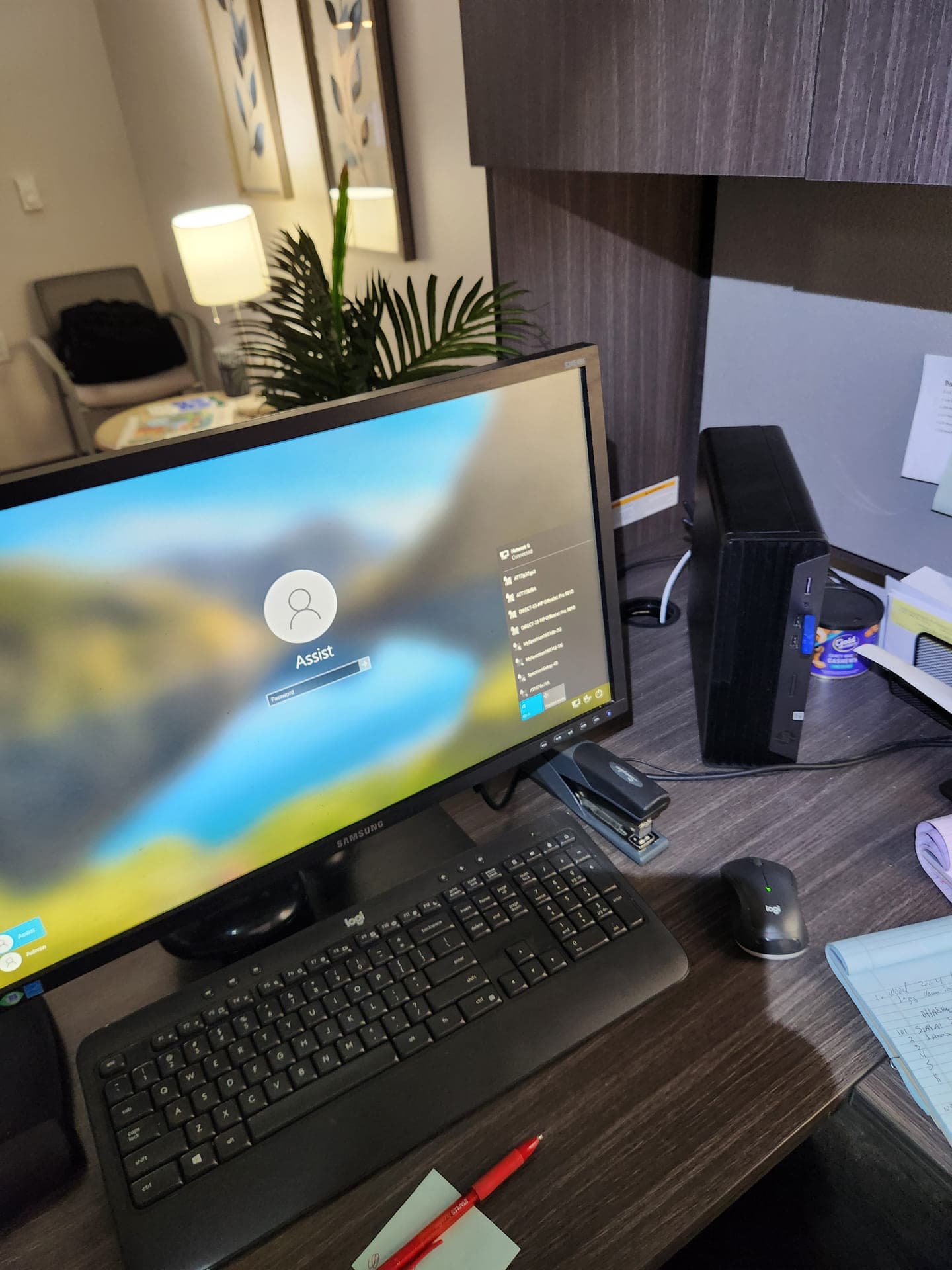
We set up this assistant's workstation in one of the client's leasing offices, connected to the network and ready for daily work.
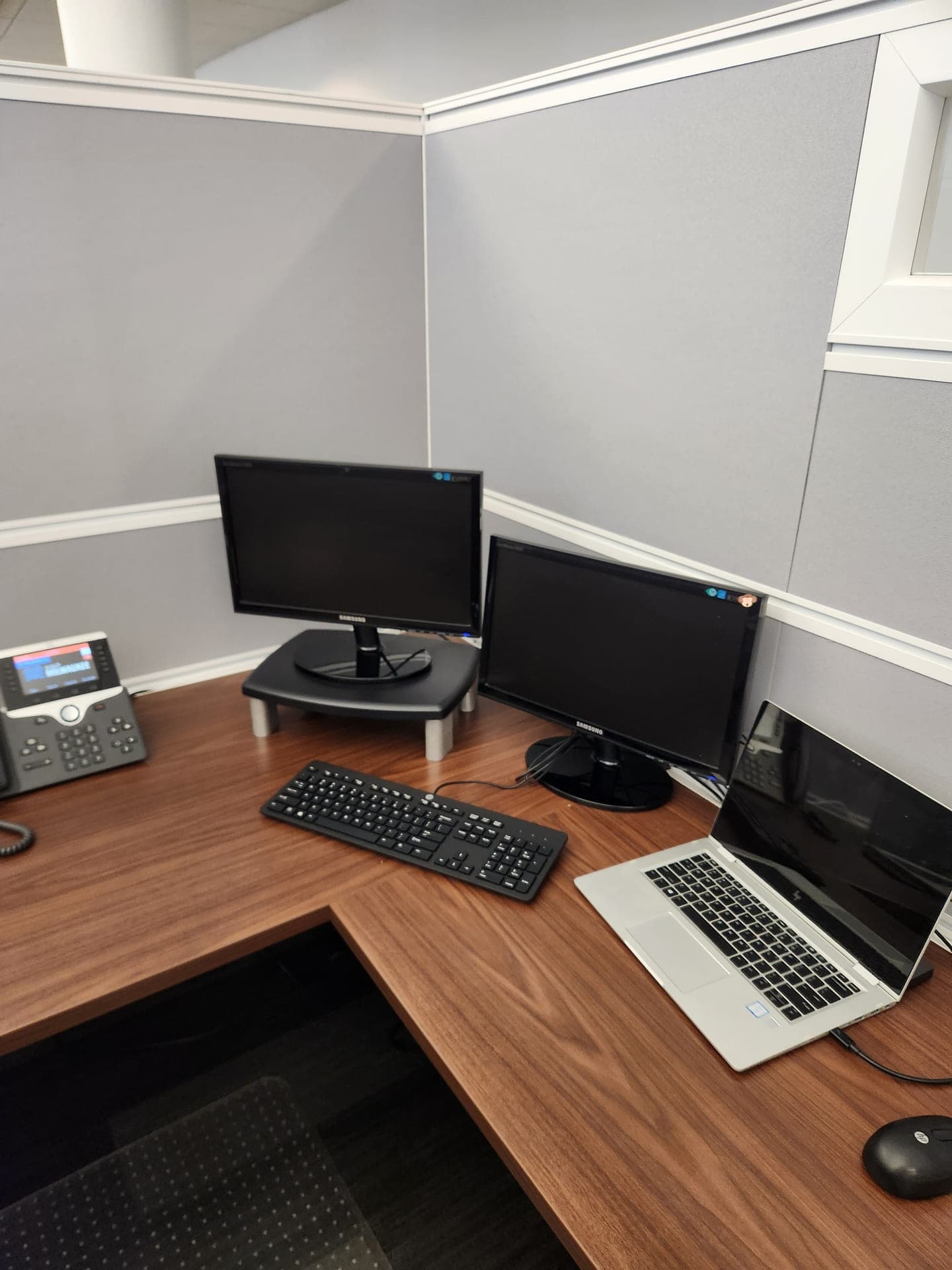
We prepared this simple cubicle setup for a client's new employee starting Monday, with the equipment and connections ready to go.
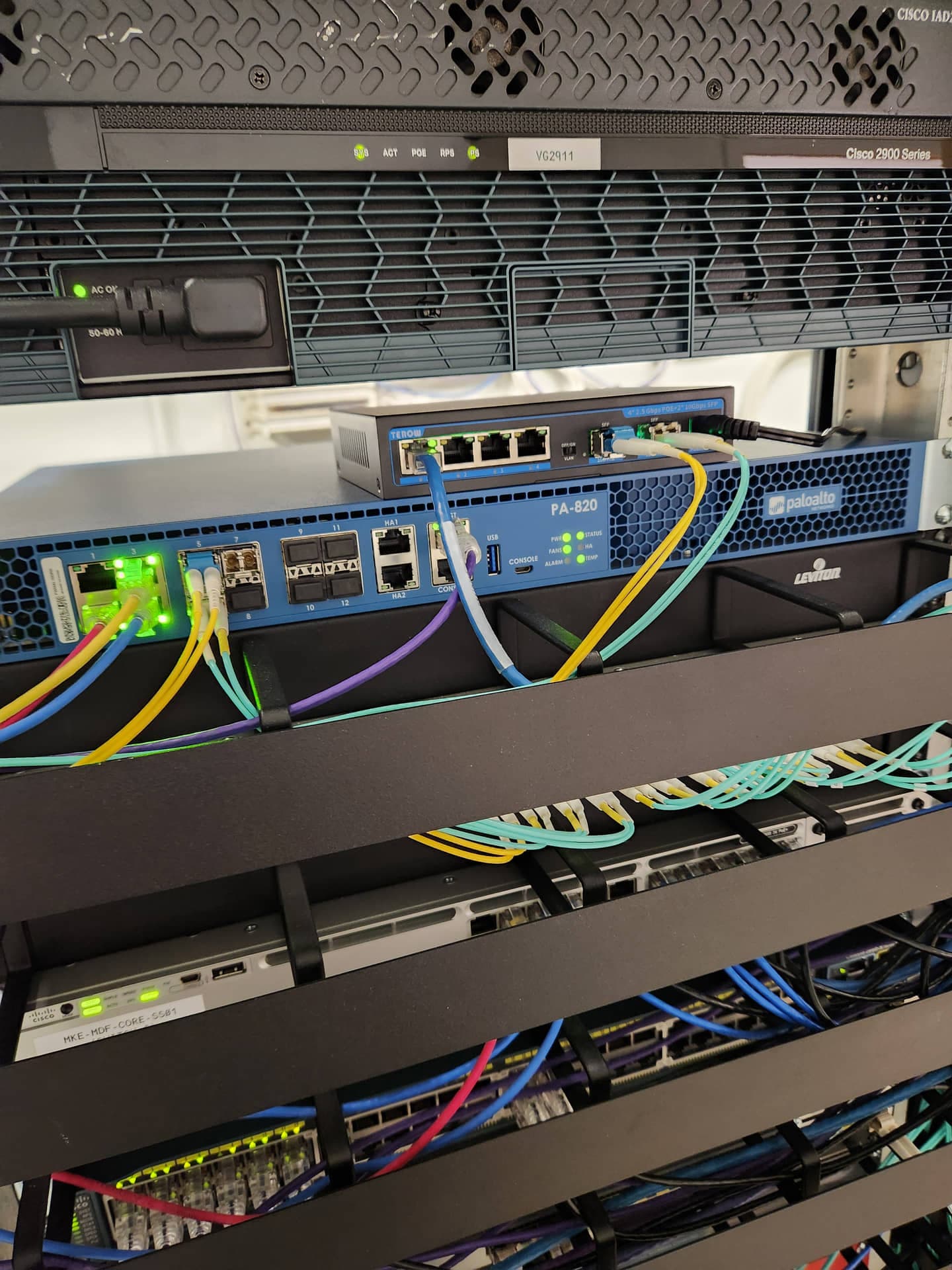
We installed a Cisco switch and Palo Alto firewall in this client's rack, connected the equipment, and prepared it for service.
This video shows a client cabling cleanup, from a tangle of runs to a dressed, labeled patch installation.
This video shows a client's network rack mid-refresh, from empty rails to a populated and powered setup.
This video shows a client's network tidy-up, with loose cabling replaced by orderly patch work.
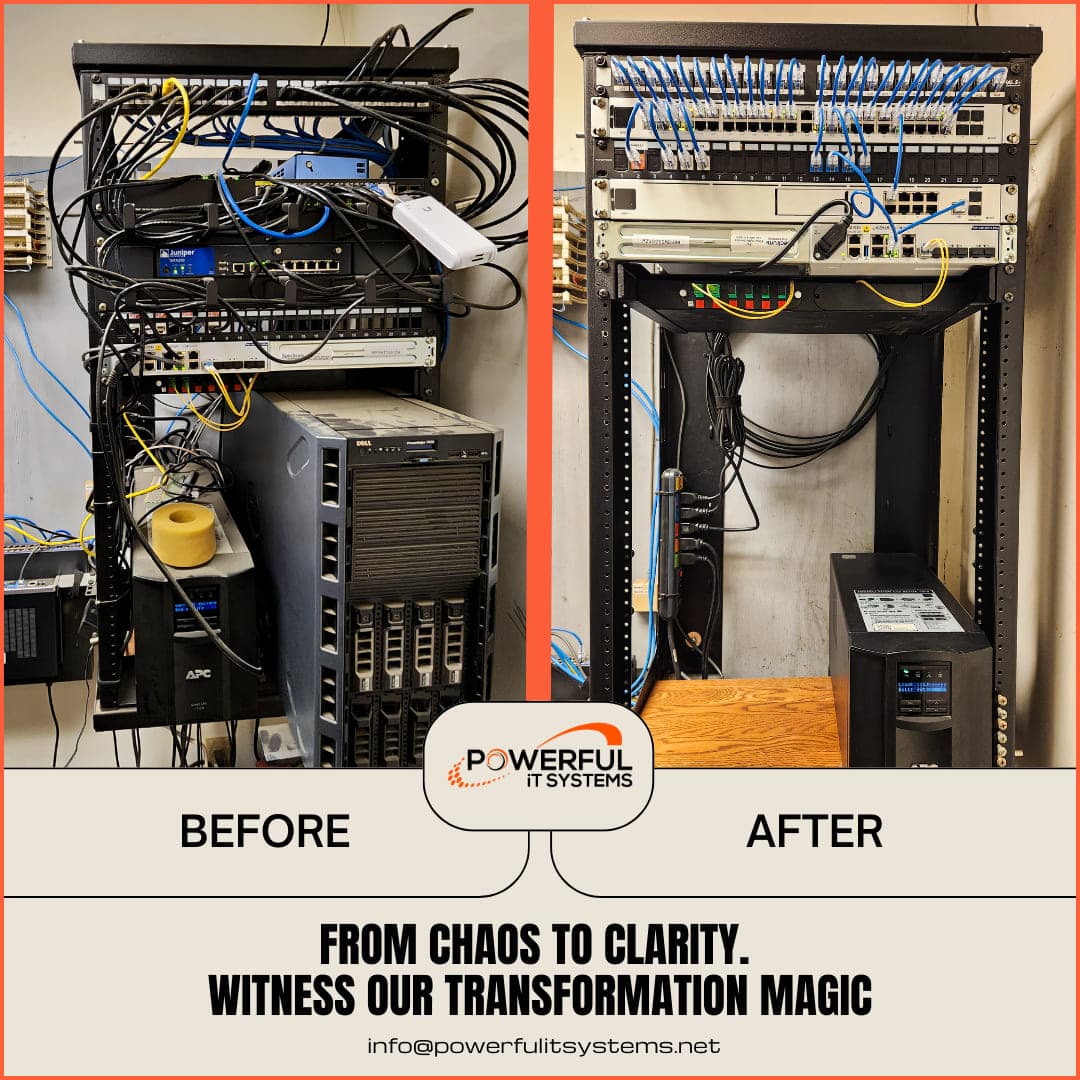
For a large heavy-equipment client in Hartford, we cleaned up the network and replaced outdated hardware. The result was a cleaner, more serviceable rack.
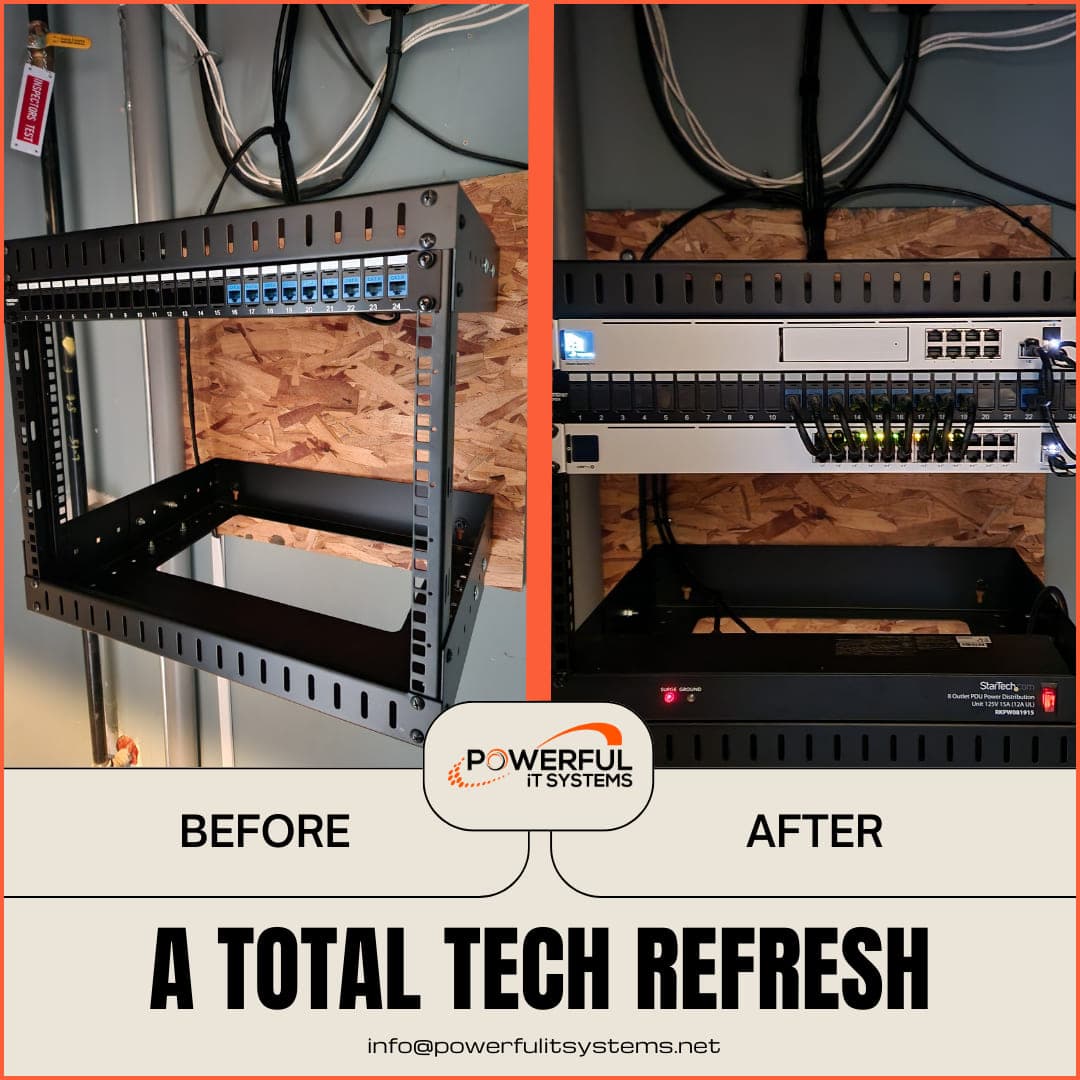
We completed a total network refresh for a client, rebuilding a partial installation into a complete, cabled, and tested setup.
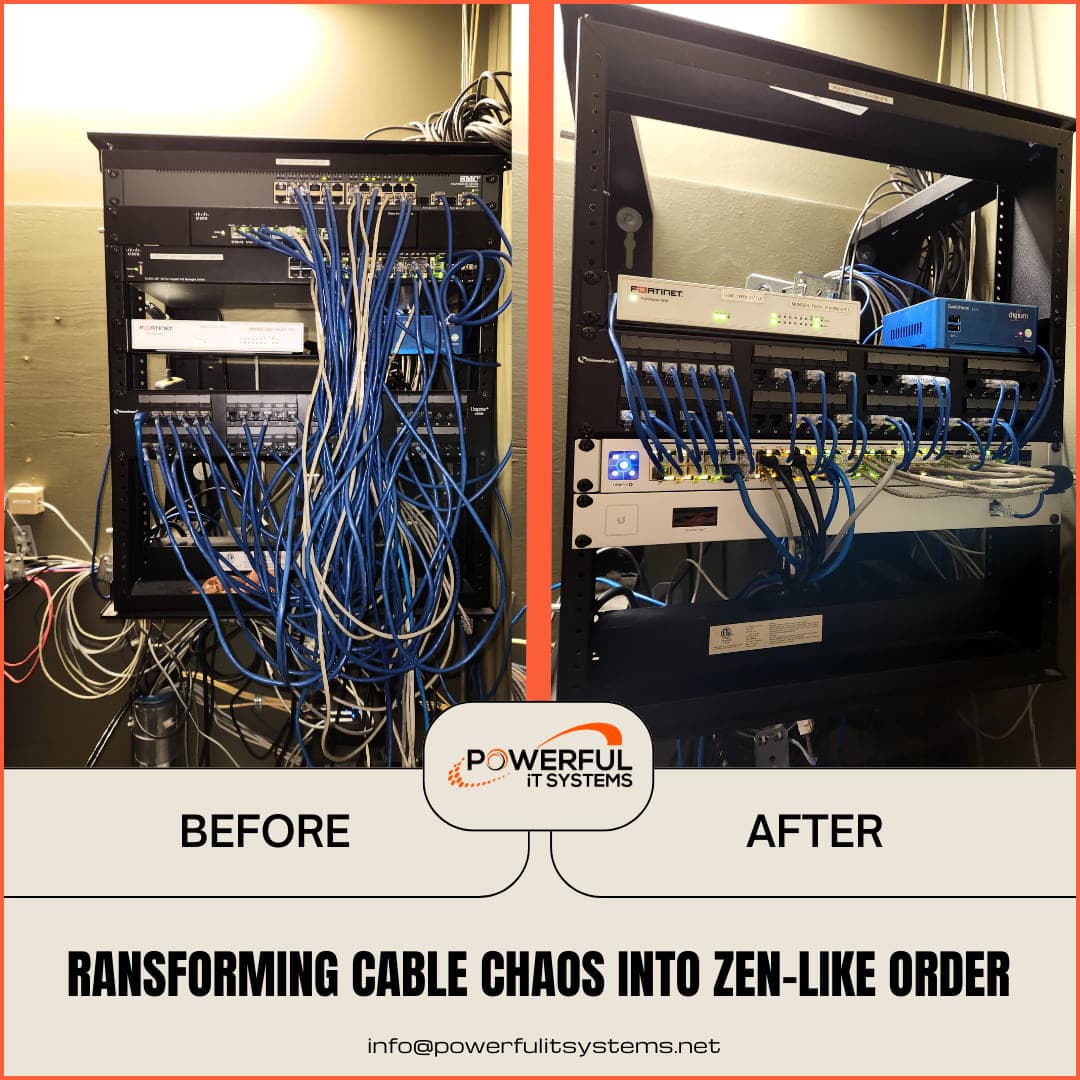
For a local cafe-chain client in Milwaukee, we redid the network cabinet, installed new equipment, and added a new wireless access point. This shows the before-and-after result.
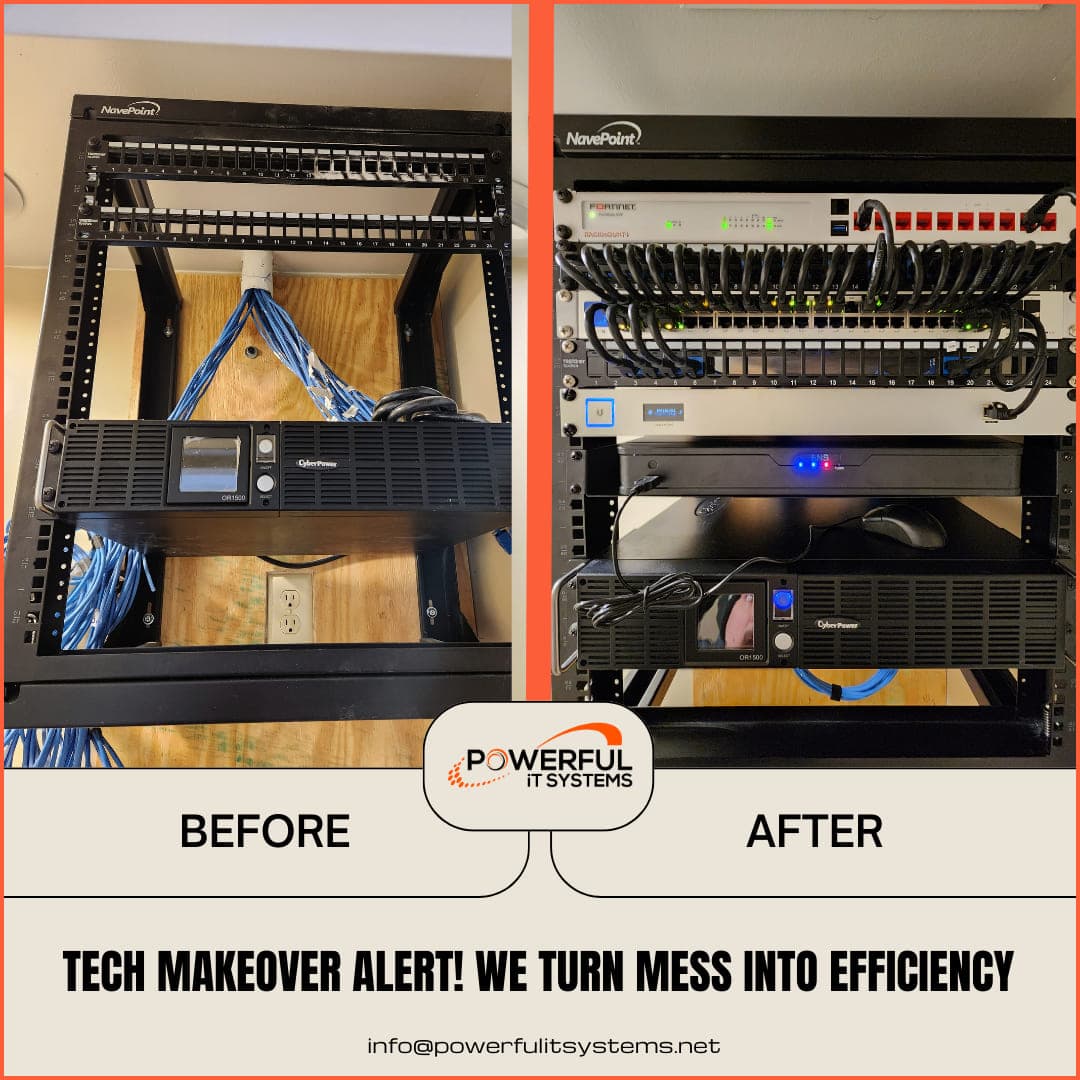
For a small school client in Brookfield, we completed the network setup end to end. We installed and configured a Fortinet firewall, UniFi Wi-Fi system, UPS power redundancy, and 10 access points.
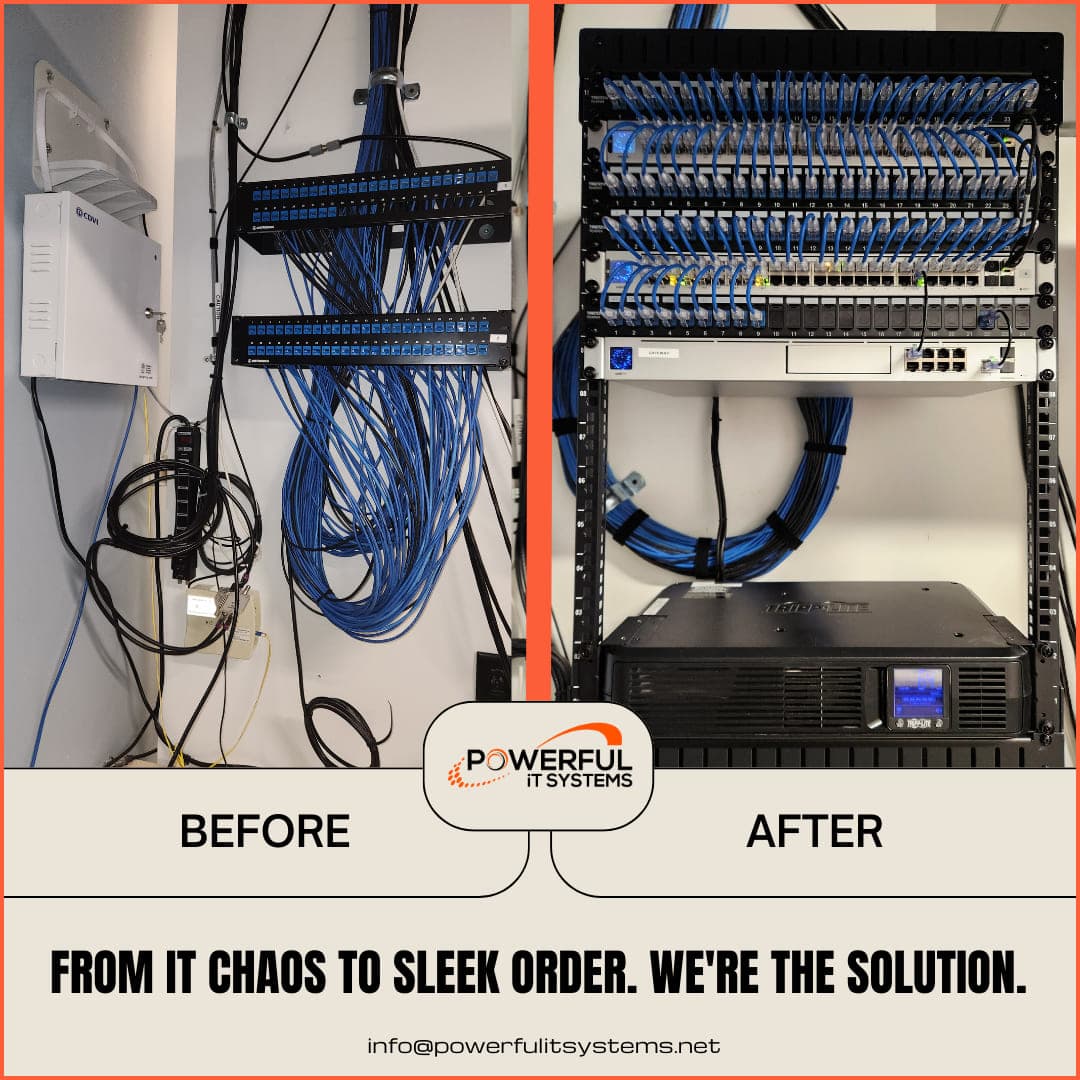
We turned a client's wall-mounted wiring into a proper rack with patched, labeled, and managed connections.
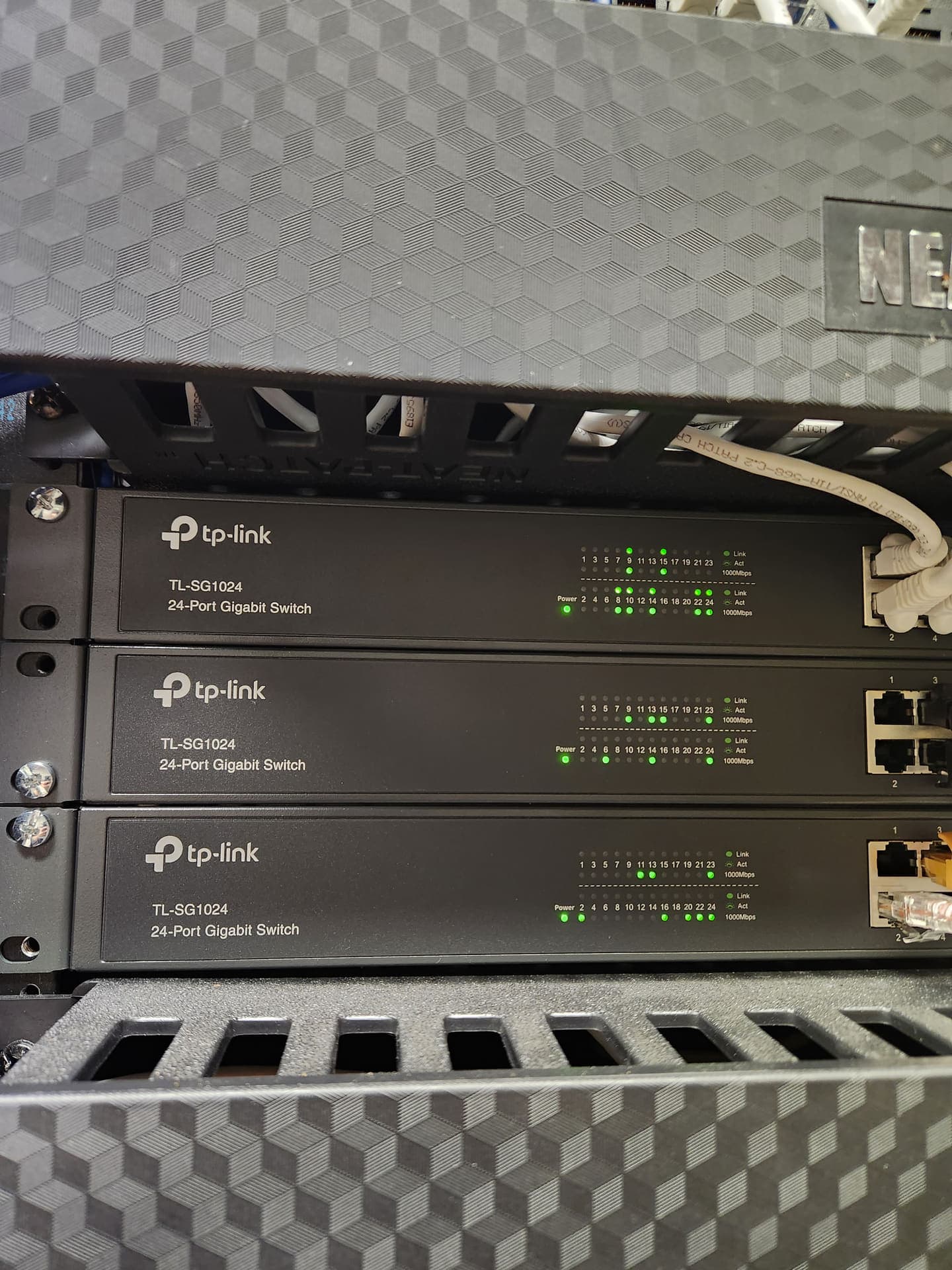
We installed and configured this client's rack of TP-Link 24-port gigabit switches, then connected and labeled the patch cables.
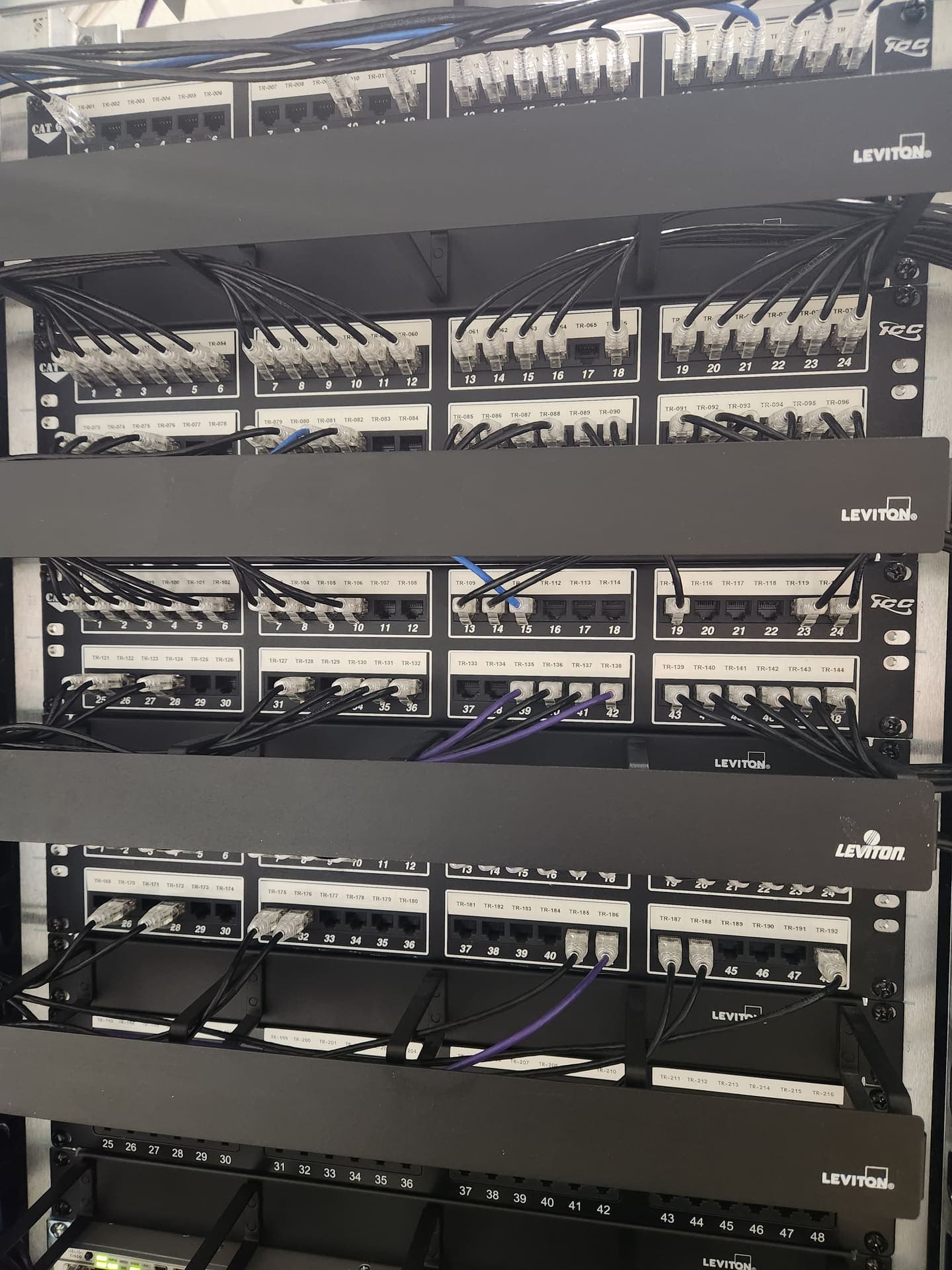
We organized a client's structured cabling with Leviton patch panels and more than 200 identified runs, mapped from TR-001 through TR-216.
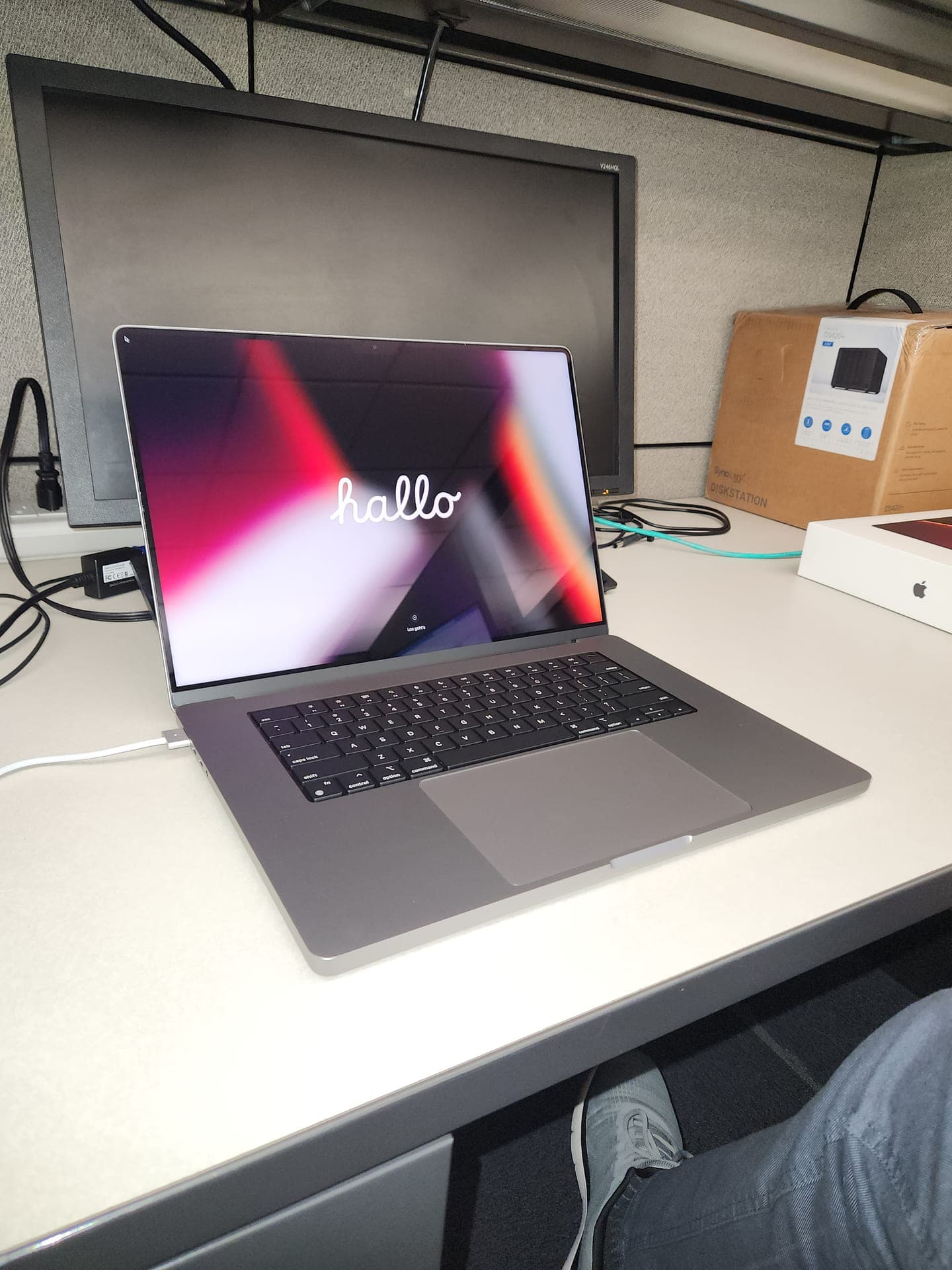
We configured this MacBook Pro for a client's marketing department designer who needed a reliable system for heavy graphics work.
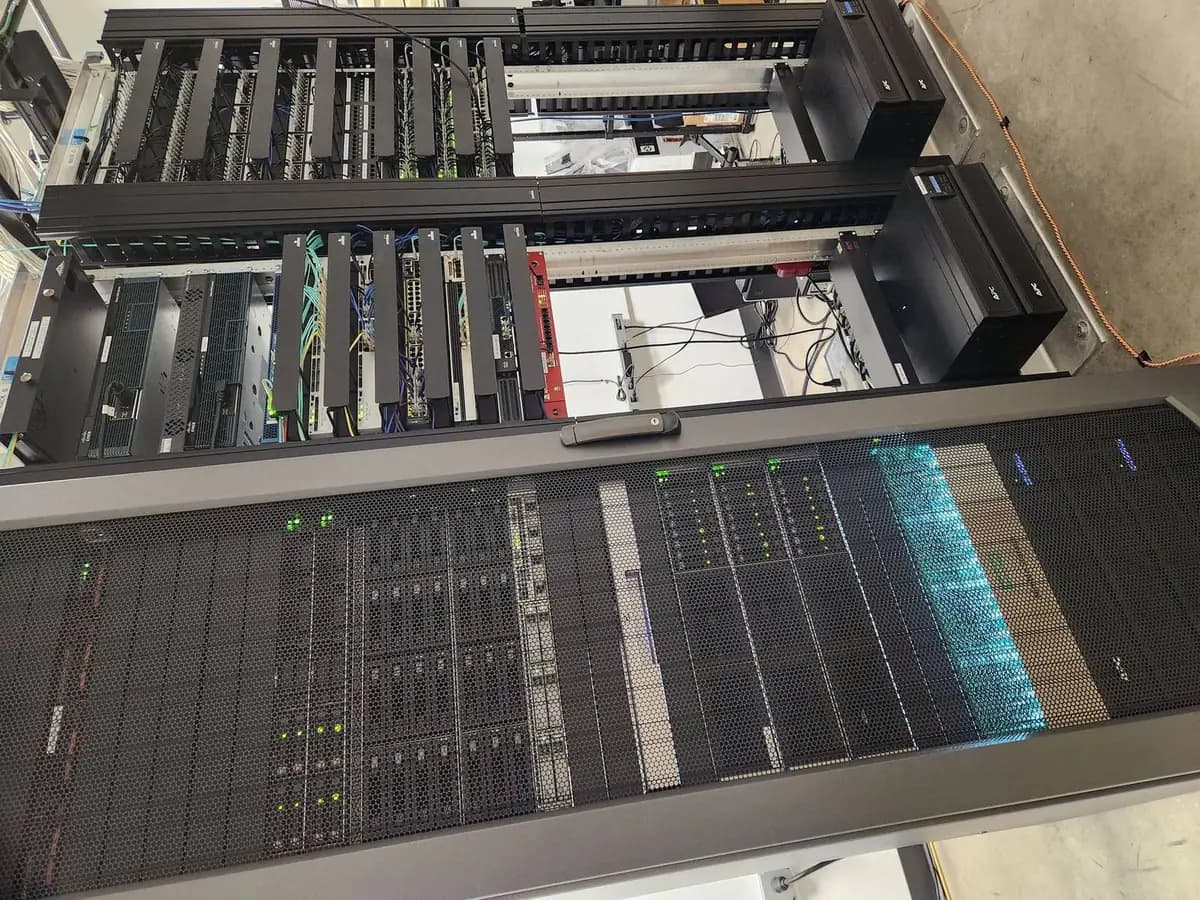
We worked on these client server-room racks, supporting the rack servers, Cisco networking, and APC power systems.
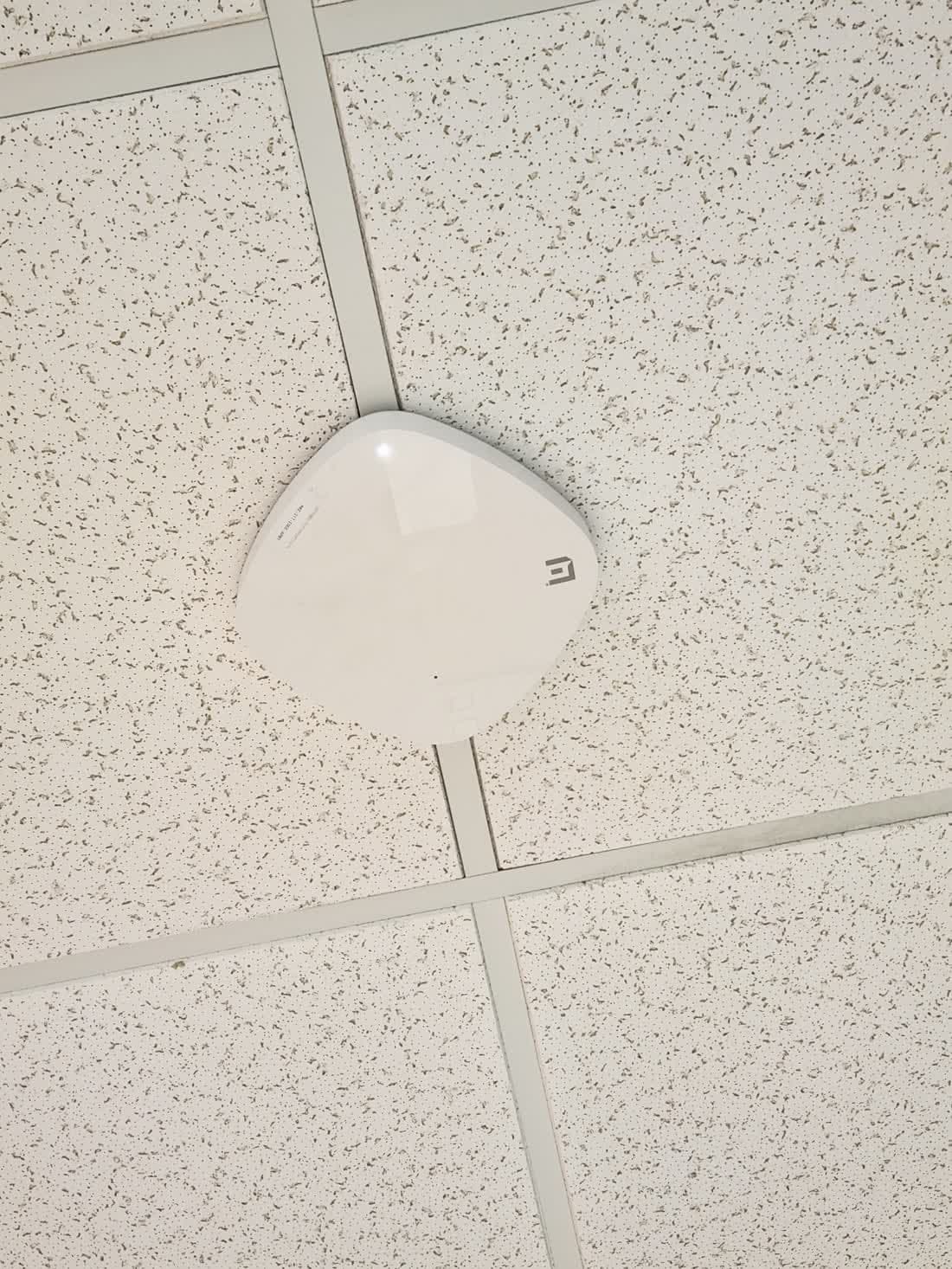
We installed this Xtreme Networks ceiling access point for a client to provide reliable wireless coverage.
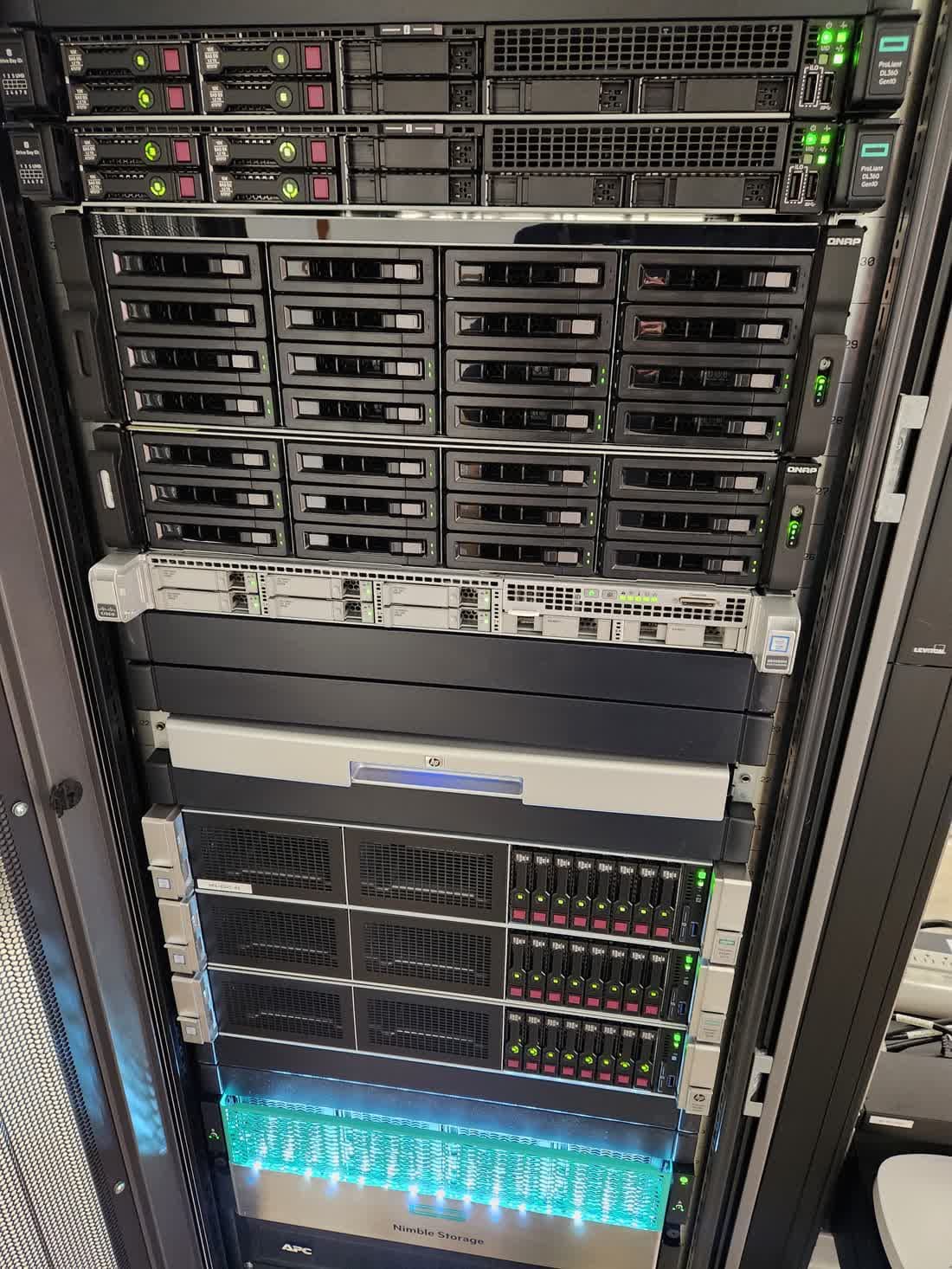
We supported this client's server room with ProLiant servers and a Nimble storage array in the rack.
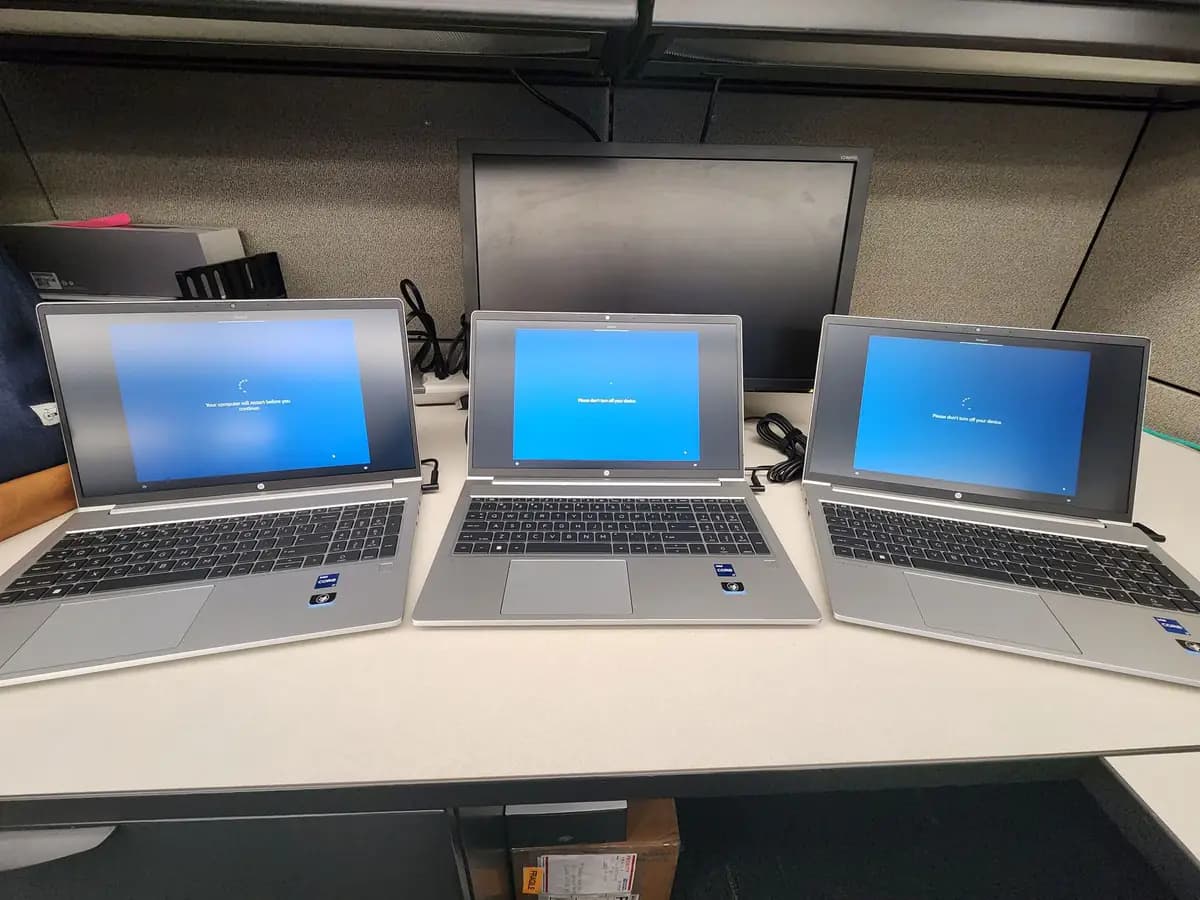
We imaged and staged these HP laptops for a client, loading the setup screen before the user profiles and applications were added.
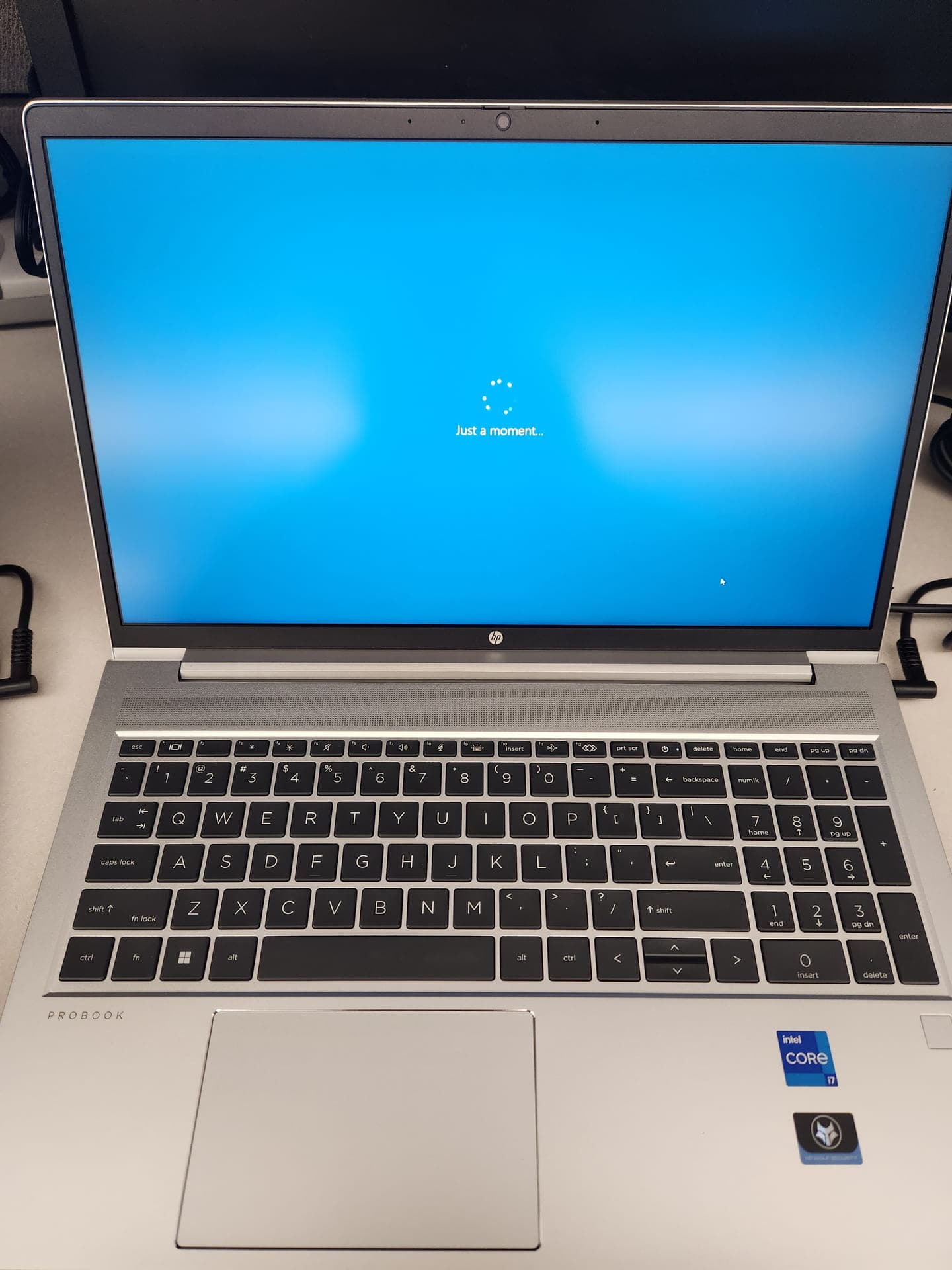
We prepared this HP ProBook for a client, with Windows loading on the bench before deployment.
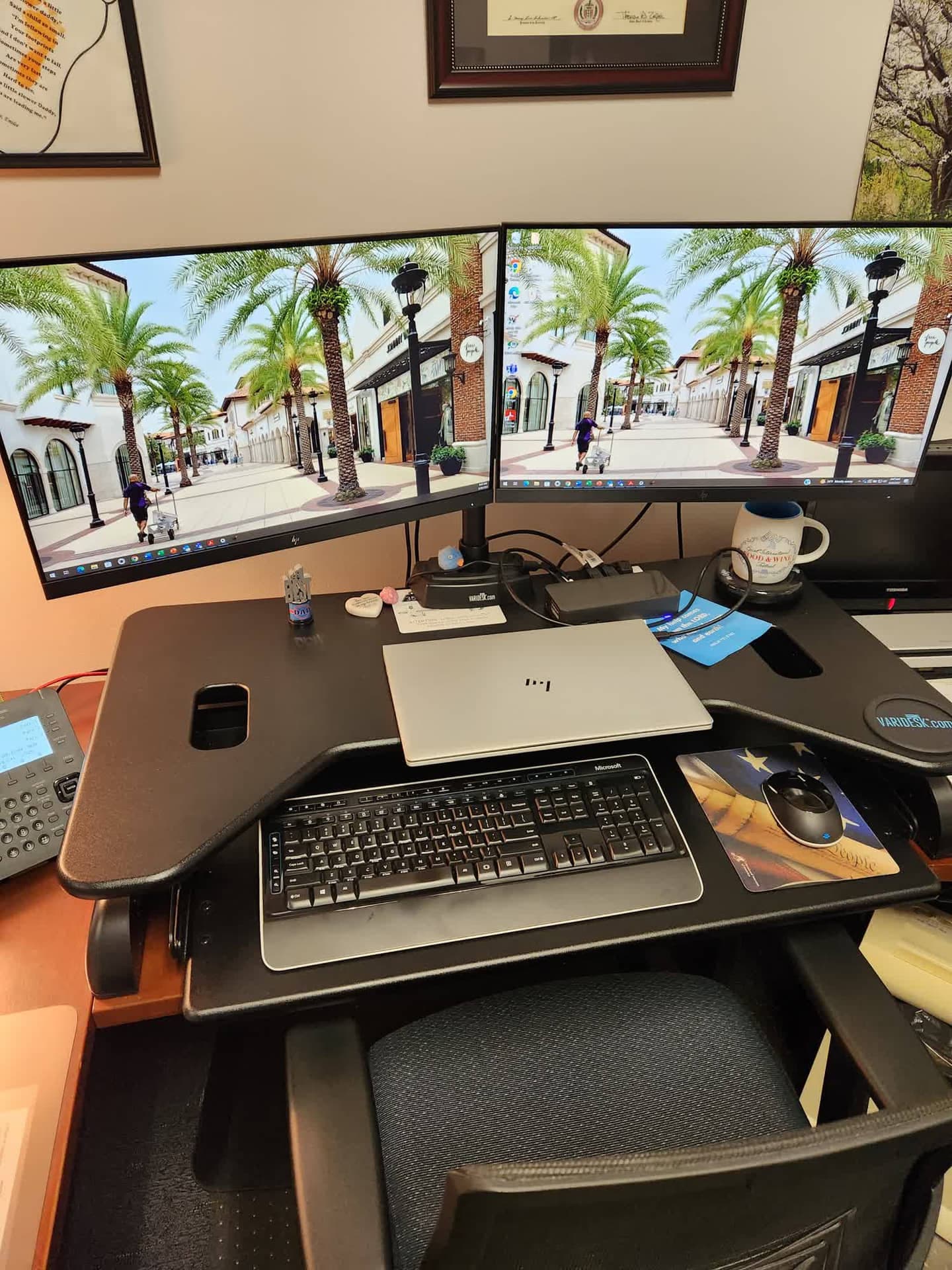
We set up this client's standing-desk workstation with dual HP monitors, a laptop, and a dock so the system was ready for work.
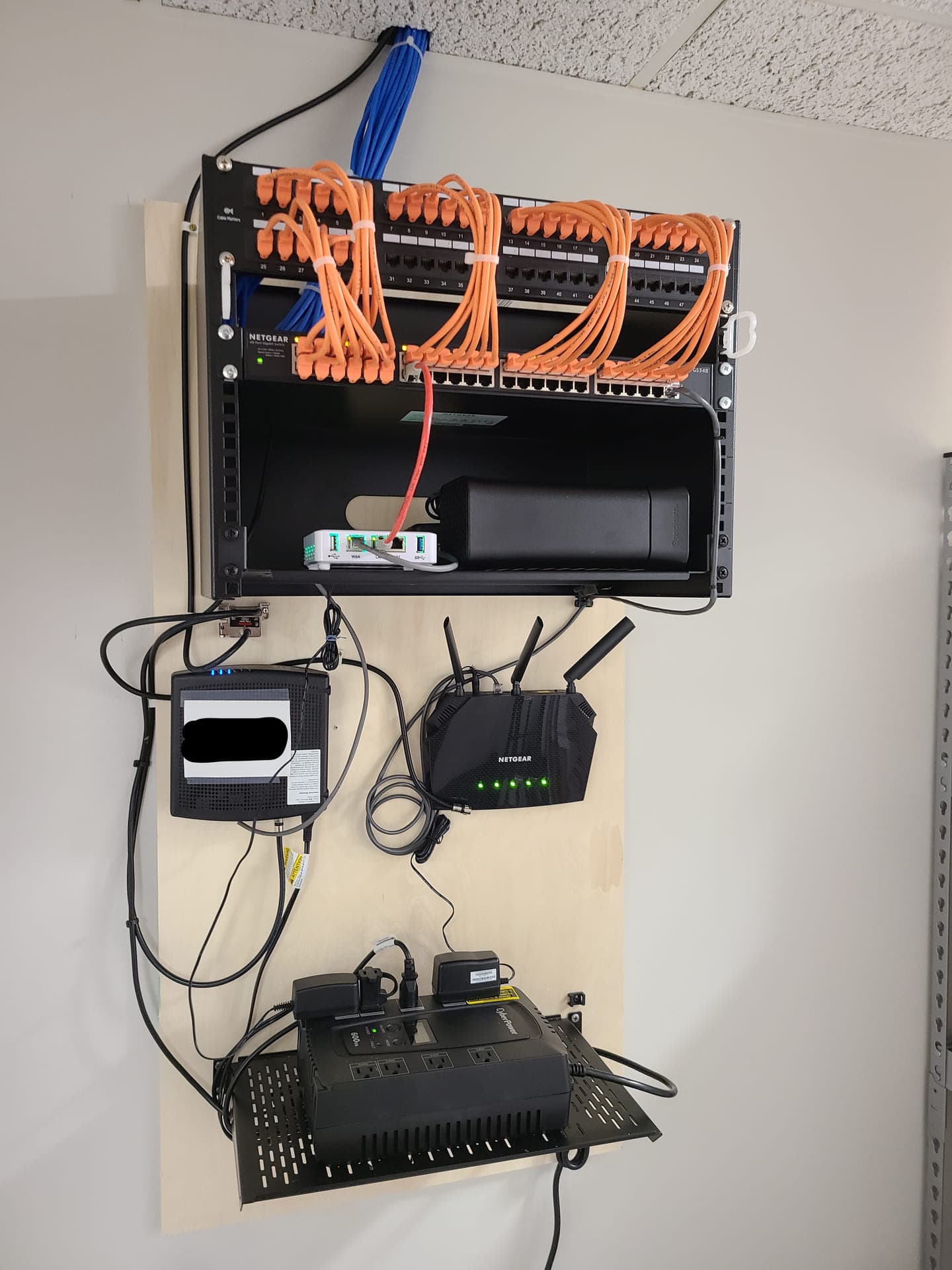
Picture from a network services project: we installed and organized the patch panel, switch, gateway, storage, wireless equipment, and UPS so the network was easier to support and maintain.
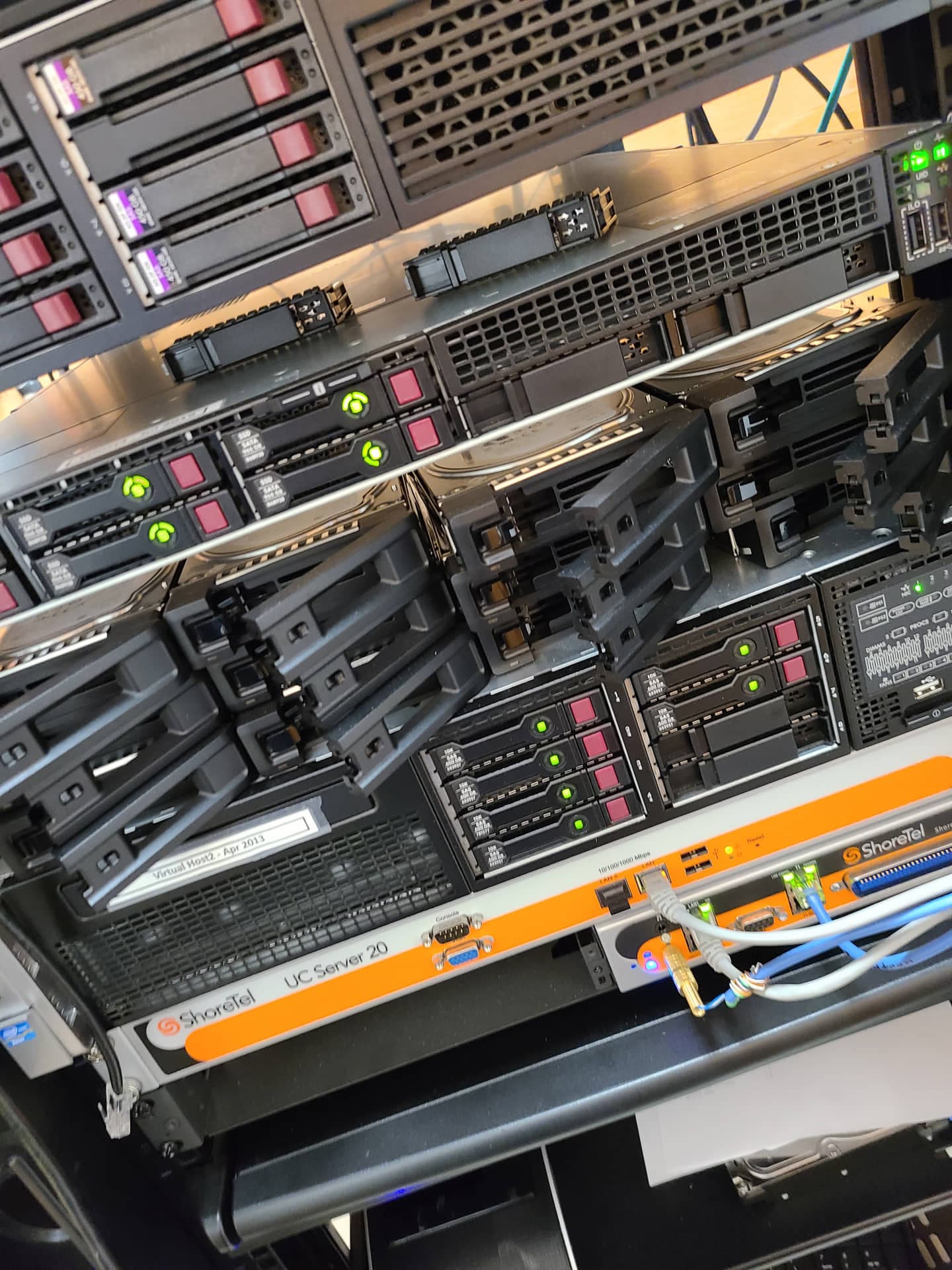
Picture from a server setup and support project: we worked on rack-mounted servers, hot-swappable storage, and voice infrastructure to keep core business systems available and serviceable.
Curious What Working Together Looks Like?
We show up on-site, document everything, and treat your IT infrastructure like it's our own. Call us — no obligation.