
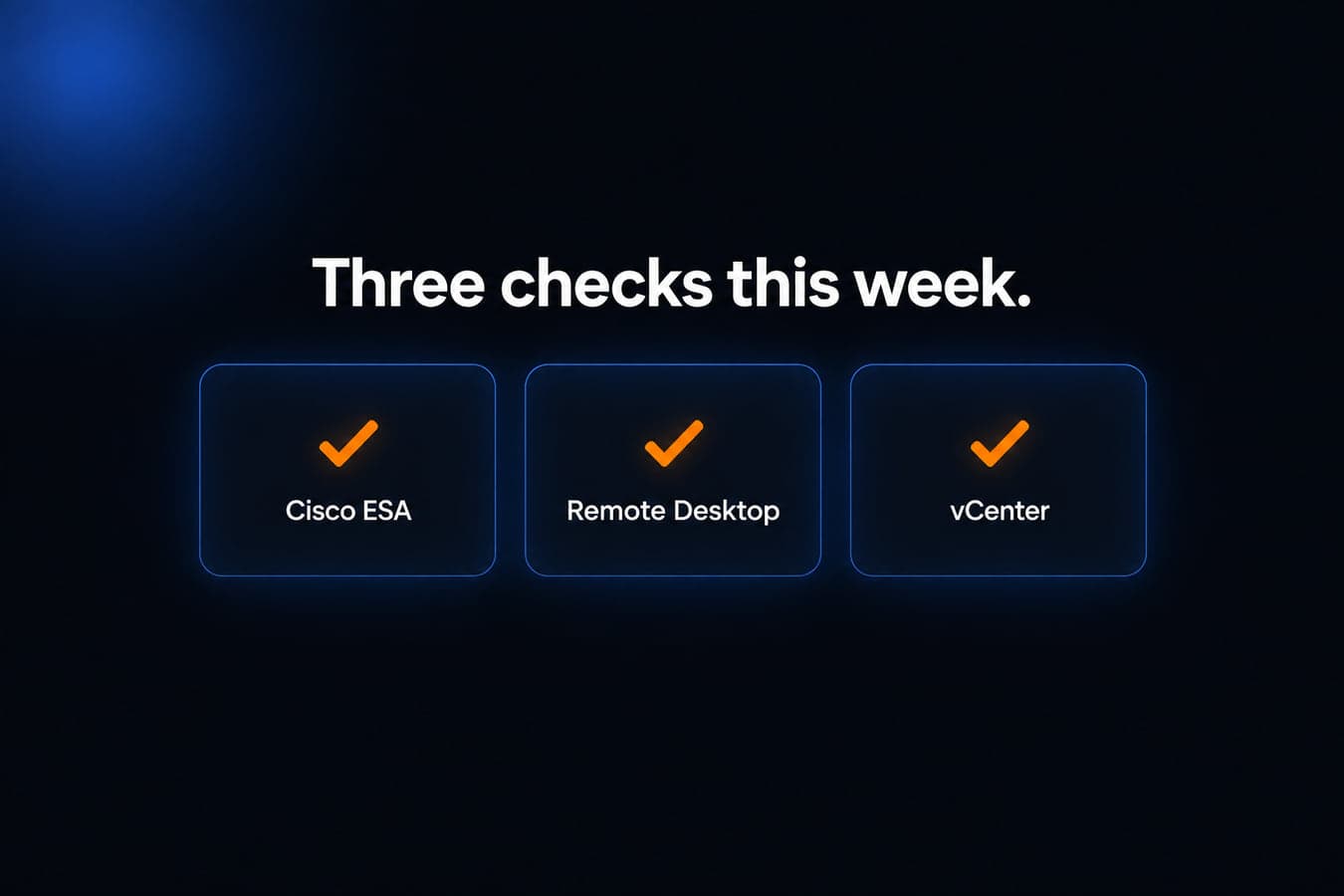
This week's useful work for Milwaukee-area offices is three concrete jobs: patch on-premises Cisco Secure Email Gateway after CISA listed an unauthenticated root bug as exploited, install Microsoft's September 14 out-of-band update if Remote Desktop started failing after Patch Tuesday, and treat unpatched VMware vCenter as a ransomware problem, not only a July leftover.
None of these items means every office is already compromised. Each one only applies if you actually run that product. Microsoft 365 mail with no Cisco appliance is not Secure Email Gateway. A workstation that never accepts Remote Desktop is not this RDS bug. A shop with no vCenter is not CVE-2026-59310.
Cisco Secure Email Gateway needs a fixed AsyncOS build, not a config tweak
What happened
Cisco published advisory cisco-sa-esa-inj-2bLVGmhX on September 14, 2026. CVE-2026-76461 is a SQL injection in the email parsing of Cisco AsyncOS for Cisco Secure Email Gateway. Cisco's wording: an unauthenticated, remote attacker can send a crafted email that contains malicious SQL statements through an affected device, then execute arbitrary SQL, leading to command execution with root privileges on the underlying operating system. CVSS 9.8. Cisco says there are no workarounds.
The bug is in the mail-processing path, not the admin web UI. Cisco states it affects Cisco Secure Email Gateway, physical and virtual, regardless of device configuration. Cisco has confirmed it does not affect Secure Email and Web Manager or Secure Web Appliance.
In September 2026, Cisco PSIRT became aware of active exploitation. CISA added CVE-2026-76461 to the Known Exploited Vulnerabilities catalog on September 14, 2026. Catalog wording: Cisco AsyncOS software for Cisco Secure Email Gateway (SEG) contains a SQL injection vulnerability that could allow an unauthenticated, remote attacker to execute arbitrary commands with root privileges on the underlying operating system. CISA marks ransomware use as unknown. The federal due date in that catalog row is September 17, 2026, a BOD 26-04 deadline for federal civilian agencies, not a patch deadline for private businesses. CISA still encourages every organization to treat KEV items as a priority queue.
Cisco has already upgraded all Cisco Secure Email Cloud devices to Release 16.5.0-780 and says it has directly contacted cloud customers where malicious activity was detected. On-premises appliances are not covered by that cloud upgrade. You still have to install a fixed build yourself.
Who is affected
Any office that still runs Cisco Secure Email Gateway on-premises (hardware or virtual, sometimes still called IronPort or ESA) on AsyncOS 16.5, 16.0, or 15.5 and earlier until it is on a listed fixed release.
Cisco Secure Email Cloud tenants should treat Cisco's cloud upgrade as already done, then read any notice Cisco sent about detected activity. A Microsoft 365-only mail path with no Cisco gateway is not this CVE. Secure Email and Web Manager and Secure Web Appliance are not this CVE.
What to check or fix now
- Inventory: is there a Cisco Secure Email Gateway, including a leftover virtual appliance that still sits in the MX path.
- On-premises: upgrade AsyncOS to a fixed release. Cisco's first fixed builds are 15.5.5-014 (15.5 and earlier), 16.0.4-302 (16.0), and 16.5.0-780 (16.5). Cisco strongly recommends migrating to 16.5.0-780. Use System Administration, System Upgrade on the appliance.
- Hunt before you trust the box. Cisco's example indicator is suspicious SQL in
mail_logs. On the CLI:grep -i "COPY.*TO PROGRAM"against IronPort text mail logs (default namemail_logs). If the device is in a cluster, check every member. Any hit may indicate malicious activity. Root access can hide local evidence, so Cisco also tells you to compare firewall and network logs for unexpected uploads from the appliance to outside addresses, or downloads from addresses you do not recognize. - If you suspect exploitation on a physical appliance, Cisco's path is TAC, not a quiet reboot. For a virtual appliance, Cisco's documented recovery is to capture forensics, deploy a new VM on a fixed release, rebuild the config, and renew credentials and cryptographic material installed on the box.
- Cloud: confirm you received Cisco's notice if they detected activity, and do not assume an on-prem twin next to the cloud tenant was upgraded for you.
How to prevent it
Internet-facing mail gateways need a named owner, a current AsyncOS train, and a habit of reading Cisco PSIRT the same week an advisory lands. Do not leave a second, forgotten ESA in DNS. Related reading: the importance of regular software updates.
Remote Desktop needs the September 14 out-of-band update, not last week's cumulative alone
What happened
Microsoft's September 8, 2026 security updates can make Remote Desktop Services unstable. On Windows Server 2025, Microsoft's release-health note names originating update KB5122871. Symptoms Microsoft lists: RDP connections failing after several minutes, sign-in issues, servers hanging at "Please wait for the Remote Desktop Configuration," plus MMC, RDS Licensing Diagnoser, and File Explorer becoming unresponsive, and the Windows Update page stuck on a loading indicator.
Microsoft marked the issue resolved on September 14, 2026 at 10:00 PT with out-of-band update KB5129235 for Windows Server 2025, and says updates released after that date also contain the fix. The out-of-band package is cumulative: it includes the September security protections, so you do not need to uninstall Patch Tuesday to get Remote Desktop working again. If you already deployed Microsoft's temporary Group Policy mitigation, Microsoft says you do not have to undo it before installing the out-of-band update.
Microsoft lists affected platforms as Windows 11 versions 26H1, 25H2, 24H2, and 23H2; Windows 10 versions 22H2 and 21H2 plus Enterprise LTSC 2019 and LTSC 2016; and Windows Server 2025, 2022, 2019, 2016, 2012 R2, and 2012.
Matching out-of-band KBs reported for other editions include KB5129195 (Windows 11 24H2 and 25H2), KB5129194 (Windows 11 26H1), KB5129236 (Windows 10 22H2 / 21H2), KB5129237 (Windows Server 2022), and KB5129238 (Windows Server 2019 / Windows 10 Enterprise LTSC 2019). Confirm the exact package for your build in the Microsoft Update Catalog before you install.
Who is affected
Offices that installed the September 8 Windows security updates on a box that accepts Remote Desktop, including a terminal server, a jump box, or a desktop that staff reach from home.
A PC that never listens for RDP is not this item. An office that has not installed September's cumulative yet still needs those security fixes; the out-of-band update is the cleaner way to get both the patches and the RDS repair.
What to check or fix now
- If RDP, MMC, or the Windows Update page started misbehaving after September 8, do not treat it as a wiped profile. Check whether the September cumulative is installed, then install the out-of-band update for that edition and restart as required.
- On Windows Server 2025, that package is KB5129235. On other editions, look up the matching KB in the Microsoft Update Catalog rather than guessing from a neighbor's build.
- Do not uninstall the September security updates as the "fix." That can restore RDP and also remove the exploited Windows elevation-of-privilege patches from earlier this month. The out-of-band update is cumulative on purpose.
- If a virtual machine is stuck and you cannot RDP in, stop and restart the VM from the hypervisor, then apply the out-of-band update once you have a console.
- After the update, test a new Remote Desktop logon and a logoff. Confirm MMC and File Explorer still respond on the server.
How to prevent it
Patch Tuesday on Remote Desktop hosts is not "install and walk away." Keep a console or hypervisor path that does not depend on RDP, and read Windows release health the same week you deploy. Related reading: the importance of regular software updates.
VMware vCenter CVE-2026-59310 is now a ransomware KEV, not only a July patch
What happened
Broadcom's VMSA-2026-0006 describes CVE-2026-59310 as a directory traversal in the vCenter Syslog server. Broadcom's severity is Critical, CVSS 9.8. A malicious actor with network access to vCenter may exploit it to execute arbitrary code. There is no workaround in that advisory. Fixed trains Broadcom lists include vCenter 9.1.0.0300, 9.0.2.0100, and 8.0 U3k (with 8.0 U2f as an express patch on the 8.0 U2 line, and extended-support 7.0 customers told to contact Broadcom Support).
CISA added CVE-2026-59310 to KEV on August 18, 2026, with a federal due date of August 21, 2026. That due date has already passed for federal civilian agencies. The current catalog row marks known ransomware campaign use as Known. CISA's short description: Broadcom VMware vCenter contains a path traversal vulnerability which could allow a threat actor with network access to vCenter to execute arbitrary code.
The new fact this week is that ransomware flag, not a brand-new CVE. If vCenter was unpatched in July or August, treat this as an incident review, not a routine maintenance ticket.
Who is affected
Offices that run VMware vCenter (standalone, vSphere Foundation, or Cloud Foundation) below the fixed builds above, especially if the management interface or Syslog listener is reachable from a network you do not fully trust.
Workstation-only shops with no vCenter, Microsoft Hyper-V-only hosts, and cloud desktops with no on-prem vSphere are not this CVE.
What to check or fix now
- Inventory every vCenter, including a lab appliance and any vCenter bundled inside VMware Cloud Foundation or vSphere Foundation.
- If the build is below 9.1.0.0300, 9.0.2.0100, or 8.0 U3k (or the matching U2f / extended-support path Broadcom documents), patch now. Broadcom published no workaround.
- Take vCenter off the public internet. Management and Syslog do not belong on a raw WAN address.
- Because CISA marks ransomware use Known, review previously exposed or still-unpatched vCenters for unexpected accounts, scheduled tasks, outbound tunnels, and ESXi encryption or mass-power events. Absence of an obvious ransom note is not a clean bill of health.
- After patching, rotate vCenter and ESXi privileged credentials and verify backup jobs that run through vCenter still complete.
How to prevent it
Hypervisor managers are crown-jewel systems. Keep vCenter on a current, supported build, restrict who can reach it, and test restore of the VMs it manages. Related reading: understanding the cost of downtime.
What to do this week
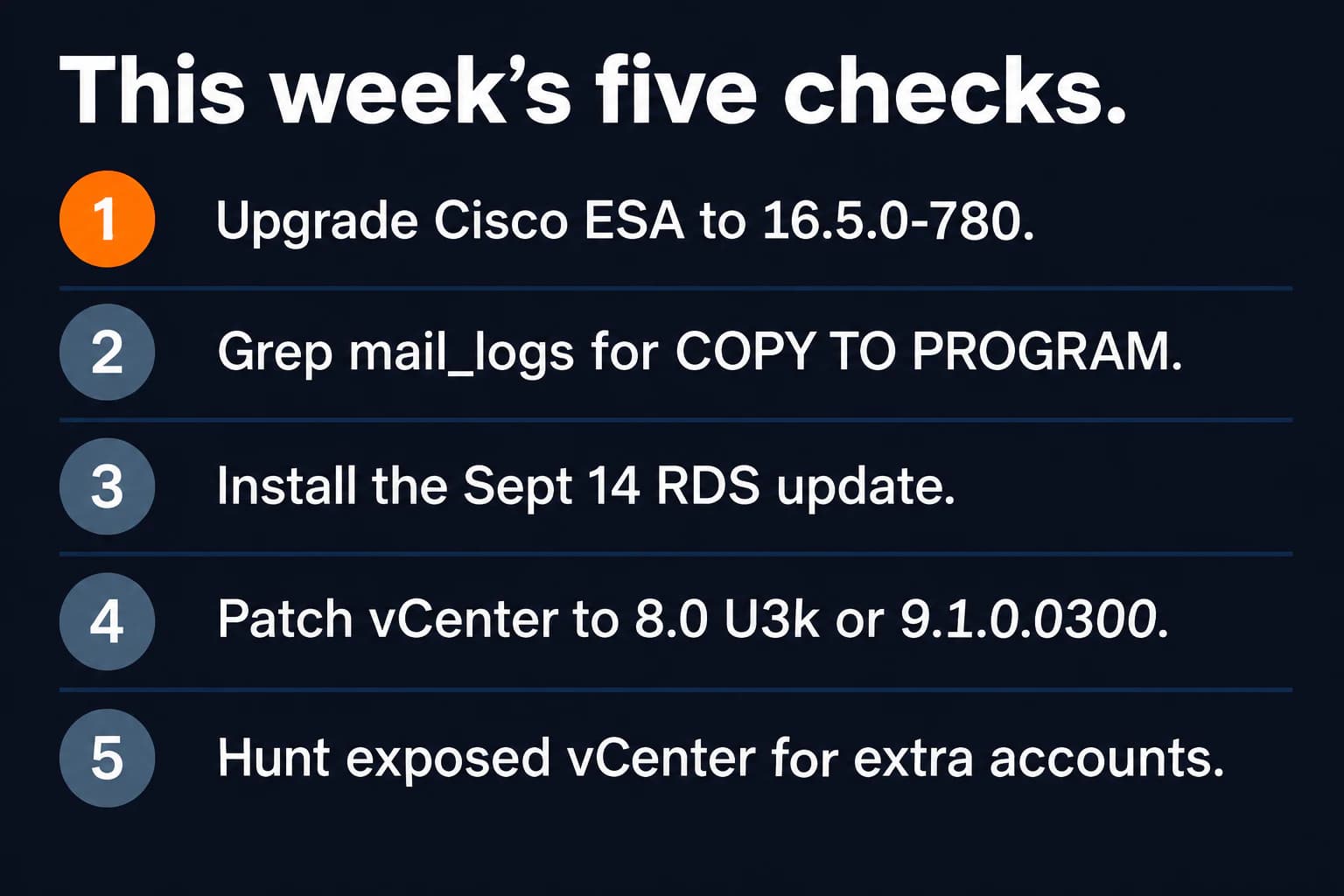
- Confirm whether a Cisco Secure Email Gateway still sits in the mail path, and if it does, upgrade to 16.5.0-780 or the other fixed AsyncOS build Cisco lists, then grep
mail_logsfor COPY / TO PROGRAM. - If Remote Desktop, MMC, or the Windows Update page broke after September 8, install the September 14 out-of-band update for that edition instead of uninstalling Patch Tuesday.
- Check every vCenter build against 9.1.0.0300, 9.0.2.0100, or 8.0 U3k, and pull management off the internet.
- On any vCenter that was reachable before the patch, look for unexpected users, outbound connections, and ESXi changes, because CISA now marks ransomware use as Known.
- Keep a non-RDP console path (hypervisor, iLO/iDRAC, or on-site keyboard) so the next Windows regression does not lock you out of the server you are trying to repair.
If you need someone who can handle these checks for you, reach out to us. We would be happy to help.

Powerful IT Systems · Sussex, WI
Hands-on IT experience serving Milwaukee-area businesses.