
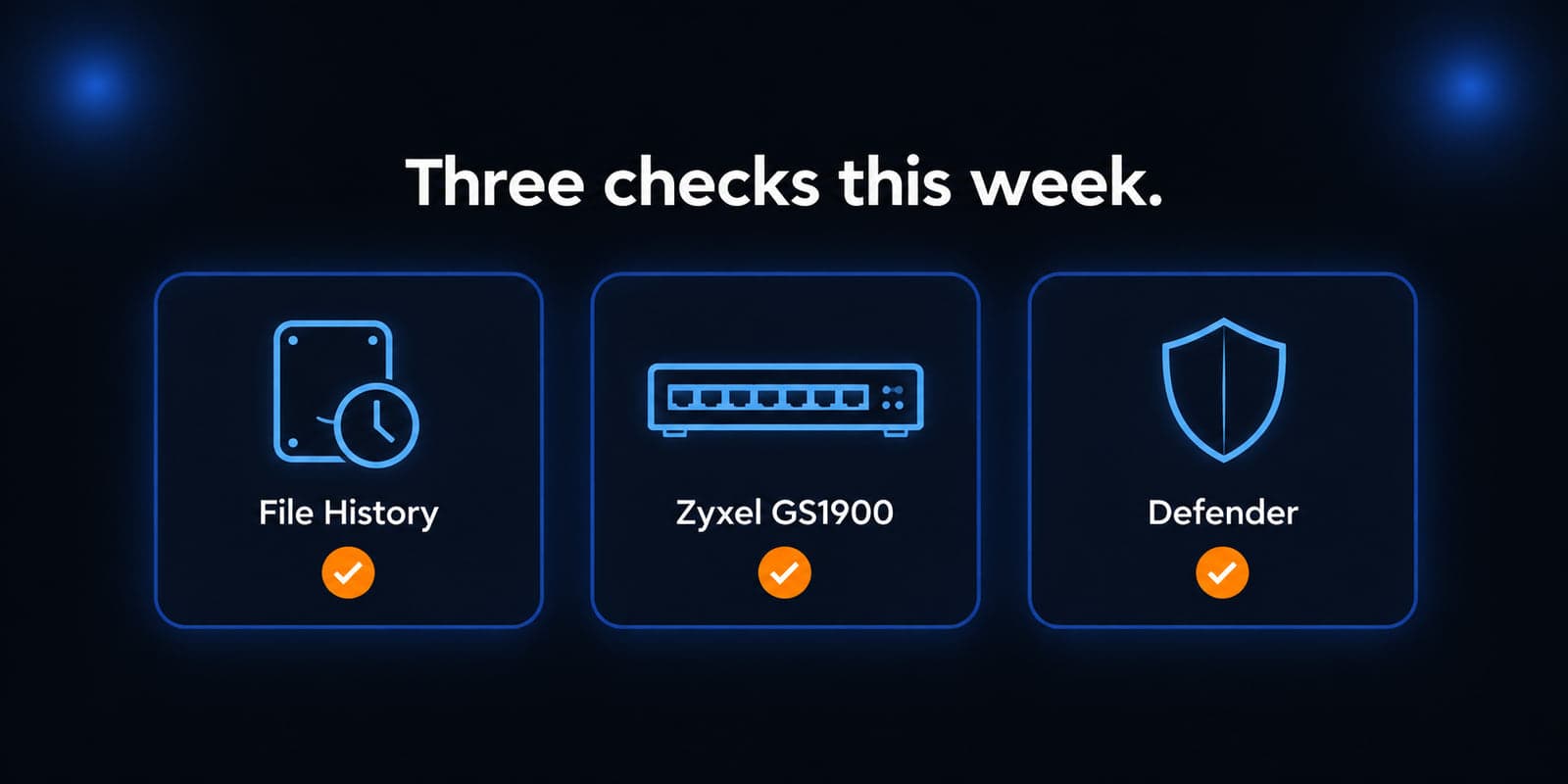
This week's useful work is three concrete jobs: confirm that Windows File History actually backed up after September's updates, patch Zyxel GS1900 access switches because CISA now lists a LAN command-execution bug as actively exploited, and check that Microsoft Defender is on version 4.18.26080.4 so a false "Antivirus is turned off" banner does not talk someone into disabling real protection.
None of these items means your office is already compromised. Each one only applies if you run that product. A shop that never turned on File History is not the backup problem. A network with no GS1900 switch is not CVE-2026-7273. A PC already showing Defender platform 4.18.26080.4 or later is not waiting on anything.
File History may have stopped backing up after September's security updates
What happened
Multiple outlets reported a Microsoft service alert for a Windows backup regression. Microsoft's wording, as those outlets reproduced it: after installing the September 2026 Windows security update, some customers using File History might be unable to create or update backups. File History is the Control Panel tool that copies working files to an external drive or a network location. Microsoft added that affected devices might incorrectly display a "Reconnect your drive" message even when a compatible backup drive is connected and functioning properly, that the "Last Backup" timestamp might not update, and that previously backed-up files might show "No previous version available."
The originating updates those reports list are KB5124012 on Windows 11 26H1, KB5124008 on Windows 11 25H2 and 24H2, KB5122880 on Windows 11 23H2, KB5122878 on Windows 10 22H2 and 21H2, KB5122876 on Windows 10 Enterprise LTSC 2019, and KB5123099 on Windows 10 Enterprise LTSC 2016.
Update, October 4, 2026: Microsoft has since documented the issue as a known issue in the KB5124008 release notes (added September 19) and lists it as resolved in Windows updates released on and after September 22, 2026. For Windows 11 24H2 and 25H2 the fix is in the optional KB5124010 update, and for 26H1 in KB5124006. Devices that skip the optional update should get the fix with October's Patch Tuesday updates. Either way, treat this as a check you run yourself rather than something you wait to be told about.
Who is affected
Windows 10 and Windows 11 PCs that actually use File History to an external disk or a network share, and that installed the September security updates above.
A PC that backs up only with OneDrive, a third-party agent, or Windows Server Backup is not this item. A PC that never installed September's updates is not this item yet, though it still needs the month's security patches.
What to check or fix now
- Open Control Panel, System and Security, then File History. Confirm the last successful backup date. If it stopped in early September, do not assume the drive failed.
- If Windows says "Reconnect your drive" while File Explorer can still open the disk, treat that as the reported regression, not a dead USB cable.
- Check Event Viewer for FileHistory.exe crash events that reference KERNELBASE.dll.
- Copy the important folders once to a second location (another disk, SharePoint, or the backup product you already pay for) until File History runs again. That is a temporary copy, not a substitute for a tested backup.
- Do not uninstall September's security updates to restore File History. Those packages include this month's Windows security fixes. Install the update that carries the File History fix instead.
How to prevent it
File History should never be your only copy. Confirm at least one other copy of working files exists, and that you can actually restore a test file from it. Read Windows release health the same week you deploy Patch Tuesday, then still open the backup interface and look at the last-success date. Related reading: disaster recovery and business continuity.
Zyxel GS1900 switches need the June firmware, because CVE-2026-7273 is now exploited
What happened
CISA added CVE-2026-7273 to the Known Exploited Vulnerabilities catalog on September 21, 2026. The catalog description: Zyxel GS1900 series switches contain a stack-based buffer overflow vulnerability in the CGI program which could allow a LAN-based, unauthenticated attacker to exploit the flaw and potentially execute OS commands via a crafted HTTP request. CISA marks ransomware use as unknown and forensic triage as required.
Zyxel published the advisory on June 16, 2026. Zyxel's wording matches: a stack-based buffer overflow in the CGI program of GS1900 series switch firmware could allow a LAN-based, unauthenticated attacker to exploit the flaw and potentially execute OS commands via a crafted HTTP request. Zyxel released patched firmware for the models still inside their vulnerability support period, and notes that on-market products not listed in its table remain unaffected.
The federal due date on that KEV row is September 24, 2026. That is a BOD 26-04 deadline for federal civilian agencies, not a patch deadline for private businesses. CISA still encourages every organization to treat catalog items as a priority queue, and this one is worth taking at face value: it is exploited, and the firmware has been available since June.
Who is affected
Any office still running a listed GS1900 model on the old 2.90(...1)C0 firmware or earlier, until it is on the matching 2.90(...2)C0 build. Zyxel's table covers the GS1900-8, GS1900-8HP, GS1900-10HP, GS1900-16, GS1900-24, GS1900-24E, GS1900-24EP, GS1900-24HPv2, GS1900-48, and GS1900-48HPv2.
The attacker needs LAN reach to the switch web management interface. That is usually the same office network everyone already sits on, which is what makes a small switch a real foothold rather than a theoretical one. A network with no GS1900 is not affected.
What to check or fix now
- Inventory: find every Zyxel GS1900 on the rack, in a closet, or under a desk, including a PoE switch that only feeds phones or cameras.
- Compare the running firmware against Zyxel's table. Each model has its own code, for example GS1900-24HPv2 needs 2.90(ABTP.2)C0 or later and GS1900-8 needs 2.90(AAHH.2)C0 or later. Use the advisory table rather than a guess.
- Apply the matching image from Zyxel's download library in a short maintenance window, then confirm the new version after the reboot.
- Until the firmware is on, restrict who can reach the switch web interface. Management from a dedicated VLAN or a small allow-list is the practical temporary control, and it is not a substitute for the update.
- After patching, look for unexpected admin accounts, changed VLANs, or new port mirroring. Comparing the running configuration to last month's backup is enough to catch the obvious cases.
How to prevent it
Access switches need a named owner, current firmware, and a management interface that is not open to every PC on the floor. Read CISA's catalog the same week a switch vulnerability lands, because firmware that shipped in June is a very comfortable three months old by the time it gets exploited. Related reading: the importance of regular software updates.
Defender's "Antivirus is turned off" banner is a fixed bug, not a reason to disable Defender
What happened
Microsoft's Windows 11 25H2 known-issues page carries a resolved item for incorrect notifications that "Microsoft Defender Antivirus is turned off." Microsoft's wording: after installing the latest updates for Microsoft Defender Antivirus, notifications might appear stating that Defender is turned off even though the antivirus is functioning correctly and all settings show it as active. The notices can appear when Windows starts and intermittently afterward, and Microsoft notes they persist even if notification settings are turned off.
Microsoft lists the resolution as the Microsoft Defender Antivirus update version 4.18.26080.4, released September 17, 2026. The identical resolution appears on the Windows 10 22H2 known-issues page.
This is not a new Defender zero-day. It is a false banner. The reason it earns a spot this week is the behavior it produces: a warning that cries wolf every morning trains people to click through Windows Security, or to start turning protection off to make it stop.
Who is affected
Any supported Windows client or Windows Server build still showing the false banner. Microsoft's client list is Windows 11 26H1, 25H2, 24H2, and 23H2, Windows 10 22H2 and 21H2, and Windows 10 Enterprise LTSC 2019 and 2016. The server list is Windows Server 2025, 2022, 2019, 2016, 2012 R2, and 2012.
A PC that already reports 4.18.26080.4 or later, and no longer shows the banner, is done. A PC whose active antivirus is a third-party product is a different inventory question, and the check below still applies.
What to check or fix now
- Open Windows Security. If Virus and threat protection says Defender is on and a recent scan time is listed, believe the status page rather than the pop-up.
- Check the platform version under Virus and threat protection, Protection updates, then Settings and About. You want Antimalware Client Version 4.18.26080.4 or later.
- If the version is older, use Check for updates on that same Protection updates page. Do not pause Defender updates in order to silence the banner.
- Do not uninstall Defender, and do not disable it through Group Policy, to make the notice go away.
- If a third-party antivirus is installed, confirm Windows Security still shows an active registered product. That is worth checking on its own, because an unregistered security product is a real problem and this banner is not.
How to prevent it
Keep Defender platform updates automatic, and make sure whoever watches the alerts knows the difference between a red banner and a real detection. When Windows Security complains, read the version number before changing policy. Related reading: the 5-minute Microsoft 365 security checklist.
What to do this week
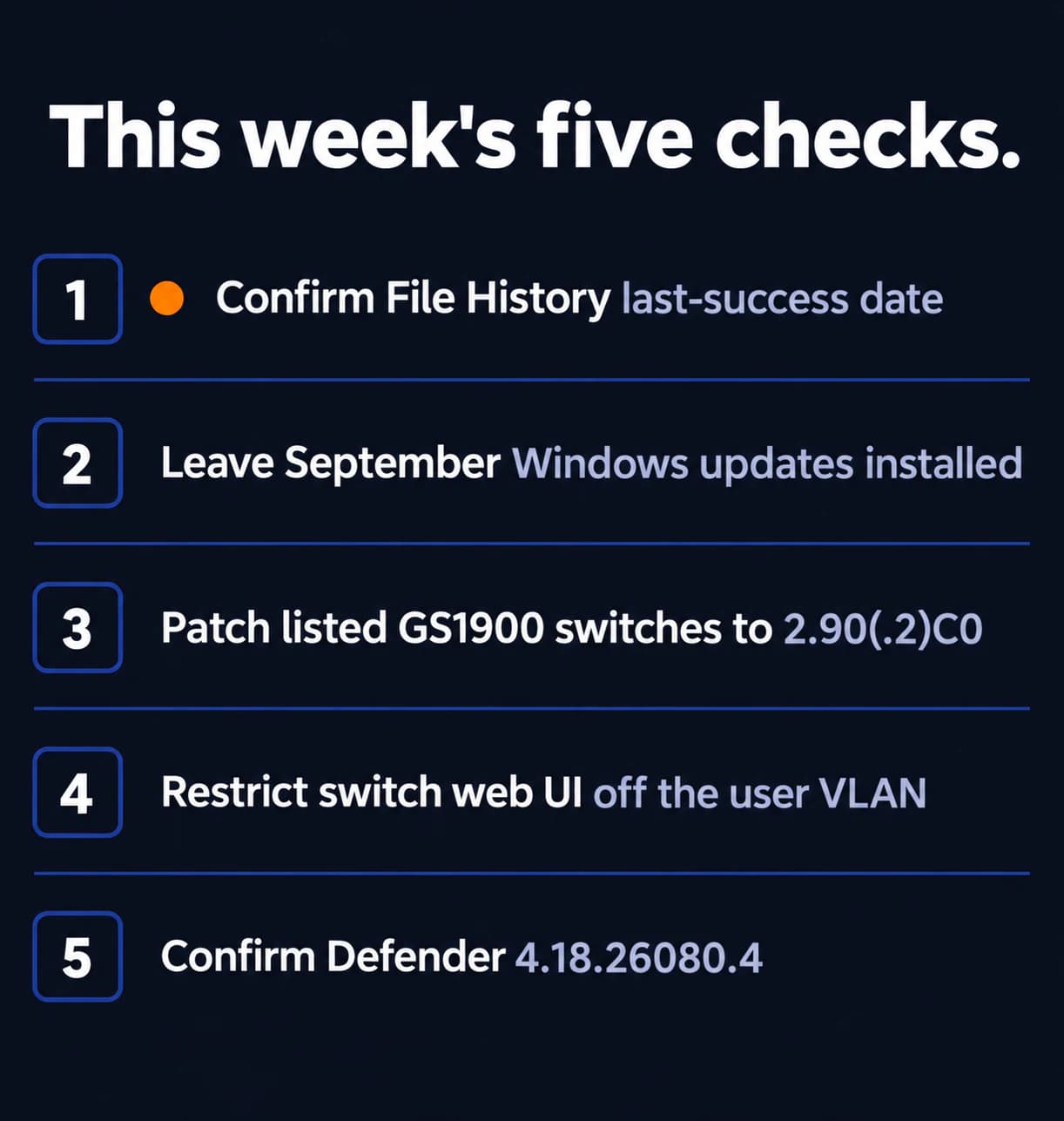
- Open File History and confirm the last successful backup date. If it stopped after September 8 on a listed update, copy working files to a second location and leave the security updates installed and install the update that carries the fix.
- Inventory Zyxel GS1900 switches and move listed models to the matching 2.90(...2)C0 firmware from Zyxel's advisory table.
- Keep switch web management off the user network until that firmware is on.
- Confirm Defender platform 4.18.26080.4 or later, and do not disable Defender because of the old banner.
- If a file you expected to restore came back as "No previous version available," check whether that file was ever actually covered by a running backup before you blame the restore step.
If you need someone who can handle these checks for you, reach out to us. We would be happy to help.
Sources
- BleepingComputer: Microsoft September updates break File History backup feature
- BetaNews: Microsoft warning that September's Windows update is breaking File History
- Windows 11 25H2 known issues, Microsoft Learn
- Windows 10 22H2 known issues, Microsoft Learn
- CISA alert, September 21, 2026
- CISA Known Exploited Vulnerabilities catalog (JSON)
- Zyxel security advisory for CVE-2026-7273
- NVD: CVE-2026-7273
- BleepingComputer: Microsoft fixes bug behind Defender Antivirus is turned off alerts
- Microsoft Q&A: File History stopped working after a recent update

Powerful IT Systems · Sussex, WI
Hands-on IT experience serving Milwaukee-area businesses.