
This week's useful work is not a new product launch. It is three concrete inventory jobs: UniFi gear that just received a large critical patch set, on-premises SharePoint Server that is being probed with a public exploit chain, and SQL Server instances that still need a 2019 fix now listed as exploited.
None of these items means every local firm is already compromised. Each one has a short check you can finish this week, and a clearer answer than "we should patch sometime."
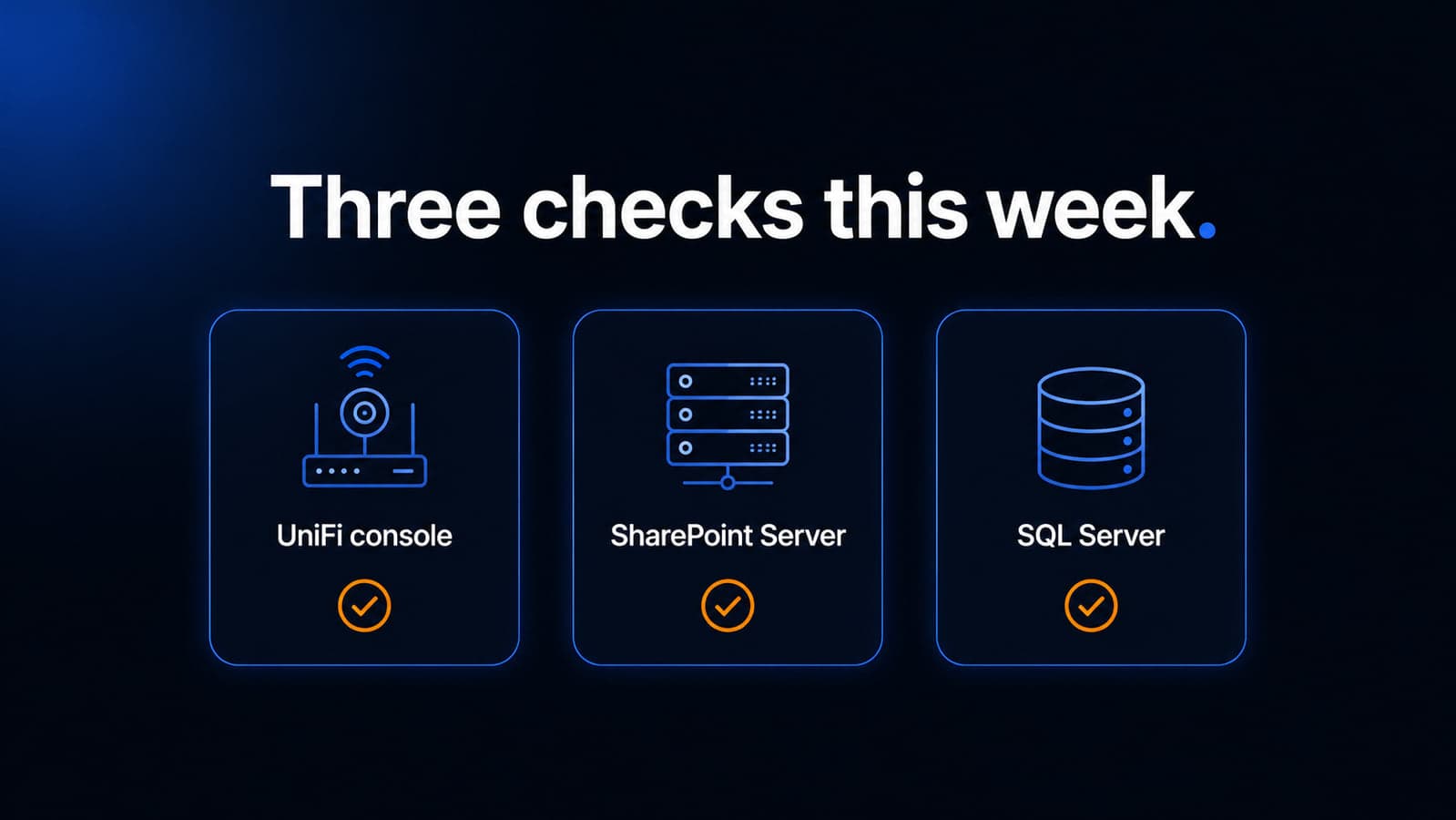
UniFi cameras, gateways, and phones need more than one update
What happened
On August 26, 2026, Ubiquiti published Security Advisory Bulletin 067, covering 22 vulnerabilities across UniFi products. Canada's Cyber Centre independently flagged the same date and named UniFi OS Server, UniFi Protect, UniFi Talk, UniFi Network, UniFi Access, and related hardware as in-scope.
Three issues carry Ubiquiti's maximum CVSS 3.1 score of 10.0, with no privileges and no user interaction in the published vectors:
- CVE-2026-77537: improper input validation in UniFi Protect that can allow command injection on the host. Protect versions before 7.2.105 are listed as affected.
- CVE-2026-77550: CRLF injection in UniFi OS that can allow authentication bypass. UniFi OS Server versions before 5.1.37, many gateway and recorder families before 5.1.31, Network Attached Storage before 5.1.32, and Express before 4.0.17 are listed as affected.
- CVE-2026-77554: improper input validation in UniFi Talk that can allow command injection on the host. Talk versions before 5.3.2 are listed as affected.
The bulletin also patches UniFi Network Application. The advisory lists Network Application 10.4.57 and earlier as affected, with 10.5.67 or later as the mitigation.
CISA has not added these UniFi CVEs to the Known Exploited Vulnerabilities catalog in the August 26 KEV alert reviewed for this article. Treat them as newly patched critical flaws, not as confirmed mass exploitation.
Who is affected
Offices that use UniFi Dream Machines, Cloud Gateways, Cloud Keys, UniFi Protect cameras or NVRs, UniFi Talk, or a self-hosted UniFi Network console. That is a common pattern in Milwaukee professional-services offices that bought one vendor for Wi-Fi, cameras, and phones.
SharePoint Online, Microsoft 365, and Windows PCs are not the products named here. A firm with no UniFi hardware can skip this item.
If UniFi management is reachable from the internet, the risk is higher because the NVD records describe network access without user interaction.
What to check or fix now
- In UniFi, record the current UniFi OS version, Protect version, Network Application version, and Talk version if you use phones.
- Update Protect to 7.2.105 or later, Talk to 5.3.2 or later, and UniFi OS Server to 5.1.37 or later.
- Update Dream Machines, Cloud Gateways, Cloud Keys, NVRs, and similar appliances to 5.1.31 or later (NAS to 5.1.32 or later; Express to 4.0.17 or later).
- Update UniFi Network Application to 10.5.67 or later if that is the console you run.
- Confirm the console is not published on the public internet. Management belongs on VPN, a management VLAN, or another restricted path.
A Dream Machine can need both an OS update and separate application updates. Updating only Protect, or only Network, is an incomplete pass.
How to prevent it
Keep UniFi auto-updates on for security releases, or put a monthly console check on the calendar the same way you review Windows patching. Do not expose UniFi SSH, the local portal, or Protect to the whole internet "just for remote viewing." Restrict admin accounts, and review camera and phone admin logins after the update.
This is the same discipline as regular software updates: the console is part of the network, not a set-and-forget appliance.
On-premises SharePoint Server is being probed with a two-bug chain
What happened
Microsoft documents CVE-2026-55040 as a critical SharePoint Server security feature bypass. Microsoft's FAQ says the authentication feature can be bypassed and that the issue allows impersonation. Rapid7, which Microsoft acknowledges on the CVE, describes weak JWT token validation and states CISA added CVE-2026-55040 to KEV on August 18, 2026.
Microsoft documents CVE-2026-63520 as a SharePoint Server remote code execution vulnerability. At original publication Microsoft listed it as not exploited, with an exploitability assessment of "Exploitation More Likely." Microsoft's FAQ says an unauthenticated attacker in a network-based attack could write arbitrary code and execute it remotely on the SharePoint Server.
On August 26, 2026, BleepingComputer reported that Defused saw the CVE-2026-55040 plus CVE-2026-63520 chain probed in honeypots on August 25, with JWT bypass activity and probing of the Business Data Catalog path behind CVE-2026-63520, and no code execution observed in that honeypot note. Public proof-of-concept code for both bugs was already available, according to the same report.
Microsoft has not tagged CVE-2026-63520 as exploited in the wild on the advisory page reviewed for this article. The useful distinction: authentication bypass is in active-exploitation tracking; the chained RCE is being probed and is attractive, not proven as a completed wild RCE on Microsoft's page.
Who is affected
Organizations running on-premises Microsoft SharePoint Server. Microsoft's CVE pages are titled for SharePoint Server, and the FAQ discusses SharePoint Server 2016, SharePoint Enterprise Server 2016, and related on-premises updates.
If the office only uses SharePoint in Microsoft 365 (SharePoint Online), these CVE pages do not name that cloud service. Confirm against the Microsoft Update Guide for your exact product before spending a weekend on the wrong farm.
Law firms, accounting practices, and other professional-services offices that kept a local SharePoint farm "because the files are already there" are the local pattern that matters. A Microsoft 365-only tenant with no SharePoint Server VM can document that fact and move on.
What to check or fix now
- Inventory: is there any SharePoint Server 2016, 2019, or Subscription Edition host, including a forgotten VM?
- If yes, install the July 2026 updates that address CVE-2026-55040 and the August 2026 updates that address CVE-2026-63520. Do not assume one month's CU covers both bugs.
- Take the server off direct internet exposure unless there is a documented business need. Put access behind VPN or another controlled path.
- Review IIS and SharePoint logs around late August for unusual unauthenticated JWT or Business Connectivity Services activity. Treat anomalies as an incident lead, not as proof of compromise by themselves.
- If the farm was internet-facing and unpatched after the July bypass fix, assume you need a compromise review, not only a patch install.
How to prevent it
On-premises SharePoint is a full web application with its own patch cycle. It does not ride along with Windows Update on a user's laptop. Assign an owner, subscribe to Microsoft SharePoint Server security updates, and keep the farm off the public internet.
If the only remaining reason for the farm is file storage, plan a move to SharePoint Online or another supported repository so you are not maintaining a second attack surface. That is a project, not this week's emergency, unless the server is already exposed. Related reading: Microsoft 365 security checklist.
CISA put a 2019 SQL Server bug back on the patch list
What happened
On August 26, 2026, CISA added six vulnerabilities to the Known Exploited Vulnerabilities catalog, based on evidence of active exploitation. One of them is CVE-2019-1068, a Microsoft SQL Server remote code execution issue.
CISA's catalog wording: Microsoft SQL Server contains a remote code execution vulnerability that could allow an attacker to execute code in the context of the SQL Server Database Engine service account. NVD's description matches Microsoft's original advisory language about incorrect handling of internal functions.
The original Microsoft updates date to June 11, 2019, with separate GDR and CU packages for SQL Server 2014, 2016, and 2017. CISA listing it in August 2026 means there is current evidence of exploitation, not that the patch is new.
CISA's KEV entry for this CVE marks forensic triage as required under BOD 26-04 for federal civilian agencies, with an August 29, 2026 due date for those agencies. BOD 26-04 applies to federal civilian executive branch agencies. CISA encourages other organizations to use the same KEV list as a priority queue, and it does not create a legal patch deadline for a private Milwaukee firm.
CISA listed ransomware use for this CVE as unknown. Do not treat this as a named ransomware campaign.
The same August 26 KEV drop also includes CVE-2026-8452 in Citrix NetScaler ADC and Gateway. Skip that unless you actually run NetScaler.
Who is affected
Any office still running a supported or lingering SQL Server 2014, 2016, or 2017 instance that never received the June 2019 security update for CVE-2019-1068. Line-of-business apps, on-prem accounting databases, and old practice-management servers are the usual hiding places.
Microsoft 365, Azure SQL as a service, and SQL Server versions that already include a later CU are not automatically vulnerable just because CISA added the CVE. You have to read the installed version. Microsoft's advisory says that if your version number is not in the update table, that SQL Server version is no longer supported and you need a later service pack or product to apply this class of update.
This article does not claim any named Milwaukee customer is running a vulnerable build.
What to check or fix now
- List every SQL Server instance, including those on a file server, a leftover tower in a closet, and a vendor appliance that happens to use SQL Server.
- Record the exact version with Microsoft's version-check guidance.
- If the build still sits in a 2014, 2016, or 2017 range named in the 2019 advisory, apply the matching GDR or CU security update. Stay on the GDR path if you have only ever installed GDRs; stay on the CU path if you already installed CUs.
- Confirm SQL Server is not listening on the public internet. Database engines belong on the internal network or a VPN, behind a firewall.
- If an instance was internet-exposed and unpatched, plan a compromise review. CISA's federal guidance treats KEV items on exposed assets as more than a silent patch.
How to prevent it
Old database engines survive because "the application still works." Put SQL Server on the same lifecycle list as Windows and firewalls: known version, current cumulative update, no public port 1433, and a named owner. Unsupported SQL Server is a replacement project, not a weekly hotfix.
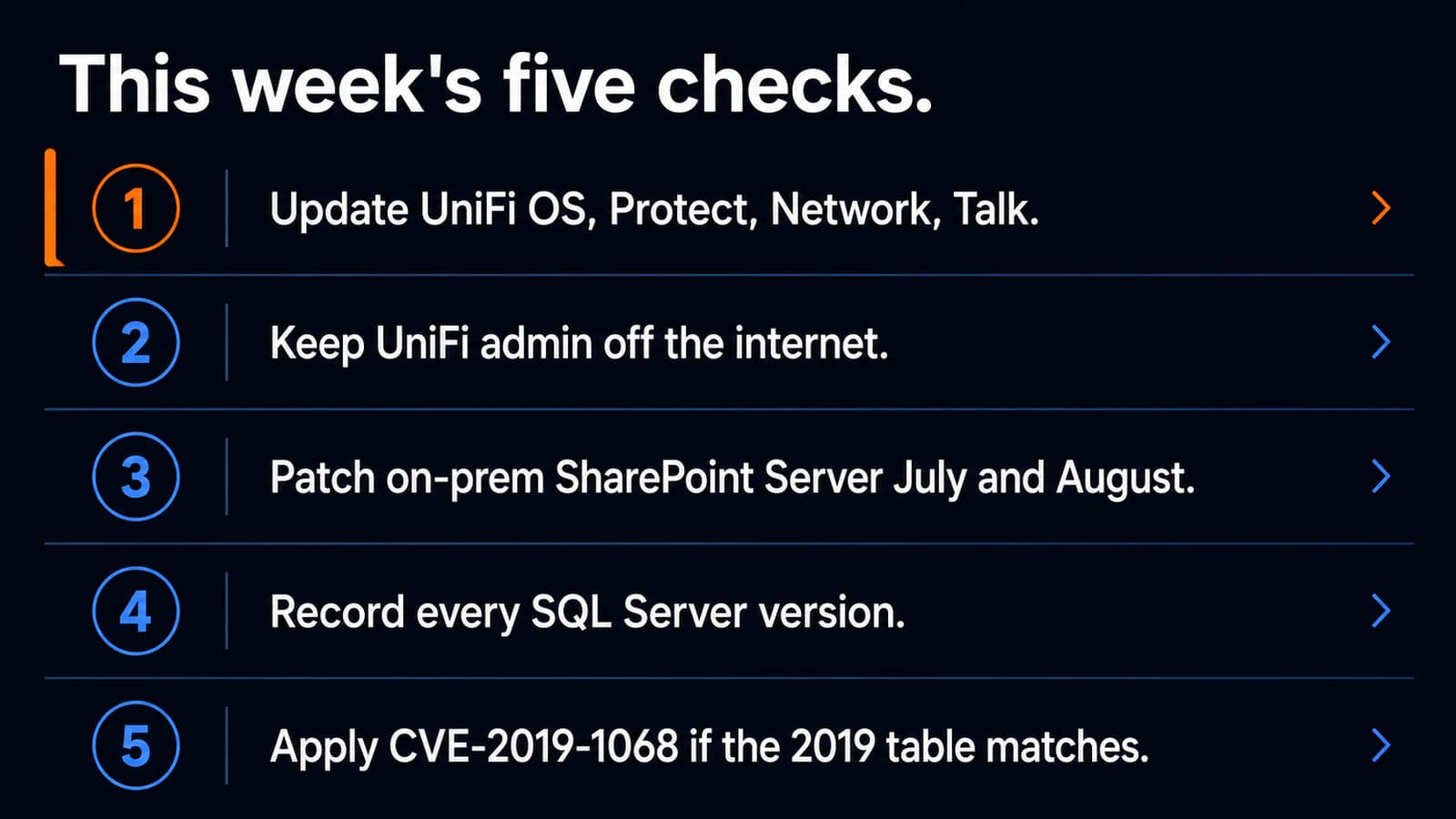
What to do this week
- Write down UniFi OS, Protect, Network, and Talk versions, then apply Bulletin 067 builds if you are behind.
- Confirm the UniFi console is not on the public internet.
- Find any on-premises SharePoint Server host. Patch July and August SharePoint security updates, or document that you only use SharePoint Online.
- Inventory SQL Server version numbers and apply CVE-2019-1068 updates where the 2019 table still matches.
- If you run Citrix NetScaler, treat CVE-2026-8452 as a separate vendor check from the same CISA drop.
If you need someone to run the same five checks and report what is actually installed, contact Powerful IT Systems.
Sources
- Ubiquiti Security Advisory Bulletin 067
- NVD CVE-2026-77537, CVE-2026-77550, CVE-2026-77554
- Canadian Centre for Cyber Security AV26-850
- Microsoft CVE-2026-55040
- Microsoft CVE-2026-63520
- Rapid7 on CVE-2026-55040
- BleepingComputer, August 26, 2026
- CISA alert, August 26, 2026
- CISA Known Exploited Vulnerabilities Catalog
- NVD CVE-2019-1068
- Microsoft CVE-2019-1068
- Microsoft: how to determine SQL Server version

Powerful IT Systems · Sussex, WI
Master's degree in Computer Science with 15+ years of hands-on IT experience serving Milwaukee-area businesses.