
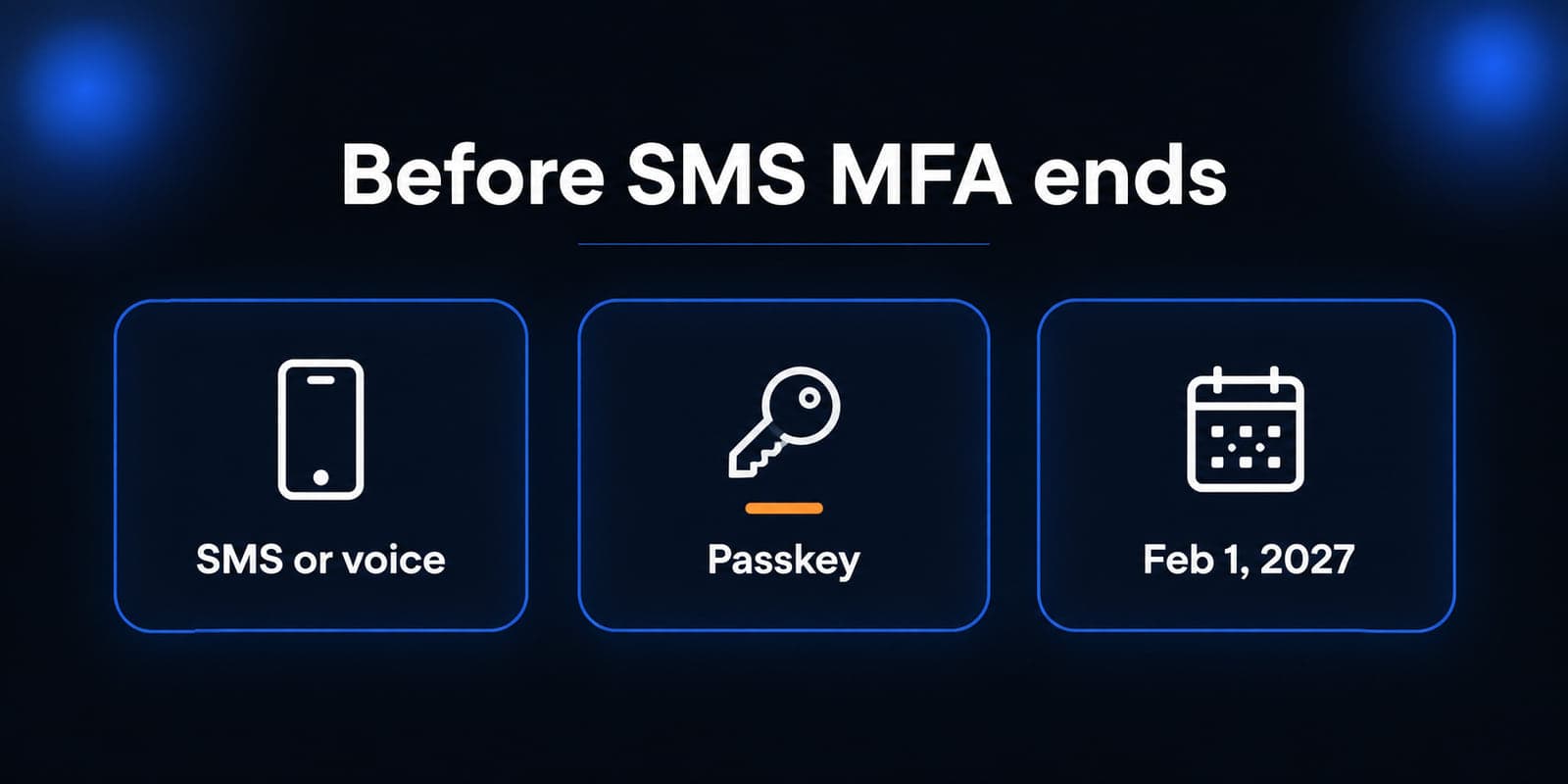
If people in your office still get a text or a phone call when they sign in to Microsoft 365, that method is on a clock. Microsoft Entra ID is making passkeys the default sign-in experience, and it will stop providing SMS and voice multifactor authentication for most accounts on February 1, 2027.
This is not the same as turning MFA on. Many offices already require a second factor. The change is which second factor Microsoft will keep delivering itself, and what happens if a user's only remaining method is a text or a call.
What is actually changing
Microsoft published the plan in July 2026 and started the rollout on September 1, 2026. For users who are still enabled for SMS or voice, Entra ID automatically enables passkeys and starts a registration campaign. The next time those users complete MFA, they can be prompted to register a passkey. During the campaign they can skip the prompt.
Skipping it does not keep SMS working forever. Microsoft-provided telecom delivery for SMS and voice ends on February 1, 2027 for all users except Global Administrators and external users. Those two groups follow a later date: July 1, 2027. Internal guest users are not in the July group. They follow the February date.
After the retirement date that applies to an account, a person whose only MFA method is still Microsoft-provided SMS or voice will need to register a passkey before they can sign in as usual. Microsoft says there is no opt-out from that later behavior.
There is a temporary opt-out for the September 2026 through February 2027 enablement and registration campaign. It delays the prompt and automatic passkey enablement while you finish planning. It does not cancel the February and July retirements.
What a passkey is, in office terms
A passkey is a phishing-resistant credential stored on a device or in a passkey provider. The user unlocks it with Windows Hello, a phone biometric or PIN, or a hardware security key. The secret is not typed into a fake Microsoft page the way a one-time text code can be.
Microsoft Entra ID supports device-bound passkeys, including Microsoft Authenticator and FIDO2 security keys, and synced passkeys from providers such as Apple iCloud Keychain and Google Password Manager. Passkeys are available in every Entra ID edition, including Free. You do not need a new Microsoft 365 SKU just to use them.
People who already sign in with passkeys, Windows Hello for Business, or another phishing-resistant method can keep using those methods. They may still see a registration prompt if SMS or voice remains enabled on the account.
Who this hits first
The people at risk of a surprise lockout are not the ones who already use Authenticator push, Windows Hello, or a security key as their everyday method. The people at risk are the ones who still complete MFA only with a text or a phone call: a partner who never installed Authenticator, a bookkeeper on a shared desk phone, a remote staffer whose number changed, or an older mailbox that was never moved off SMS.
Shared accounts make this worse. If three people sign in with one mailbox and a shared cell number, a passkey on one phone does not help the other two. Each person who needs access needs a method they can actually complete.
Milwaukee professional-services offices often keep SMS as a fallback because it felt simple. That fallback is the method Microsoft is retiring as a native Entra service.
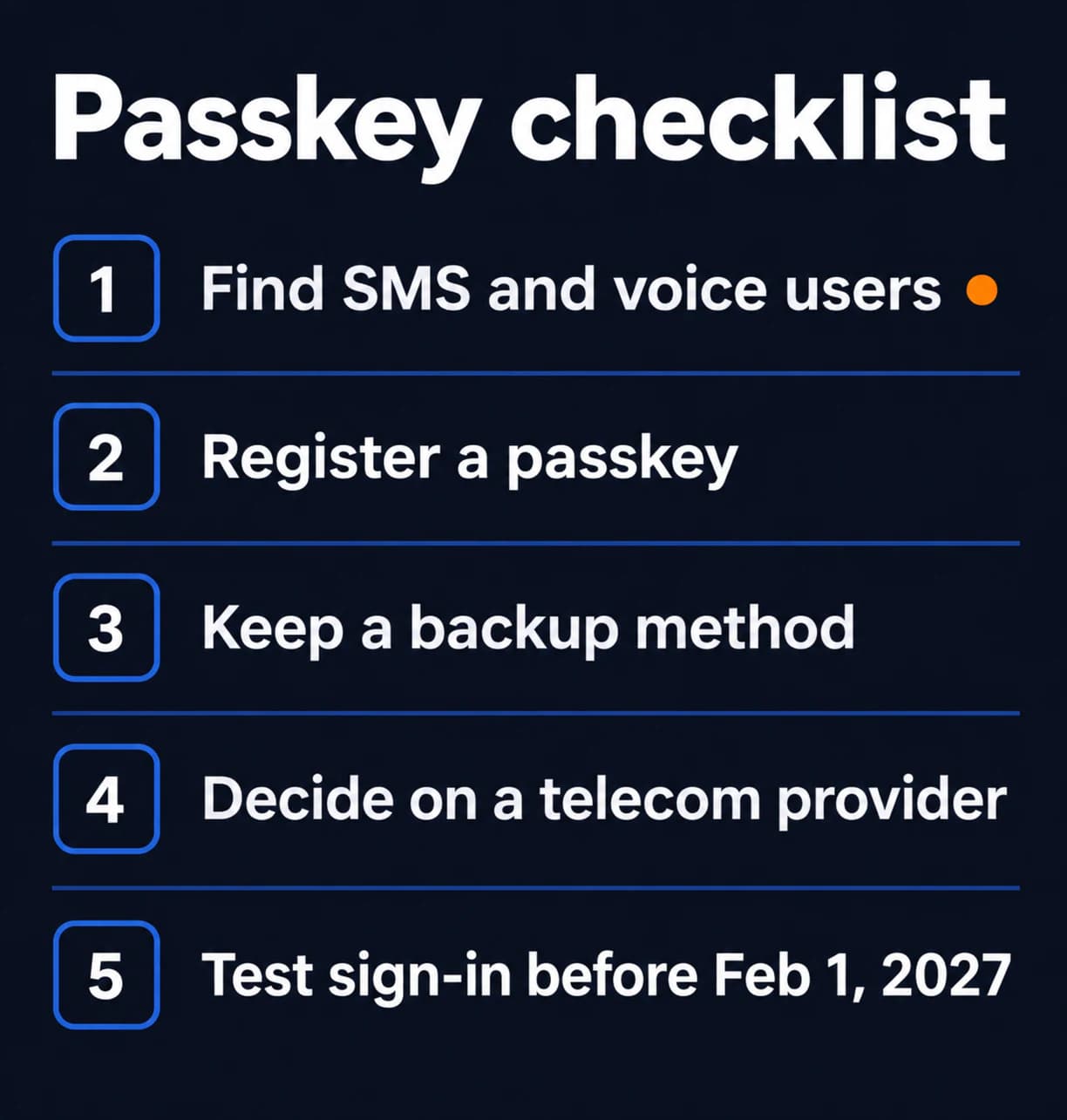
Five checks before February 1, 2027
1. Find who still uses SMS or voice
In Microsoft Entra, look at authentication methods for users enabled for SMS or voice. Microsoft documents this as the starting inventory. Export or review the list. Do not guess from help-desk memory.
Include Global Administrators and guest accounts in a separate pass. Their dates are not identical, and a leftover guest with SMS-only MFA is still leftover access.
2. Register a passkey on a device the person actually uses
For most staff, that means a passkey in Microsoft Authenticator or Windows Hello on their work PC. Registration normally requires a recent MFA proof, so plan this while the current method still works.
Tell people what they will see: a prompt to create a passkey, not a demand to replace their password today. A skipped prompt is not a completed registration.
3. Keep a backup method that is not SMS
One passkey on one phone is a single point of failure if the phone is lost, reset, or left at home. A second method, such as a FIDO2 key in a locked drawer or Windows Hello on the assigned PC, is the difference between a delayed morning and a locked mailbox.
Document who can recover a broken sign-in. A leftover admin or shared password is not a recovery plan.
4. Decide whether anyone still needs SMS or voice
Microsoft recommends passkeys. It also allows organizations that still need telecom MFA to pick a customer-managed provider through the Microsoft Security Store, with selection available beginning October 30, 2026. That path is for a documented exception, not for the whole office.
If you do not configure a provider, Microsoft-provided SMS and voice simply stop for in-scope users on the retirement date. Do not assume a carrier contract appears automatically.
5. Test sign-in before the date, not on the date
Pick a few real roles: an owner, an office manager, a remote employee, and one Global Administrator. Sign out, sign back in, and confirm the passkey works on the device they use every day. Fix the failures while SMS still exists as a fallback.
A Microsoft 365 security checklist still matters. This passkey work sits on top of it. MFA that depends on a text message is the part Microsoft is changing.
Mistakes that create lockouts
- Treating the skip button as done. The campaign lets users postpone registration. It does not enroll them.
- Leaving SMS enabled and calling it a backup. After the retirement date, Microsoft-provided SMS is not a backup for in-scope users unless you have configured a telecom provider.
- Enrolling one shared phone. Passkeys belong to a person and a device. A front-desk Android that everyone borrows will fail the first Saturday someone needs email from home.
- Ignoring guests and Global Admins. Different dates, same class of problem: an account that can still open mail or the tenant with a method Microsoft is retiring.
Passkeys reduce the chance that a fake login page captures a code from a text message. They do not make every email safe. Staff should still pause on unexpected payment or password requests, the same habit covered in our phishing examples.
The next useful step
Ask whoever administers Microsoft 365 for one list: users still enabled for SMS or voice MFA. If that list is empty and people already sign in with Authenticator, Windows Hello, or a security key, you are in better shape than most offices. Confirm it anyway, including guests and Global Admins.
If the list is not empty, start registration with those accounts this month. February 2027 is a hard stop for Microsoft-provided SMS and voice for most users, not a reminder email you can ignore until the week before.
We can help pull the Entra method report, choose passkey options that match the devices people already carry, and test sign-in for the roles that cannot afford a lockout. The goal is ordinary: people can open email on Monday without a text message Microsoft no longer sends.
Sources
- Microsoft Learn: Passkeys by default and retirement of Microsoft-provided SMS and voice authentication
- Microsoft Security Blog: Passkeys are the default authentication method in Entra ID
- Microsoft Learn: Enable passkeys (FIDO2) in Microsoft Entra ID
- Microsoft Learn: Plan a phishing-resistant passwordless authentication deployment

Powerful IT Systems · Sussex, WI
Hands-on IT experience serving Milwaukee-area businesses.