
A backup job fails on a Friday night. The alert email goes to a shared inbox. Your in-house IT person figures the MSP is watching backups, since the MSP set them up. The MSP figures your IT person handles anything on the file server, since that was the agreement two years ago. Nobody looks until Wednesday, when someone needs a file restored.
That's the main risk in co-managed IT, and it's also the main thing that decides which model fits you. Fully managed IT means the MSP owns your IT work from end to end. Co-managed IT means you keep an in-house IT person and the MSP takes an agreed share of the work. Both can work well. Co-managed only works when each task has a written owner.
This is part three of our series on choosing an IT support model. Below: a responsibility split you can fill in, what each model costs in the Milwaukee area using published wage data and real plan prices, and a fair "this fits you when" for each side.
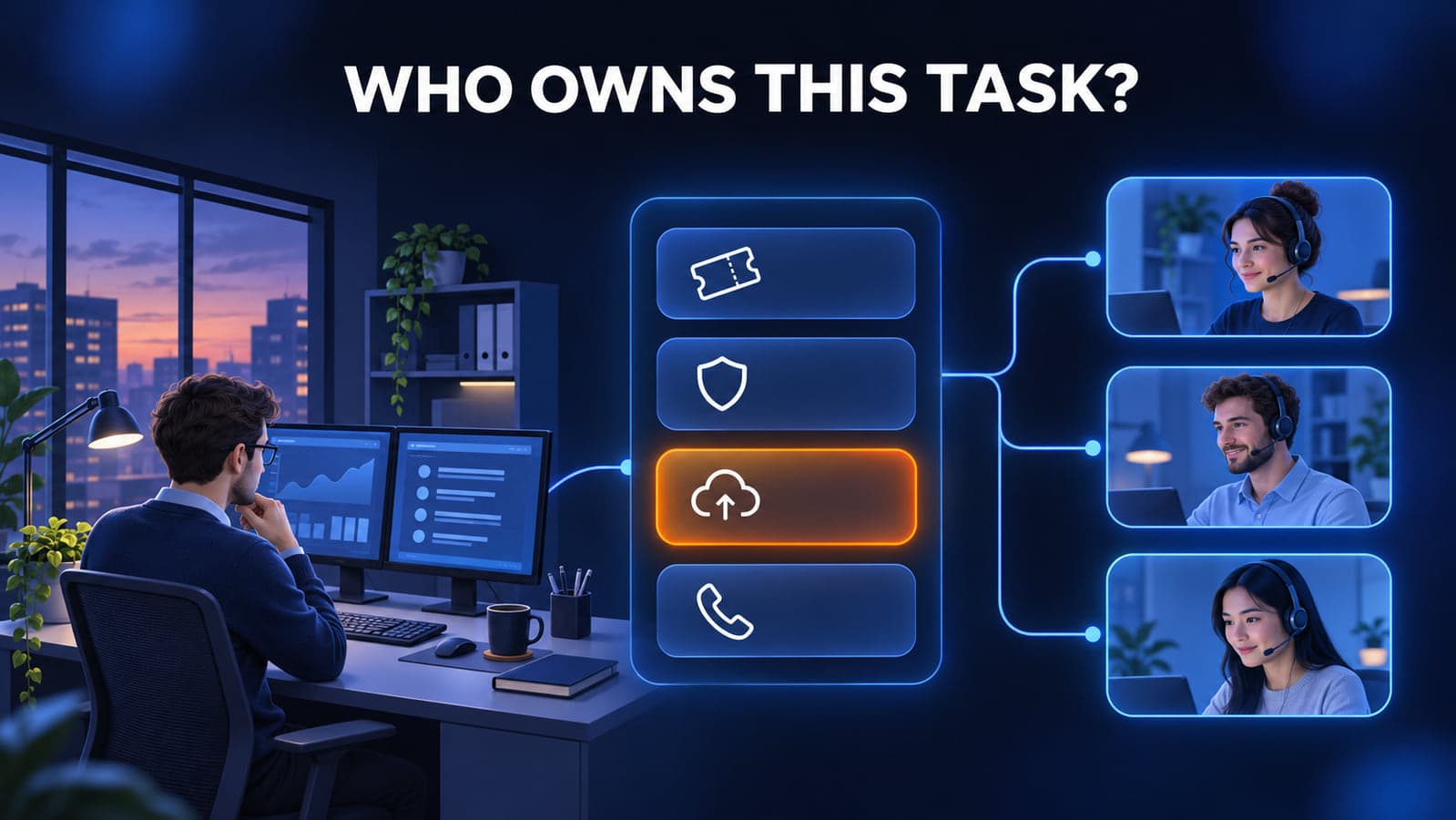
What each model actually means
Fully managed IT. The MSP is your IT department. They take the tickets, patch the computers, watch security alerts, manage backups, handle Microsoft 365, and call your internet provider when the connection drops. You still make the business decisions, such as budget, which software to buy, and who gets access to what, but the day-to-day work and the follow-through sit with the provider.
Co-managed IT. You already have someone in-house, whether a full-time IT person or an office manager who handles IT on the side. The MSP adds what that person can't cover alone. Common splits include security monitoring, patching, after-hours coverage, project work, or overflow tickets. Your IT person usually stays in charge of priorities. Our own co-managed IT page describes how we do that, so this post focuses on the split itself.
The difference isn't the tools or the price per computer. It's who answers for each task when something goes wrong.
The responsibility split
Federal cybersecurity agencies have been direct about this. A 2022 joint advisory from CISA, NSA, FBI and partner agencies in four other countries tells MSP customers to make sure their contracts "transparently identify ownership of ICT security roles and responsibilities." The same advisory says each customer should make sure the contract specifies "whether the MSP or the customer owns specific responsibilities, such as hardening, detection, and incident response."
In a fully managed setup, most of this table says "MSP" and the gaps are easy to spot. In a co-managed setup, it's the most useful page you'll write. Fill it in with your IT person and your provider in the same room.
| Task | Owner (us, MSP, or shared) | Watch for |
|---|---|---|
| Help desk tickets and password resets | Staff need one way to ask for help, not two | |
| Windows and third-party patching | Who approves reboots, and who checks failed updates | |
| Security alerts (EDR, SOC, suspicious sign-ins) | Who gets called at 2 a.m., and who can isolate a PC | |
| Backup monitoring and test restores | Failure alerts going to one person or a dead inbox | |
| Microsoft 365 or Google Workspace admin | Who creates accounts, licenses, and sharing rules | |
| New hire setup and offboarding | Who disables the account the day someone leaves | |
| Admin accounts, including the MSP's own | Accounts nobody disables when people or contracts change | |
| Firewall, switches, and Wi-Fi | Firmware updates nobody schedules | |
| Vendor calls (ISP, phones, line-of-business software) | Whose name is on the account and who can open a ticket | |
| Projects (server moves, office moves, new software) | Who plans it and who supports it after go-live | |
| Documentation and passwords | One shared, current set, not two private ones |
Shared is a fine answer, but write down who goes first. "Shared" with no first responder usually means nobody.
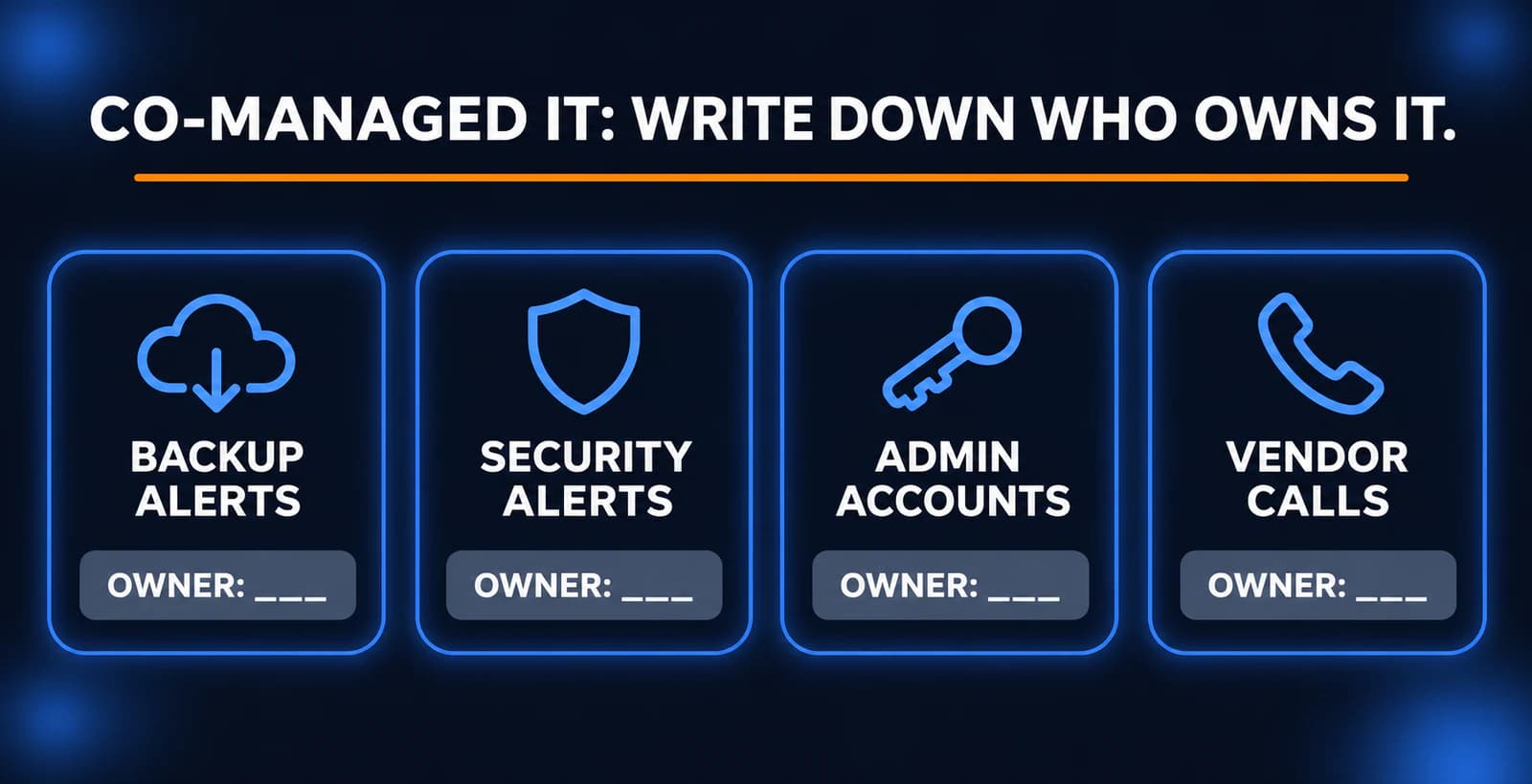
Where co-managed IT goes wrong
The tasks that slip are rarely the visible ones. Tickets get noticed because people complain. The trouble is in quiet work that only shows up when it fails.
- Backup failure alerts. Backups break quietly. If the alert goes to someone who assumes the other side is handling it, you find out during a restore. CISA's advisory tells customers to "regularly update and test backups," which means someone has to own the test, not just the job.
- Admin accounts. Old IT staff, former vendors, and MSP technician accounts pile up. The advisory notes that "disabling MSP accounts can be overlooked when a contract terminates." The same goes for your in-house person's admin access when they leave.
- Firewall and network firmware. It isn't urgent until a vendor publishes an exploited flaw. If your IT person thinks the MSP monitors the firewall and the MSP's scope only covers computers, nobody patches it.
- Incident response. When a staff account gets phished, who resets the password, checks the mailbox rules, and calls the insurance carrier? Decide before it happens, not during.
Fully managed IT has gaps too, but they tend to sit at the edges: software the MSP doesn't support, or vendor accounts still in the owner's name. The fix is the same table.
What each model costs in the Milwaukee area
Co-managed IT costs more in dollars than fully managed, because you pay for both an employee and a provider. The question is whether the in-house person is worth it for your office.
The in-house person. Bureau of Labor Statistics wage estimates for the Milwaukee-Waukesha metro area, May 2025, are median annual wages, meaning half of workers earn more and half earn less:
- Computer User Support Specialists (SOC 15-1232): $60,230 in Milwaukee-Waukesha ($58,810 statewide in Wisconsin).
- Network and Computer Systems Administrators (SOC 15-1244): $90,140 in Milwaukee-Waukesha ($83,650 statewide in Wisconsin).
Salary isn't the whole cost. In BLS's June 2026 Employer Costs for Employee Compensation report, wages and salaries accounted for 68.5 percent of employer costs for full-time private industry workers, and benefits accounted for the remaining 31.5 percent. That's a national figure, but it gives a fair way to estimate the full cost: divide the wage by 0.685.
- $60,230 ÷ 0.685 = about $87,927 per year
- $90,140 ÷ 0.685 = about $131,591 per year
The MSP. Powerful IT's pricing page lists two flat per-computer plans, both month-to-month: Remote at $75 per computer per month for 1 to 19 computers, and Premium at $125 per computer per month for 20 to 200+ computers. Server management starts at $125 per server per month plus $150 per location per month. On-site visits on the Remote plan are $100 per hour; Premium includes on-site support. Our co-managed service runs on the same two plans.
Here's a 40-computer office, side by side:
| Model | Basis | Yearly |
|---|---|---|
| Fully managed | Premium plan, $125 × 40 × 12 | $60,000 |
| Co-managed, user support level hire | $87,927 hire + $60,000 Premium plan | about $147,927 |
| Co-managed, systems administrator level hire | $131,591 hire + $60,000 Premium plan | about $191,591 |
| In-house only, user support level | $60,230 ÷ 0.685 | about $87,927 |
And the MSP fee alone for a few office sizes:
| Office size | Plan | Monthly | Yearly |
|---|---|---|---|
| 15 computers | Remote, $75 × 15 | $1,125 | $13,500 |
| 40 computers | Premium, $125 × 40 | $5,000 | $60,000 |
| 100 computers | Premium, $125 × 100 | $12,500 | $150,000 |
The MSP rows leave out server and location charges, and the hire rows leave out recruiting, tools, and training. Treat this as a starting comparison, not a quote. For other providers, we couldn't find a reliable published price range for co-managed work, so ask each one to price the same written split.
The in-house-only row is cheapest on paper for 40 computers, but it's one person. Part two of this series covers what that means when they're out.
This fits you when...
Fully managed IT fits when:
- You don't have an IT person, or the person doing IT has a different real job.
- You want one party responsible for everything, with one number to call.
- Your office doesn't have enough daily IT work to keep a full-time person busy.
- You want security monitoring, backups, and patching handled without hiring for each skill.
Co-managed IT fits when:
- You already have a capable IT person and want to keep them.
- Your office has enough specialized software or daily hands-on work that someone on site every day pays off.
- Your IT person is stretched thin or has no cover for nights, time off, or security alerts.
- You're willing to fill in the responsibility table above and review it at least once a year.
The cost table does a lot of the deciding. At $125 per computer, a fully managed plan stays below the loaded cost of one user-support-level hire up to about 58 computers, and it comes with a team and local on-site support. Co-managed earns its higher cost when your IT person brings something an outside team can't easily replace, such as deep knowledge of your line-of-business software or daily presence for a busy staff.
Checklist: is ownership clear in your office?
Try these five checks this week, whether you're co-managed, fully managed, or still deciding.
- Fill in the table. Put a name, not a company, next to each of the 11 tasks above. Mark anything that says "shared" with who goes first.
- Follow one backup alert. Find where backup failure emails actually land. Confirm someone reads that inbox and knows what to do.
- List every admin account. In Microsoft 365 or Google Workspace, and on the firewall, list who has admin rights. Disable any account for a former employee or past vendor.
- Check firmware dates. Ask who last updated the firewall, switches, and Wi-Fi access points, and when.
- Write down the first call. If a staff account gets compromised tomorrow, who does your office manager call first? Put the name and number somewhere everyone can find it.
If two or more of these turn up a blank or a disagreement, that's your next IT project, whichever model you choose.
How Powerful IT works
Powerful IT Systems is a Milwaukee-area MSP based in Sussex, Wisconsin, working with businesses from about 10 to 200 computers. We offer fully managed IT, co-managed IT alongside an in-house person, and remote-first support.
In a co-managed setup, your IT person stays in charge of priorities. We agree on the split up front, work from the same documentation and dashboards, and take the pieces one person can't cover, such as 24/7 security monitoring (SOC), endpoint protection (EDR), overflow tickets, and project help. In a fully managed setup, onboarding starts with documenting admin access, vendors, network layout, and backups, so the table above has a real answer on day one.
If you'd like to compare plans line by line, our pricing page shows what each one includes.
Related reading
Sources
- CISA, NSA, FBI and partners: Protecting Against Cyber Threats to Managed Service Providers and their Customers (AA22-131A)
- O*NET OnLine: Local wages for computer user support specialists, Milwaukee-Waukesha (BLS 2025 wage data)
- O*NET OnLine: Local wages for network and computer systems administrators, Milwaukee-Waukesha (BLS 2025 wage data)
- U.S. Bureau of Labor Statistics: May 2025 occupational employment and wage estimates
- U.S. Bureau of Labor Statistics: Employer Costs for Employee Compensation, June 2026
- Powerful IT Systems: Managed IT plans and pricing
- Powerful IT Systems: Co-managed IT services

Powerful IT Systems · Sussex, WI
Hands-on IT experience serving Milwaukee-area businesses.