
If your web team patched Drupal after Wednesday's brief, ask them to check the version again. Drupal issued a follow-up fix for sites the first update left vulnerable.
Microsoft also confirmed that some third-party sign-ins can fail after November's Windows updates. CISA added Mitel MiCollab flaws to its list of vulnerabilities used in attacks.

Drupal: The first patch did not cover every site
What happened
Drupal's November 25 advisory, CVE-2026-136716, says some sites in an unusual or incomplete installation state remained open to takeover after the earlier fix. Drupal confirms this follow-up flaw is being exploited.
Who is affected
Drupal sites in those states, including production sites. Drupal says sites that already secured the installer are not vulnerable to this issue. A normal-looking admin screen does not tell you whether the site is affected.
What to check or fix now
- Ask your site maintainer to confirm the Drupal core version. The follow-up fixes are 10.6.23, 11.3.23, and 11.4.14, depending on your branch. Move unsupported branches to a supported release.
- After upgrading, have the maintainer run
update.php. Drupal says the update hook is required to fix existing production sites in the affected state. - If the installer was left reachable, review site logs for unexpected activity by or changes to Drupal's original administrator account (
user 1). Confirm its email address belongs to you. If you see signs of compromise, follow Drupal's incident guidance rather than treating the patch as cleanup.
How to prevent it
Have your maintainer secure the installer as Drupal recommends and include the database update step in their patch checklist. Our guide on regular software updates covers how to plan patching.
Windows: Test third-party sign-ins after November updates
What happened
On November 24, Microsoft added a compatibility warning to its guidance on NTLM, an older Windows authentication method. The November security updates strengthened NTLM message signing. Some third-party products that don't implement NTLM correctly can fail to sign users in after the update.
Who is affected
Offices with updated Windows devices that use affected NTLM-based authentication proxies, single sign-on products, or application packaging tools. This is not a general Windows sign-in outage.
What to check or fix now
- Pick a Windows computer that already received the November security update. From that computer, try signing in to an app that uses a third-party sign-in tool or proxy.
- If it fails, note the app, the computer, and the error. Ask IT to compare the failure with Microsoft's known-issue notes before changing any security settings.
- Ask the product vendor for a compatible update or configuration. Microsoft recommends that as the long-term fix.
How to prevent it
Add that app to your Windows update pilot. Test the real sign-in, not just whether the update installed.
Mitel MiCollab: Confirm the conferencing patch is installed
What happened
On November 25, CISA added five flaws in MiCollab's Audio, Web and Video Conferencing component to its Known Exploited Vulnerabilities Catalog.
Who is affected
Organizations using MiCollab 10.3 (10.3.0.18) and earlier, within the supported versions Mitel evaluated. If your phone provider manages MiCollab for you, ask them to check the server, not just the desktop app.
What to check or fix now
- Ask your phone provider to confirm the server release and patch status. Mitel says to upgrade to 10.3 (10.3.0.18) and apply its separate security patch, or upgrade to a later release. The 10.3.0.18 version number by itself is not proof the patch is installed.
- If the update has to wait, ask the provider to restrict external conferencing access as Mitel recommends. Check the impact on remote meetings before changing access.
- If the component was internet-facing before it was patched, ask the provider to review it for possible compromise. A patch does not establish that the server was clean before it went on.
How to prevent it
Add the conferencing server to your patch inventory, with a named owner for updates and external access.
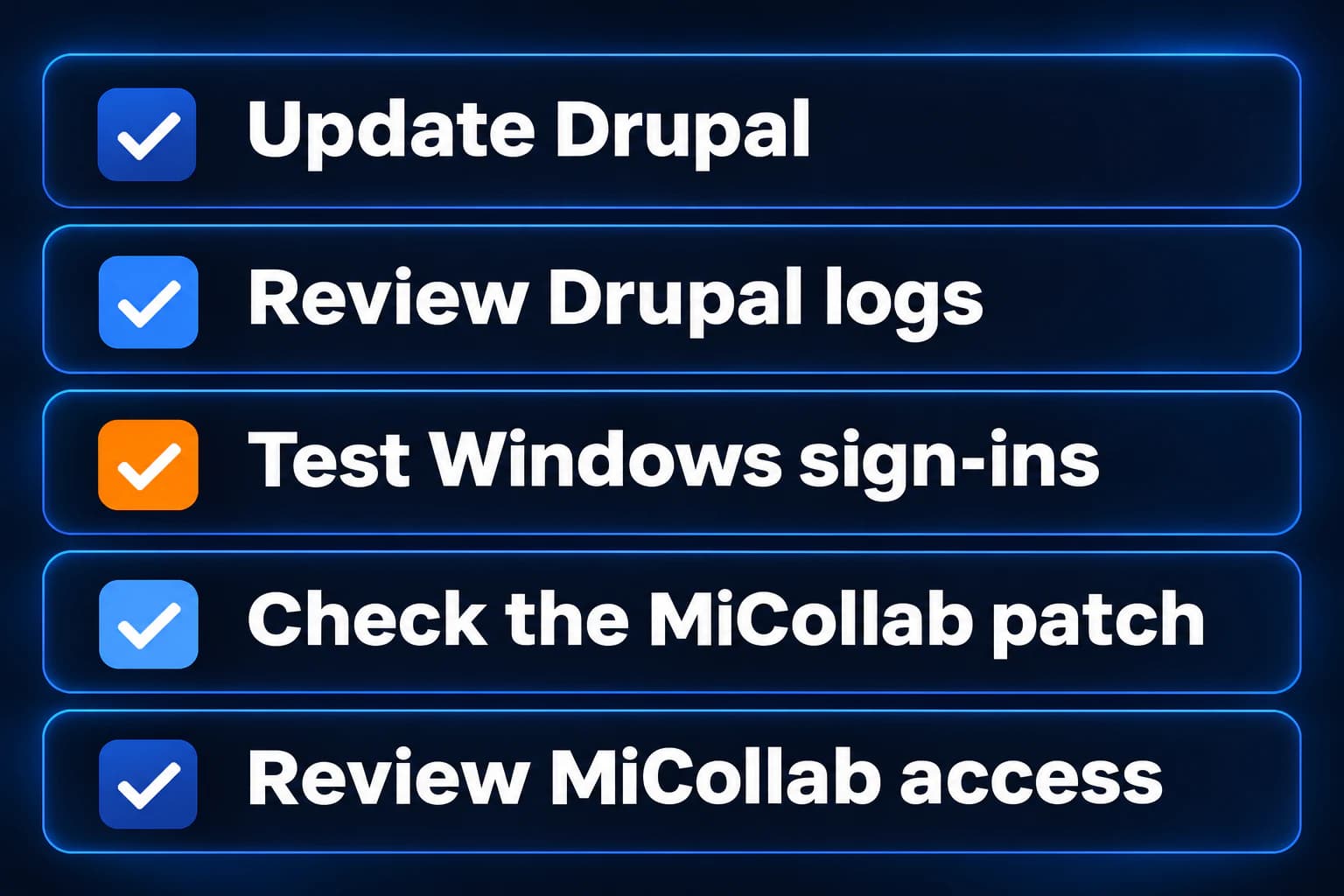
What to do this week
- Update Drupal. Confirm the follow-up release and make sure your maintainer ran the database update.
- Review Drupal logs. If the installer was reachable, check for unexpected changes to the original admin account.
- Test Windows sign-ins. Try a real app sign-in from a patched workstation.
- Check the MiCollab patch. Ask for the patch status, not just the version number.
- Review MiCollab access. Confirm who can reach conferencing from the internet and who reviews suspicious activity.
If you're not sure which vendor owns one of these checks, contact Powerful IT. We can help you figure out what to ask and who should handle it.

Powerful IT Systems · Sussex, WI
Hands-on IT experience serving Milwaukee-area businesses.