
Start with whoever maintains your website. CISA added two website flaws to its known-exploited list on November 24, but the next step is different for each: Drupal sites need a software update, while Optimizely Web Experimentation customers should review their account notice.
If you outsource email filtering, ask your provider whether it uses N-able MailAssure.

Drupal: Patch the site and check for signs of compromise
What happened
CISA listed CVE-2026-132165 as exploited on November 24. Under certain conditions, the flaw can let an attacker take over a Drupal site. The Drupal Security Team received a report of exploitation on live sites.
Who is affected
Organizations running affected Drupal core releases, including sites maintained by a web agency. Drupal lists fixes for the 10.6, 11.3, and 11.4 branches.
What to check or fix now
- Ask your site maintainer to confirm the installed Drupal core version.
- Update to at least 10.6.22, 11.3.22, or 11.4.13 as appropriate for your branch. If your branch is no longer supported, plan the move to a supported release. If you cannot update immediately, follow Drupal's guidance on securing the installer.
- Ask your maintainer to review recent site activity for unexpected admin accounts or file changes. Installing the update doesn't tell you whether someone got in before it was applied.
How to prevent it
Follow Drupal's guidance for securing the installer after setup, and assign someone to own core updates even if an outside agency maintains the site. Our guide on regular software updates explains why that ownership matters.
N-able MailAssure: Confirm your email filter is on the fixed build
What happened
CISA listed CVE-2026-134624 as exploited on November 23. The flaw affects a directory synchronization check in N-able MailAssure (SpamExperts). It lets an authenticated API user make the server contact internal systems it shouldn't.
Who is affected
N-able lists MailAssure (SpamExperts) builds before 20261121.1943 as affected; that build contains the fix. If a provider manages your filter, you may not see the product name in your email app.
What to check or fix now
- Find out which service filters your incoming mail. If your provider uses MailAssure or SpamExperts, ask it to confirm your service runs the fixed build or a later one.
- If you manage an affected instance yourself, apply the vendor's fix. Ask whoever manages the filter to review API access and relevant logs for unexpected activity.
How to prevent it
Keep a record of who owns the email filter and its API accounts. Before removing access that looks unused, check whether any integration still depends on it.
Optimizely Web Experimentation: Check whether your projects were affected
What happened
CISA added CVE-2026-132224 to its known-exploited list on November 24. Optimizely says someone inserted malicious code into some customer projects on November 16. The company says it fixed the flaw and removed the injected code.
Who is affected
The incident was limited to Web Experimentation, the service used to test different versions of a webpage. Optimizely says it contacted every Web Experimentation customer to confirm whether they were affected. Other Optimizely products were not affected, according to the company.
What to check or fix now
- Ask your web or marketing team if it uses Optimizely Web Experimentation. If it does, find the vendor notice and check your account's status.
- If the notice says you were affected, get the project details and follow the vendor's guidance. Share the notice with both the website maintainer and your security contact so they can coordinate the response.
How to prevent it
Keep a list of third-party scripts your website runs, who owns each one, and who receives security notices. Remove scripts you no longer use after checking with their owners.
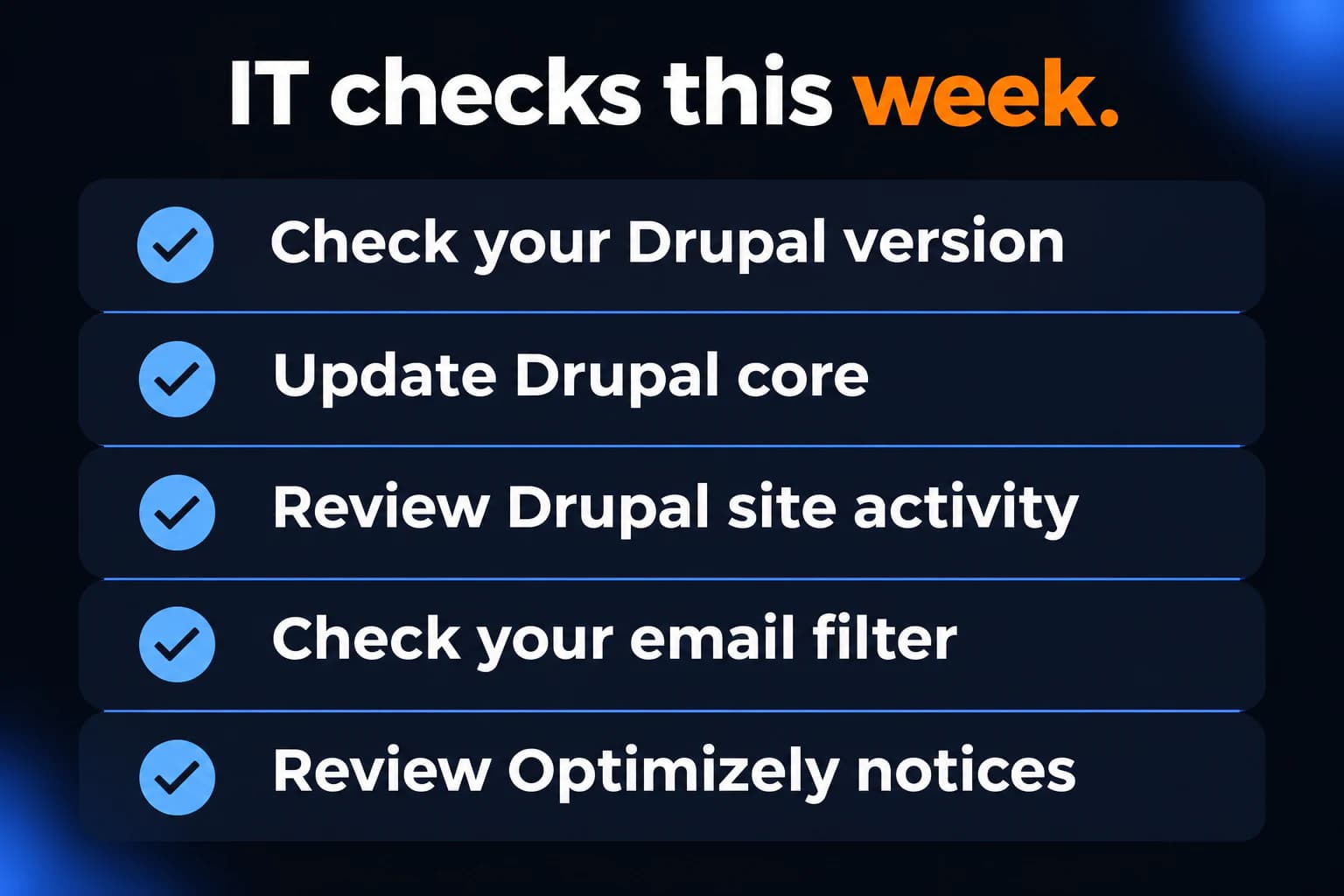
What to do this week
- Check your Drupal version. Ask your site maintainer to confirm what's running.
- Update Drupal core. Install the fixed release for your branch or move to a supported one.
- Review Drupal site activity. Look for unexpected admin accounts or file changes.
- Check your email filter. If it's MailAssure or SpamExperts, confirm the fixed build with your provider.
- Review Optimizely notices. If you use Web Experimentation, confirm whether your projects were affected.
If you're not sure who owns one of these checks, Powerful IT can help you work out who to contact and what to ask for.

Powerful IT Systems · Sussex, WI
Hands-on IT experience serving Milwaukee-area businesses.