
This week's Patch Tuesday fixed an Outlook bug that attackers were already using to steal sign-in hashes. Google patched a Chrome flaw with an exploit in the wild, and Microsoft Edge was still waiting on its fix at Microsoft's last update. Barracuda also confirmed that the appliance flaws it patched on November 2 are now being exploited.
All three come down to the same job for your Milwaukee or Southeast Wisconsin office: update the thing, then confirm the update actually landed.

Outlook: install the November Office update, an exploited bug leaks sign-in hashes
What happened
On November 10, Microsoft fixed CVE-2026-124194, an Outlook spoofing vulnerability, and marked it "Exploitation Detected." Per Microsoft, an attacker sends a specially crafted message file and convinces someone to open it. Opening it "could cause Outlook to connect to an attacker-controlled network location without displaying the usual external-content warning." Microsoft says this discloses the user's NTLMv2 hash, which the attacker "could use this to authenticate as the user." Microsoft rates it Moderate (CVSS 6.5), and says the Preview Pane is not an attack vector: the user has to open the file. CISA added it to its Known Exploited Vulnerabilities catalog the same day.
Who is affected
Microsoft lists Microsoft 365 Apps for Enterprise, Office LTSC 2024, and Office LTSC 2021, in 32-bit and 64-bit editions. Microsoft's Office release notes list the November 10 fixed builds, for example Current Channel Version 2610 (Build 20527.20196), Office LTSC 2024 Version 2408 (Build 17932.21140), and Office LTSC 2021 Version 2108 (Build 14334.21048).
What to check or fix now
- In Outlook, go to File, Office Account, Update Options, Update Now, then restart Outlook.
- Compare the build shown under Office Account with the November 10 build for your channel in Microsoft's release notes.
- In your patch tool or Microsoft 365 admin center, find PCs still on an older build. Laptops that stay asleep or off the network are the usual stragglers.
- Remind staff not to open message files or Office files they were not expecting, even from a familiar name.
How to prevent it
Let Office update itself on a schedule you actually check, not just Windows. Rapid7 notes that a leaked NTLMv2 hash can be relayed against services that lack protections such as SMB and LDAP signing, or cracked offline, so it is worth confirming signing is on and that your firewall does not allow SMB (TCP port 445) out to the internet. For the bigger picture, see why regular software updates matter.
Chrome: update to 157.0.8103.50, an exploit is in the wild, Edge fix pending
What happened
On November 9, Google released Chrome 157.0.8103.50/.51 for Windows and Mac and 157.0.8103.50 for Linux, with 9 security fixes. One of them, CVE-2026-125350, is a use-after-free in XML, and Google says it "is aware that an exploit for CVE-2026-125350 exists in the wild." CISA added it to the Known Exploited Vulnerabilities catalog on November 10 and notes it can affect other Chromium-based browsers, including Microsoft Edge.
Who is affected
Anyone running Chrome below 157.0.8103.50. Google says the update "will roll out over the coming days/weeks," so many PCs will not have it yet. For Edge, Microsoft's November 9 release note says Microsoft "is aware of the recent exploits existing in the wild" and is "actively working on releasing a security fix." The latest Edge Stable build listed there, 157.0.4341.42 from November 5, came out before that note.
What to check or fix now
- In Chrome, open Help, About Google Chrome. Confirm 157.0.8103.50 or later, and click Relaunch if it asks.
- Check your management tool for PCs where Chrome has not restarted in days. Chrome only applies the update after a relaunch.
- Watch Microsoft's Edge security release notes and push the Edge update as soon as it lists the fix.
How to prevent it
Manage browsers like any other software: use automatic updates, and set a relaunch deadline through policy so a browser left open for weeks still picks up fixes.
Barracuda appliances: the November 2 flaws are now being exploited
What happened
We covered these two Barracuda flaws in our November 4 threat brief, when the advisory did not report any attacks. On November 9, Barracuda updated it: "We have identified exploitation activity affecting a small number of organizations." CVE-2026-116606 is a pre-authentication authorization bypass in the Email Security Gateway, and CVE-2026-111560 is a command injection flaw in several products. Barracuda says that together they "could allow an attacker to bypass authorization controls and obtain root access to the device." On November 5, Barracuda also clarified that CVE-2026-116606 needs no login; it only needs the admin interface to be reachable. CISA added both to the Known Exploited Vulnerabilities catalog on November 10.
Who is affected
Per Barracuda's advisory:
- Email Security Gateway (ESG): both flaws. Patch BNSF-40425 for 9.4.017 and later, BNSF-40430 for earlier versions.
- Load Balancer ADC and Web Application Firewall: CVE-2026-111560. Patch BNADC-16586.
- Message Archiver: CVE-2026-111560. Patch BNMA-32468.
- WAF Control Center: CVE-2026-111560. Patch BNWF-60060.
- Web Security Gateway: CVE-2026-111560. Patch BNYF-24789.
What to check or fix now
- Confirm every Barracuda appliance has its patch and the latest firmware. Barracuda says a device several versions behind "may need to perform more than one update."
- If the patch was not applied automatically, apply it manually, and turn automatic patching back on.
- Check whether the admin interface can be reached from the internet. If it can, restrict it to trusted internal networks, as Barracuda recommends.
- If an Email Security Gateway admin page was exposed, review its configuration for changes nobody made. Mandiant's write-up says the bypass lets an attacker restore a crafted backup and change the appliance's global configuration.
How to prevent it
Keep admin pages for firewalls, email gateways, and appliances off the open internet. This bug went from "patch soon" to "exploited" in a week, and the only devices it can reach are the ones with an exposed admin page.
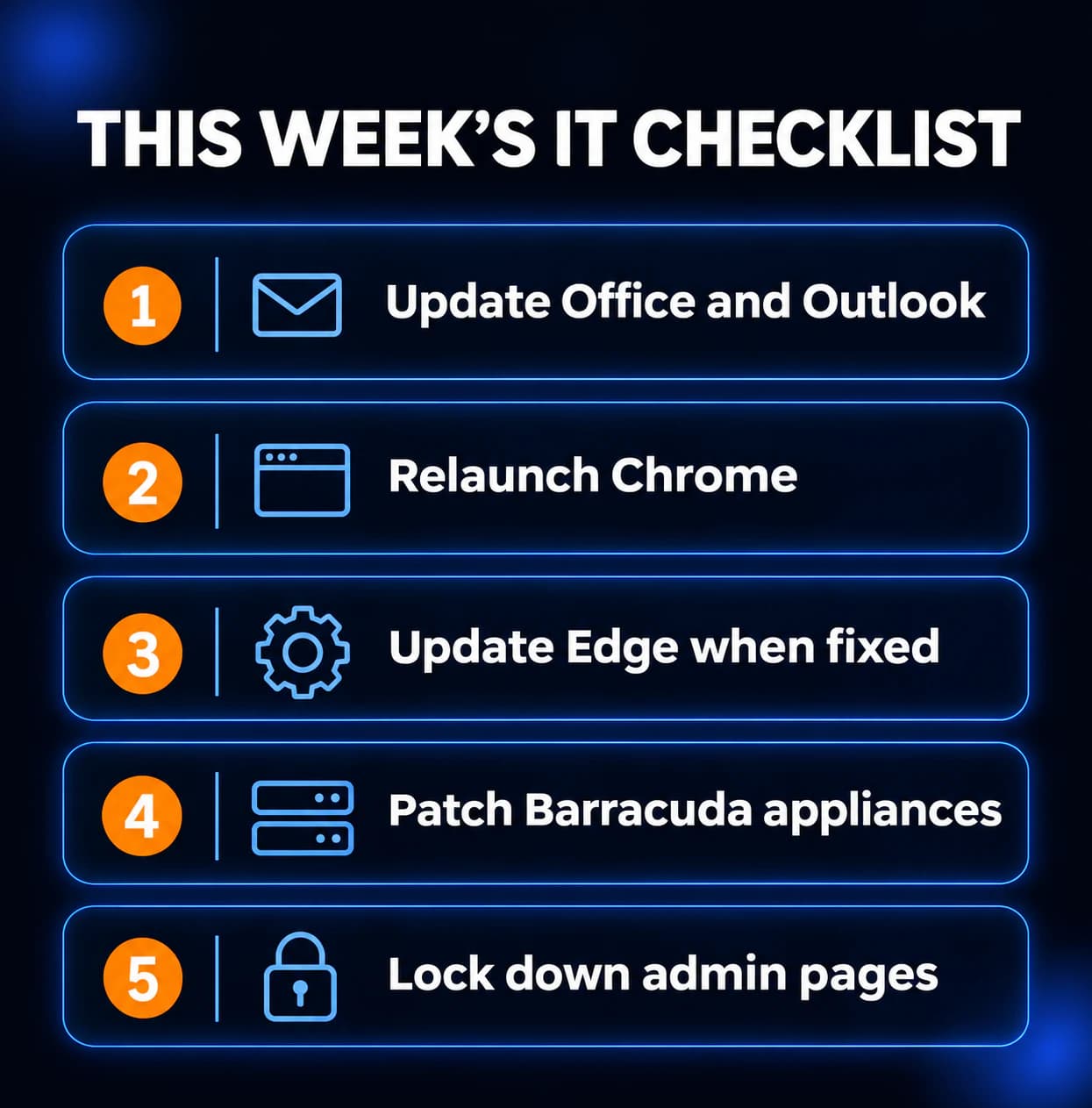
What to do this week
- Update Office on every PC and confirm Outlook is on the November 10 build for its channel.
- Relaunch Chrome everywhere and confirm version 157.0.8103.50 or later.
- Push the Edge update as soon as Microsoft's release notes list the fix.
- Patch every Barracuda appliance and confirm the firmware is current.
- Make sure no firewall, email gateway, or appliance admin page is open to the internet.
If you need someone who can handle these checks for you, reach out to us. We would be happy to help.
Sources
- Microsoft Security Response Center, CVE-2026-124194
- Microsoft, Office security update release notes
- NVD, CVE-2026-124194
- Rapid7, November 2026 Patch Tuesday analysis
- Google Chrome Releases, Stable Channel Update for Desktop, November 9
- NVD, CVE-2026-125350
- Microsoft Edge security release notes
- Barracuda security advisory (updated November 9)
- Mandiant disclosure MNDT-2026-0042
- NVD, CVE-2026-116606
- NVD, CVE-2026-111560
- CISA Known Exploited Vulnerabilities catalog

Powerful IT Systems · Sussex, WI
Hands-on IT experience serving Milwaukee-area businesses.