
This week's useful work is three concrete jobs: a Chromium bug that CISA now lists as exploited, leftover Exchange 2016 or 2019 that Microsoft will start throttling when it talks to Exchange Online, and Entra ID users who still rely on SMS or voice getting nudged onto passkeys.
None of these items means every local firm is already compromised. The browser fix applies to almost every desk. The Exchange change only applies if you still have an on-premises server sending mail into Microsoft 365 through a specific connector. The passkey change is a sign-in prompt, not a breach.
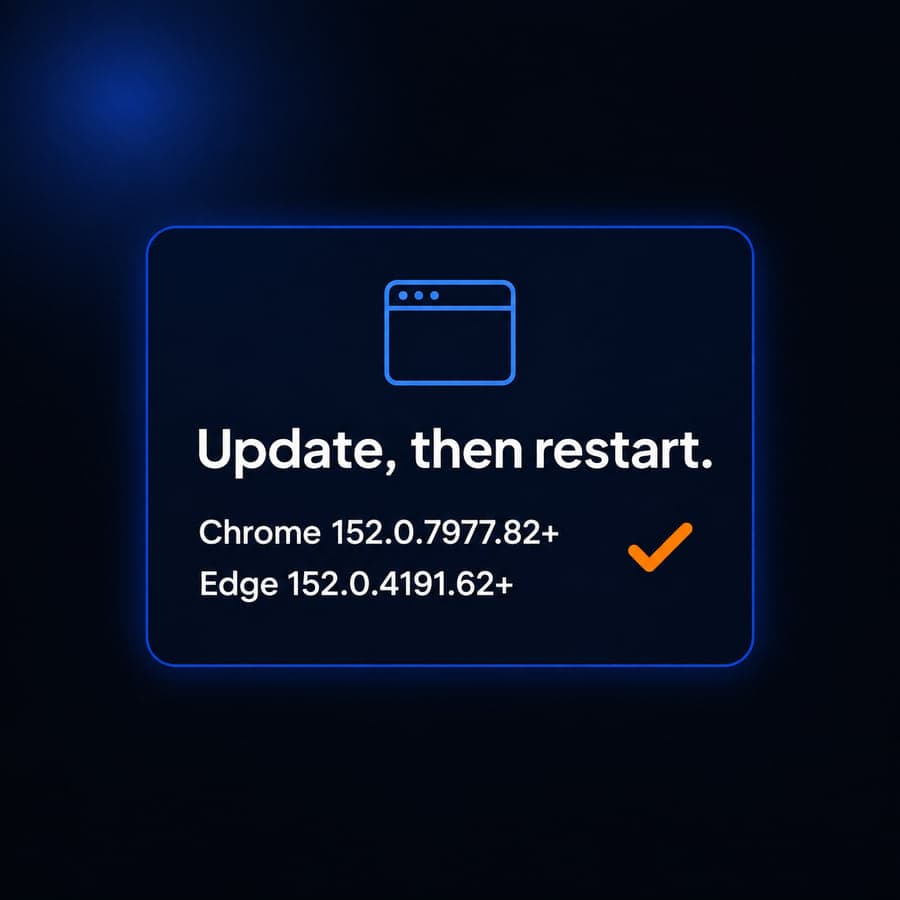
Chrome and Edge need this week's Chromium build, then a restart
What happened
Google published a Chrome Stable channel update to 152.0.7977.82/.83 on Windows and Mac, and 152.0.7977.82 on Linux. The advisory lists 12 security fixes. The one that matters this week is CVE-2026-85046: a high-severity type confusion in V8, Chrome's JavaScript and WebAssembly engine, reported by Salvatore Gulizia (Serotav). Google wrote, verbatim, "Google is aware that an exploit for CVE-2026-85046 exists in the wild."
CVE.org describes the same bug as type confusion in V8 in Google Chrome prior to 152.0.7977.82 that allowed a remote attacker to execute arbitrary code inside the sandbox via a crafted HTML page. That is renderer-sandbox code execution from a malicious page, not a claim that the bug already escapes the sandbox or encrypts files.
CISA added CVE-2026-85046 to the Known Exploited Vulnerabilities catalog on September 4, 2026, based on evidence of active exploitation. The catalog names Google Chromium V8 and says a remote attacker can execute arbitrary code inside the sandbox via a crafted HTML page. It also says the issue could affect multiple Chromium browsers, including Google Chrome, Microsoft Edge, and Opera. CISA marks ransomware use as unknown and forensic triage as No. The federal due date in that catalog row is September 18, 2026. That date is a BOD 26-04 deadline for federal civilian agencies, not a legal patch deadline for a private Milwaukee firm. CISA still encourages other organizations to treat KEV items as a priority queue.
Microsoft's Edge security notes for September 2, 2026 say Edge Stable 152.0.4191.62 incorporates the latest Chromium security updates, that the Chromium team reported CVE-2026-85046 has an exploit in the wild, and that this Edge update contains a fix for it. A later Edge Stable build, 152.0.4191.66, is listed for September 4, 2026 on the same notes page.
Who is affected
Any office where staff browse the web in Chrome, Microsoft Edge, or another Chromium browser. That covers most businesses, and you do not need a special product to be affected.
This article does not claim any named Milwaukee customer is running a vulnerable build. It also does not claim every Chromium fork shipped the fix on the same day. Edge's September 2 note is the Microsoft-specific confirmation for that browser. Firefox and Safari are outside CISA's Chromium wording for this CVE.
What to check or fix now
- On a sample of PCs, open Chrome, Settings, About Chrome. Confirm 152.0.7977.82 or later, then fully quit and reopen the browser so the update actually loads.
- On Edge, open Settings, About Microsoft Edge. Confirm 152.0.4191.62 or later, then restart Edge.
- If you manage browsers with Intune or Group Policy, check the reported version, not only that "updates are enabled." Stale Chrome in the system tray is a common miss.
- Repeat for any leftover Chrome on a terminal server, a shop-floor PC, or a partner laptop that still opens client portals.
- Do not treat this CVE, by itself, as ransomware. CISA lists ransomware use as unknown.
How to prevent it
Keep Chrome and Edge on the same monthly (or faster) ring as Windows. Disable user-installed Chromium copies that never get policy. Related reading: the importance of regular software updates.
Hybrid Exchange 2016 and 2019 can start failing into Microsoft 365 this week
What happened
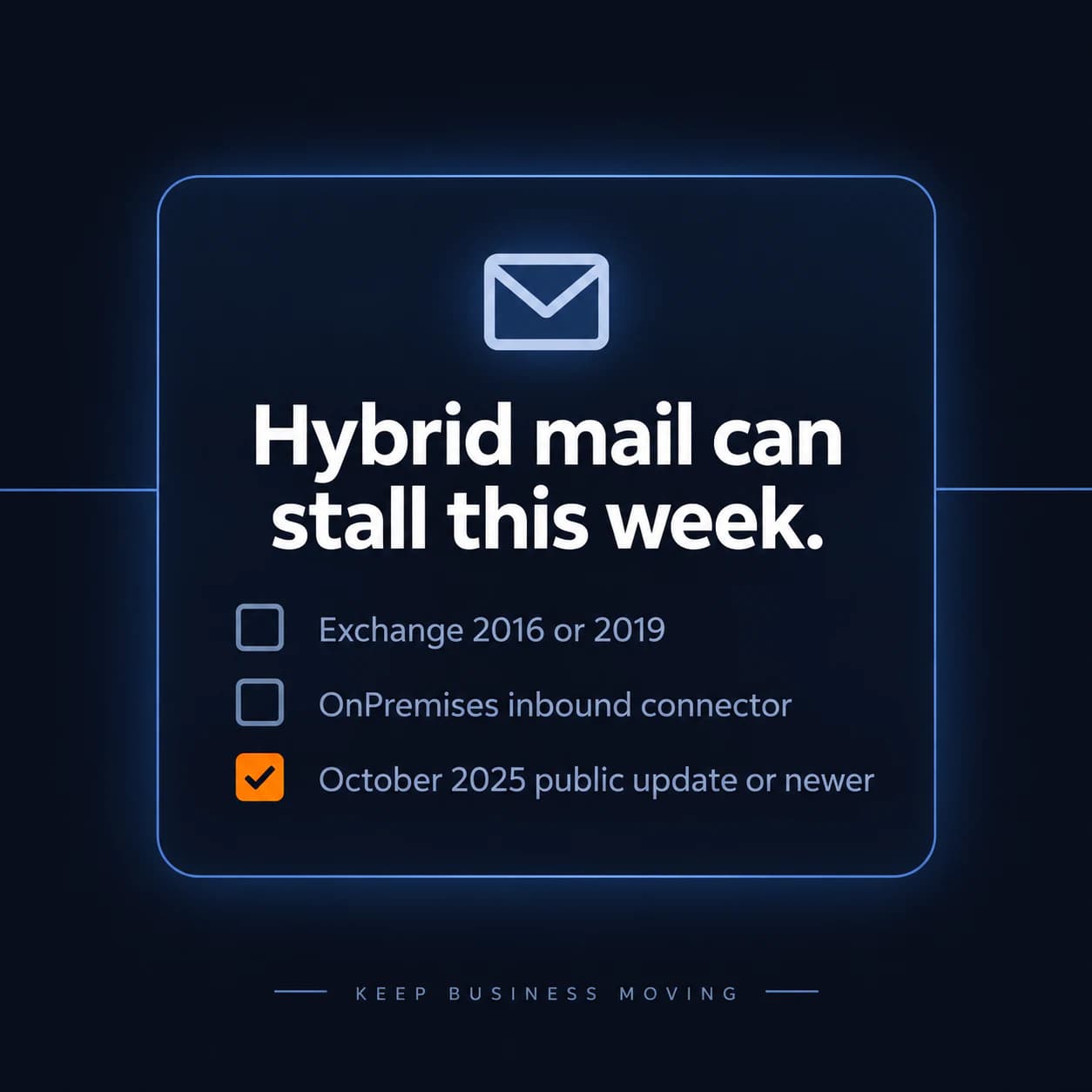
On September 2, 2026, the Exchange Team announced that starting in the second week of September 2026, Exchange Online will raise the oldest allowed version for Exchange Server 2016 or 2019 that connects to Exchange Online over an inbound connector of type OnPremises. The new floor is at least the last publicly available update, released in October 2025. Microsoft wrote that this update level was released almost a year ago and that all organizations should have updated to it.
Microsoft also stated the next implication clearly: the next time they raise that floor, the required Exchange 2016 or 2019 build will be newer than any publicly available update. At that later date, only customers enrolled in the Extended Security Updates program or migrated to Exchange Server Subscription Edition would have builds that avoid throttling or blocking on that path.
The same post is explicit about scope. Throttling and blocking apply to servers that connect to Exchange Online over an inbound OnPremises connector. They do not apply to servers that send mail to Exchange Online in other ways. They do not currently apply to all servers in the organization, only to those OnPremises-connector hosts. Microsoft notes that last point might change later.
This is not a new CVE. It is Microsoft refusing mail from persistently outdated hybrid servers. The older transport-enforcement post describes reporting, then throttling, then blocking, including SMTP 450 4.7.230 when a connecting Exchange version is out of date.
Who is affected
Offices that still run Exchange Server 2016 or 2019 on-premises and send mail to Exchange Online through an inbound connector typed OnPremises. That is the typical leftover hybrid box: a local server kept "for the copier, the line-of-business app, or public folders" after mailboxes moved to Microsoft 365.
A Microsoft 365-only tenant with no on-premises Exchange host can skip this item. A server that does not use that connector type is outside this week's announced floor, per Microsoft's own exclusions. This article does not claim any named Milwaukee customer is below the October 2025 public update.
What to check or fix now
- Inventory: is there still an Exchange 2016 or 2019 VM or box, including one nobody logs into?
- In Exchange admin center, confirm whether an inbound connector of type OnPremises still accepts that server.
- Record the current cumulative update. If it is older than the October 2025 public update, plan that install before mail starts delaying.
- Watch for 450 4.7.230 and the BlockUnsafeExchange documentation if outbound-to-cloud mail stalls this week.
- If the server only exists because one scanner or app still talks SMTP to it, that is a migration job, not a reason to keep an unpatched mail server on the LAN. Related reading: Microsoft 365 SMTP changes for scanners and apps.
How to prevent it
Do not treat hybrid Exchange as a museum piece. If you must keep on-premises Exchange, Microsoft's path is current security updates, ESU, or Subscription Edition, not "it still sends mail." Related reading: Windows Server 2016 end of support.
Entra ID is turning passkeys on for SMS and voice users
What happened
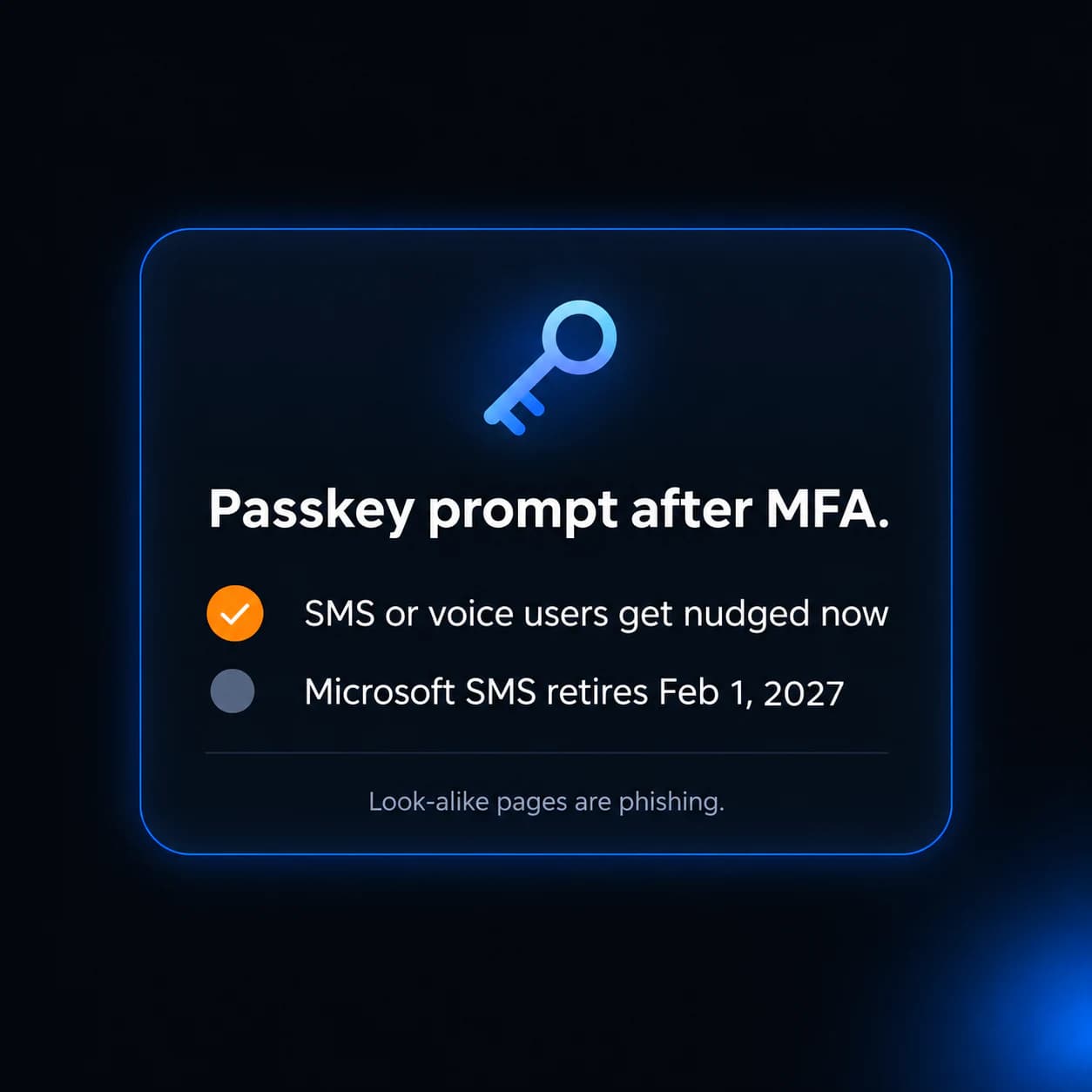
Microsoft Entra ID documentation states that starting September 1, 2026, passkeys become the default authentication experience and are automatically enabled for users who are enabled for SMS or voice. On that date, those users are auto-enabled and nudged for passkey registration the next time they complete MFA.
Microsoft's security blog, published July 13, 2026, described the same schedule: as the rollout reaches each organization, users enabled for SMS or voice are automatically enabled for passkeys and prompted to register one at the next MFA sign-in. Microsoft-provided SMS and voice delivery is scheduled to retire on February 1, 2027.
Microsoft Learn is also specific about later dates. Customer-managed telecom details are described as coming September 18, 2026. From October 30, 2026, customers who still need SMS or voice can select a telecom provider through the Microsoft Security Store. After February 1, 2027, users whose only remaining MFA method is SMS or voice get a blocking prompt to register a passkey before they can continue signing in.
Microsoft documents a temporary Graph API opt-out (passkeyDynamicMigration) for automatic passkey enablement. That is an admin choice, not the default. This is not a new CVE and not a claim that SMS MFA stopped working on September 1.
Who is affected
Microsoft 365 tenants that still have users enabled for SMS or voice in Authentication methods policy or legacy MFA settings. Law firms, clinics, and accounting offices that enrolled cell-phone MFA years ago and never moved to Authenticator, Windows Hello, or FIDO2 are the local pattern.
Users already on passkeys, Windows Hello for Business, FIDO2 security keys, or smart cards can keep those methods. Microsoft's blog says they are not forced off those methods by this default. A tenant that already blocked SMS and voice, and already uses phishing-resistant MFA, will see little this week.
What to check or fix now
- Tell staff, in one sentence: if Microsoft asks them to create a passkey after they approve MFA, that can be the Entra rollout, not a random pop-up to ignore.
- In Entra, list who is still enabled for SMS or voice. Microsoft Learn points admins to find those users before the February 2027 retirement.
- Decide whether synced passkeys (phone password manager) or device-bound passkeys / Windows Hello / FIDO2 keys match your policy. Microsoft supports both types.
- If you must keep SMS for a small set of users, calendar the September 18 and October 30 telecom-provider steps. Do not assume Microsoft's own SMS lasts past February 1, 2027.
- If someone reports a "Microsoft wants a passkey" prompt that is not on login.microsoftonline.com, treat that as phishing. Related reading: how to tell if that email is a phishing scam.
How to prevent it
Move MFA off SMS on purpose, before Microsoft's blocking prompt in 2027. Related reading: Microsoft 365 security checklist.
What to do this week
- Confirm Chrome is 152.0.7977.82 or later and Edge is 152.0.4191.62 or later, then restart the browser.
- If you still have Exchange 2016 or 2019 sending to Exchange Online on an OnPremises inbound connector, confirm the October 2025 public update (or newer) before mail delays start.
- Watch for 450 4.7.230 if hybrid mail stalls; do not "fix" it by opening the firewall or turning off spam filtering.
- Warn staff that a passkey prompt after MFA can be the Entra change, and that a look-alike prompt off Microsoft's sign-in page is not.
- Inventory who still uses SMS or voice MFA so February 2027 is a project, not a lockout.
If you need someone who can handle these checks for you, reach out to us. We would be happy to help.

Powerful IT Systems · Sussex, WI
Master's degree in Computer Science with 15+ years of hands-on IT experience serving Milwaukee-area businesses.