
Three things from the last few days are worth acting on. If your office uses a SonicWall firewall for remote access, one exploited bug can let someone skip the MFA step. If you email customers who use Hotmail or Outlook.com addresses, some of that mail may be bouncing because your domain has no DMARC record. And federal prosecutors laid out how a group allegedly used fake CEO and lawyer voices to talk staff into wiring more than $100 million.
Each one has a check your Milwaukee or Southeast Wisconsin office can finish this week.
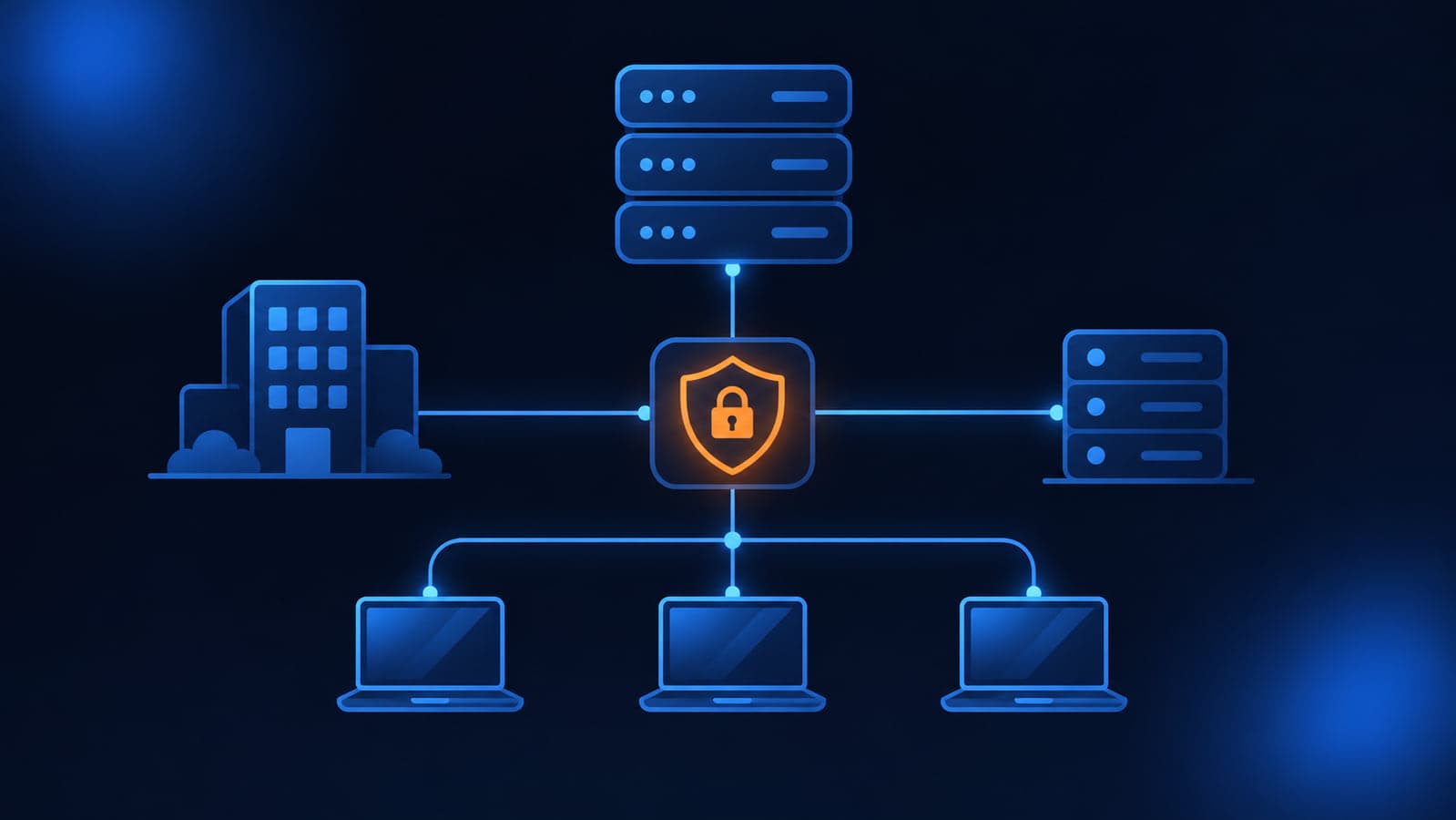
SonicWall firewalls: an exploited bug lets VPN users skip SAML and MFA
What happened
On November 6, SonicWall published advisory SNWLID-2026-0014 for seven SonicOS flaws. The one that matters most is CVE-2026-19868 in the SSL-VPN service. SonicWall describes it as an authentication enforcement flaw that "may allow a user with valid credentials for an alternate authentication method to bypass SAML authentication controls," and says successful exploitation "may also bypass SAML-enforced multi-factor authentication (MFA)." SonicWall says it investigated a report of potential exploitation. CISA added CVE-2026-19868 to its Known Exploited Vulnerabilities catalog the same day, based on evidence of active exploitation.
Who is affected
Offices with SonicWall Gen7 or Gen8 firewalls (TZ, NSa, NSsp, NSv) whose SSL-VPN logins use SAML single sign-on, for example through Microsoft Entra ID or Okta. Per the advisory and the Canadian Centre for Cyber Security summary, affected builds are Gen7 SonicOS 7.3.3-7015 and earlier and Gen8 SonicOS 8.2.2-8015 and earlier. If your VPN does not use SAML, this specific flaw does not apply, but the same release fixes six other SonicOS issues, including two management interface flaws.
What to check or fix now
- Log in to each SonicWall and note the SonicOS version.
- Upgrade Gen7 units to 7.3.4-7013 or later and Gen8 units to 8.2.3-8015 or later. SonicWall says there is no workaround.
- Check whether SSL-VPN uses SAML. If it does, list every other way the firewall can sign a user in: local accounts, LDAP or Active Directory, RADIUS.
- Remove local VPN accounts nobody uses, and reset passwords on any non-SAML accounts that still need VPN access.
- Compare recent VPN logins on the firewall against sign-ins in your identity provider. A VPN session with no matching single sign-on event deserves a closer look.
How to prevent it
Keep firewall firmware on a monthly review like Windows updates, and keep the management interface off the internet. When you move VPN logins to SAML, retire the old login methods instead of leaving them in place as a backup. This is not the first SonicWall item this season; see our FortiBleed, SonicWall, and Outlook threat brief and why your business firewall matters more than you think.
Outlook.com and Hotmail are bouncing some mail from domains with no DMARC record
What happened
Starting around November 5 and 6, email administrators began reporting bounces from Microsoft's consumer mail service (outlook.com, hotmail.com, live.com, msn.com) that read: 550 5.7.1 Message rejected: Message lacks SPF/DKIM/DMARC Auth Records, sometimes followed by the code (AS9031519). The common factor in the reports is a sending domain with no DMARC record in DNS, even when SPF and DKIM were already set up. Microsoft has not announced this change. Email deliverability writer Al Iverson at Spam Resource confirmed it with his own non-bulk domains and reported it does not appear to affect mail sent to Microsoft 365 business mailboxes. Senders on Microsoft's Q&A forum report the bounces stopped once they added a DMARC record.
This is separate from the rule Microsoft announced in April 2025 for domains sending more than 5,000 messages a day to its consumer service, which uses a different bounce (550 5.7.515). The new rejections reach small, low-volume senders. Reports describe it as hitting some messages and not others, so "my last email went through" does not prove your domain is fine.
Who is affected
Any business whose domain has no DMARC record and sends email to people with personal Microsoft addresses: customers, patients, applicants, or vendors who use Hotmail or Outlook.com. Microsoft 365 does not create a DMARC record for your domain on its own, so plenty of offices on Microsoft 365 have none.
What to check or fix now
- Look up your DMARC record: open Command Prompt and run
nslookup -type=TXT _dmarc.yourdomain.com. A record that starts withv=DMARC1means you have one. No answer means you do not. - Check every domain you send from, including domains used by your website forms, invoicing system, or CRM.
- If there is no record, add a TXT record at your DNS host with the name
_dmarcand a value such asv=DMARC1; p=none. Keep only one DMARC record per domain. Microsoft's DMARC setup guide covers the details. - Search recent bounce messages for "AS9031519" or "lacks SPF/DKIM/DMARC" and resend anything important that did not arrive.
- If bounces continue after the record is live, have whoever runs your email check that SPF or DKIM passes and lines up with your From address.
How to prevent it
Treat SPF, DKIM, and DMARC as one setup for every domain that sends mail, including old brand and app domains. Add a reporting address to the DMARC record so you can see what is sending as you before you tighten the policy later. Email authentication is one item on our Microsoft 365 security checklist for small businesses.
Fake CEO and lawyer calls: prosecutors say a group stole about $129 million
What happened
On November 5, the U.S. Attorney's Office for the Southern District of New York unsealed an indictment against three men accused of a scheme that, according to the indictment, used AI to impersonate the voices and images of real CEOs and of attorneys at major law firms. Prosecutors allege the group contacted employees while posing as the CEO, asked for help with a "confidential financial transaction," sent the employee to fake "lawyers" who were also members of the group, and then had the employee wire money to accounts they controlled.
The release says victims included two hospital systems, a bank, a mutual fund company, a fintech company, and a pet food company, with losses of about $129 million. One defendant allegedly used a "Lawyer Call" script that included language meant to keep employees from discussing the calls with coworkers. These are allegations, and the defendants are presumed innocent.
Who is affected
Anyone who can approve or send a payment: owners, office managers, bookkeepers, and accounting staff. The pattern does not depend on hacking your email. It depends on someone believing a voice or video call.
What to check or fix now
- Write down a rule that no payment or bank change is approved based on a call, video meeting, or email alone.
- Verify any unusual request by hanging up and calling the person back on a number you already have, as the FBI advises. Do not use a number from the request.
- Require a second person to approve wires above a set amount, with no exceptions for "confidential" deals.
- Tell staff plainly that a request to keep a payment secret from coworkers is itself a red flag.
- Ask your bank what call-back or dual-approval controls it offers on wires.
How to prevent it
Make the verification step a written process, not a judgment call made under pressure. Review it with everyone who handles money at least once a year, and after any staff change in accounting. The same habits stop the email version of this scam, covered in our guide to business email compromise for Wisconsin small businesses.
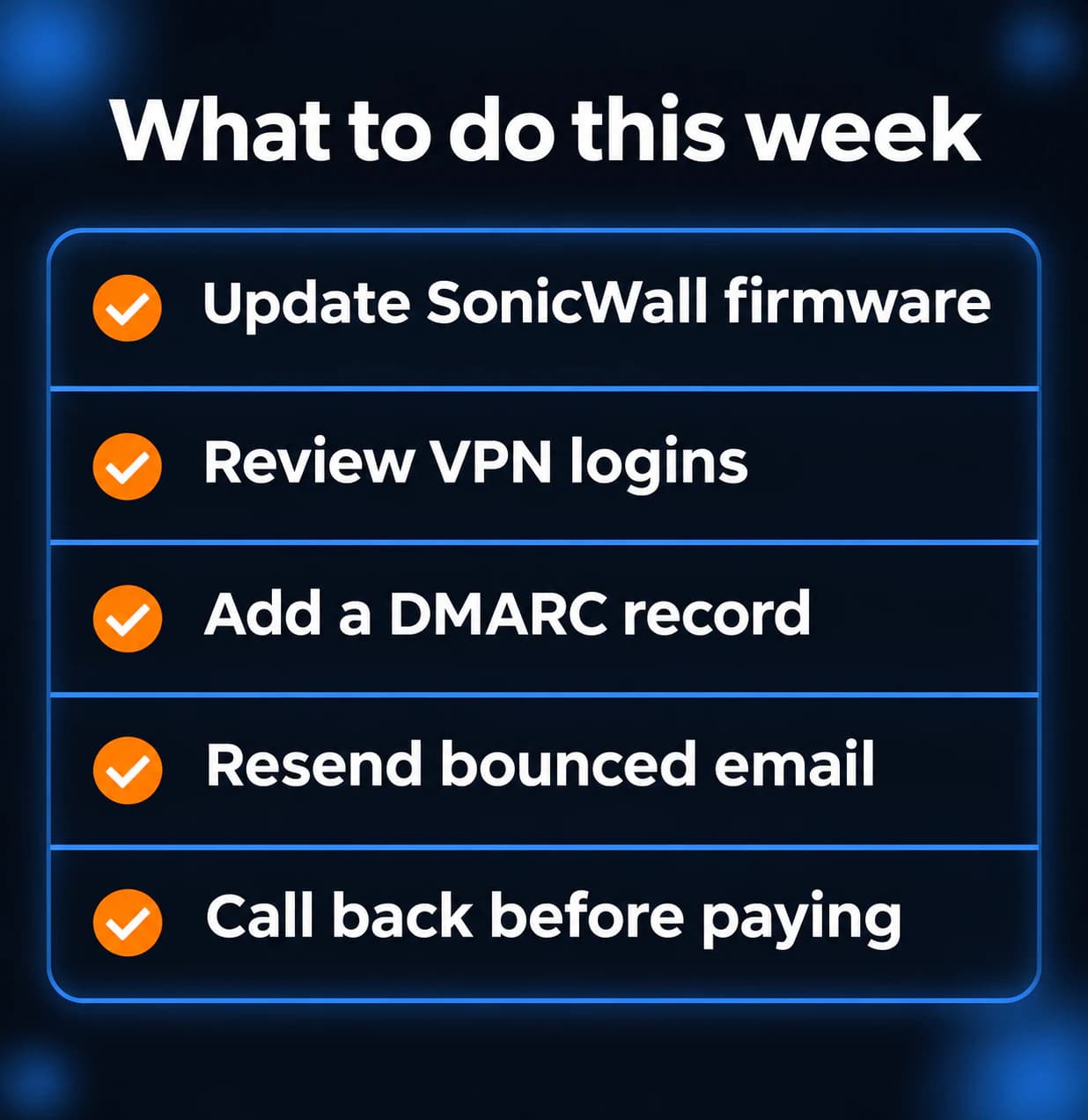
What to do this week
- Upgrade every SonicWall Gen7 firewall to SonicOS 7.3.4-7013 and every Gen8 to 8.2.3-8015 or later.
- If your SonicWall VPN uses SAML, remove unused local VPN accounts and compare VPN logins against single sign-on records.
- Run
nslookup -type=TXT _dmarc.yourdomain.comfor each domain you send from, and publish a DMARC record where one is missing. - Check recent bounces for "AS9031519" and resend anything that did not reach Hotmail or Outlook.com recipients.
- Put a call-back and second-approval rule in writing for every wire or bank change.
If you need someone who can handle these checks for you, reach out to us. We would be happy to help.
Sources
- SonicWall PSIRT advisory SNWLID-2026-0014
- CISA KEV addition, November 6, 2026
- NVD, CVE-2026-19868
- Canadian Centre for Cyber Security, AV26-1133
- Microsoft Q&A, user reports of the bounce and fix
- Microsoft Q&A, guidance on the same bounce
- Microsoft Learn, set up DMARC
- Microsoft, April 2025 high-volume sender requirements
- Spam Resource, November 7, 2026
- U.S. Attorney's Office SDNY press release, November 5, 2026
- FBI IC3 PSA on generative AI fraud

Powerful IT Systems · Sussex, WI
Hands-on IT experience serving Milwaukee-area businesses.