
All three items this week are about equipment that tends to sit in a closet and get forgotten. Zyxel GS1900 switches that got the June security update turned out to still be open to the exploit attackers were using. OpenSSH rushed out a release to stop a password bypass on certain Linux systems. And SonicWall says two new flaws in its Global Management System will never be fixed, because the product has reached end of life.
If your Milwaukee or Southeast Wisconsin office has a Zyxel switch, Linux servers or containers that accept SSH logins, or SonicWall firewalls managed through GMS, this is the week to check on them.

Zyxel GS1900 switches: the June firmware was not enough, install Patch 3
What happened
In September we covered CVE-2026-7273, a flaw in Zyxel GS1900 switches that CISA listed as exploited, in our File History, Zyxel, and Defender threat brief. The fix then was the June firmware. That fix turned out to be incomplete.
On November 3, Zyxel published an advisory for a new flaw, CVE-2026-107441. Zyxel's wording: an out-of-bounds write in the CGI program of the GS1900 series switch firmware "could allow a LAN-based, unauthenticated attacker to exploit the flaw and potentially execute OS commands via a crafted HTTP request." The fix is the 2.90 Patch 3 firmware, which Zyxel posted in late October.
Researchers at Binarly reported that the exploit used in this summer's attacks still worked against switches running the June firmware (Patch 2). GreyNoise had reported that attackers took configurations, hashed root credentials, and network information from 996 GS1900 switches around August 17, and that 564 of those switches still used factory default credentials. Zyxel's advisory does not say whether the new flaw has been exploited. Canada's Cyber Centre says open-source reporting indicates that CVE-2026-107441 is exploited in the wild.
Who is affected
Any office with one of these ten models on firmware 2.90 Patch 2 or earlier (firmware versions ending in .2)C0 or lower): GS1900-8, GS1900-8HP, GS1900-10HP, GS1900-16, GS1900-24, GS1900-24E, GS1900-24EP, GS1900-24HPv2, GS1900-48, and GS1900-48HPv2. Zyxel says products on the market that are not in its table are not affected.
What to check or fix now
- Find every GS1900 switch, including the small ones under desks and in wiring closets.
- Check the firmware version in the switch's web management page. The fixed builds end in
.3)C0, for example 2.90(AAHL.3)C0 on a GS1900-24. - If the switch shows
.2)C0or lower, install Patch 3, even if you already patched in June or September. - Change the admin password on every switch, and never leave a factory default. If a switch ever had a default password, assume the attackers could have had it.
- Look at the switch configuration for settings or accounts nobody on your team added.
How to prevent it
The attack works from inside the network, so keep switch management pages on a separate management network, never on guest Wi-Fi or the same network as staff PCs. Keep a simple list of network gear with model, firmware, and who updates it. When a vendor reissues a fix, that list is how you find the boxes that got the first one. For why a steady update routine matters, see why software updates are your first line of defense.
OpenSSH 10.6p2: a password bypass on Linux systems that use musl without PAM
What happened
On November 5, the OpenSSH team released Portable OpenSSH 10.6p2 with what it calls "a critical security workaround that affects Linux systems that use the musl libc and PAM disabled." The release notes describe a password authentication bypass that is exploitable through the SSH server. The OpenSSH team says the root cause is outside OpenSSH itself, but the bug can be blocked there, so they shipped the workaround in sshd.
OpenSSH developer Damien Miller said the team learned of the problem the day before and released quickly because AI tools are rediscovering bugs fast. His advice for affected systems: set PasswordAuthentication no or turn SSH off for those systems right away.
Who is affected
Linux systems that use the musl C library and do not use PAM for password checks. Alpine Linux is the best-known example. Miller confirmed it also applies to a build with PAM support compiled in but UsePAM no set. According to Miller, the bug does not exist on non-Linux systems, on Linux systems using glibc (most Ubuntu, Debian, Red Hat, and similar servers), or on Linux systems that use PAM for password authentication.
In an office, the places to look are Alpine-based servers and virtual machines, Docker containers built on Alpine that run an SSH server, and any small device whose vendor builds on musl. Windows PCs are not affected.
What to check or fix now
- List every Linux machine and container that accepts SSH logins.
- On each one, check which C library it uses. On musl systems,
ldd --versionprints "musl libc". Alpine also shows in/etc/os-release. - On musl systems, run
sshd -T | grep -iE '^(usepam|passwordauthentication)'. If PAM is off and password authentication is on, you are in the affected group. - Until the update is in, set
PasswordAuthentication noand use SSH keys, or turn SSH off on that system. - Install OpenSSH 10.6p2 or your distribution's fixed package. On Alpine, that means updating the openssh package and restarting sshd.
- For network or storage devices, ask the vendor whether they use OpenSSH with musl and when an update is coming.
How to prevent it
SSH should not be open to the internet with password logins. Use keys, limit SSH to a VPN or a management network, and keep a list of which systems run their own SSH server so a fix like this takes minutes to apply instead of a day of searching.
SonicWall GMS: two new flaws, and no patch is coming
What happened
On November 3, SonicWall published advisory SNWLID-2026-0019 for two flaws in its Global Management System (GMS), the console used to manage many SonicWall firewalls from one place.
- CVE-2026-109593: an unauthenticated attacker with network access to GMS 9.5.2 and earlier "may be able to read internal GMS files, potentially exposing sensitive information."
- CVE-2026-109594: a post-authentication SQL injection that, under specific conditions, could let an authenticated attacker access or modify information in the GMS database.
SonicWall says GMS has reached end of life and that no fix or security update will be released. Its recommendation is to move to SonicWall Network Security Manager (NSM). SonicWall's advisory does not report exploitation, and neither CVE was in CISA's Known Exploited Vulnerabilities catalog as of November 6.
Who is affected
Anyone still running SonicWall GMS 9.5.2 or earlier, either as the virtual appliance or the Windows install. This is most common at IT providers and larger organizations that manage many SonicWall firewalls. If an outside IT company manages your SonicWall firewall, ask them whether it is managed through GMS.
What to check or fix now
- Find out whether GMS is in use anywhere, including on an old server or virtual machine.
- Make sure no GMS web or management page can be reached from the internet. Limit access to a few admin machines or a VPN.
- Remove GMS admin accounts nobody uses, and make sure the rest have strong, unique passwords.
- If GMS has ever been reachable from the internet, change the credentials and shared secrets it stores for the firewalls it manages.
- Set a date to move to NSM or another supported way of managing the firewalls, then shut GMS down.
How to prevent it
End-of-life notices usually arrive a year or more before the last patch. Keep end-of-support dates for firewalls, management consoles, and servers on the same list as your license renewals, so retirement is planned work and not a surprise. For more on what the edge of your network should and should not expose, see why your business firewall matters more than you think.
What to do this week
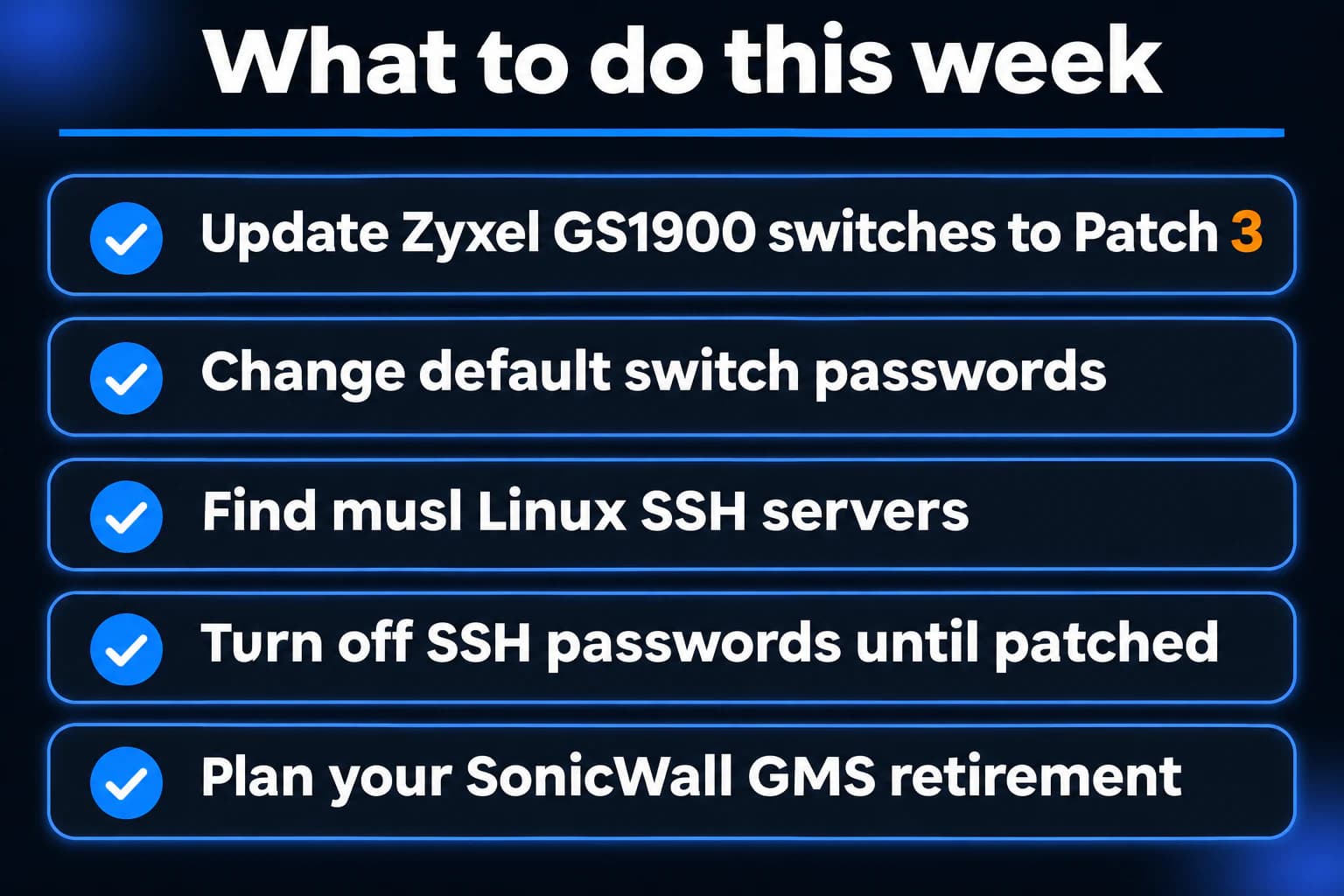
- Check every Zyxel GS1900 switch and install the 2.90 Patch 3 firmware (version ending in
.3)C0), even if it was patched in June. - Change the admin password on every network switch and make sure none still uses a factory default.
- Find Linux machines and containers that run SSH on musl (Alpine is the common one) and check whether PAM is off.
- On those systems, turn off SSH password logins until OpenSSH 10.6p2 or your distribution's fix is installed.
- Find out whether SonicWall GMS is in use, keep it off the internet, and set a date to replace it.
If you need someone who can handle these checks for you, reach out to us. We would be happy to help.
Sources
- Zyxel security advisory for CVE-2026-107441, November 3
- Zyxel GS1900 2.90 Patch 3 firmware release notes
- NVD, CVE-2026-107441
- Canadian Centre for Cyber Security, AV26-1114 Update 1
- GreyNoise report on the GS1900 attacks
- Help Net Security on the Binarly findings
- OpenSSH 10.6p2 release notes
- oss-security mailing list, November 5 release announcement and disclosure thread
- Damien Miller, OpenSSH developer, on the release and workaround
- SonicWall PSIRT advisory SNWLID-2026-0019
- NVD, CVE-2026-109593
- NVD, CVE-2026-109594
- INCIBE-CERT advisory on SonicWall GMS

Powerful IT Systems · Sussex, WI
Hands-on IT experience serving Milwaukee-area businesses.