
The most urgent item this week is about firewall passwords, not a new bug. On October 6, the FBI and the U.S. Secret Service warned that a long-running campaign called FortiBleed is still logging into Fortinet firewalls with stolen passwords, and some victims are now locked out of their own devices. SonicWall also released a hotfix for a critical flaw in its SMA1000 remote access appliances. The third item is a smaller Microsoft 365 change: starting in November, Outlook on the web and the new Outlook for Windows will block two Windows installer file types by default.
If your office has a Fortinet firewall with VPN or remote admin turned on, start with the first item today.
FortiBleed: attackers are logging into Fortinet firewalls and locking owners out
What happened
FortiBleed is a campaign that targets internet-facing Fortinet FortiGate firewalls and SSL VPN gateways. It does not depend on one new vulnerability. According to the joint FBI and Secret Service advisory, it "exploits reused or leaked credentials and legacy SHA-256 password storage." Attackers try stolen passwords against firewalls, pull password hashes off the devices they get into, and crack them offline. The advisory cites security firm SOCRadar's count of more than 86,644 compromised devices across 194 countries. (FBI and USSS advisory)
The new part is the lockout. The agencies say attackers create new administrator accounts on the firewall, and "some victims may get locked out of their Fortinet devices if the threat actor either deletes or changes the password for original accounts on the system." The advisory also says the access has been passed to ransomware groups, naming INC/Lynx and Payload.
Fortinet's own analysis says it believes the attackers reuse credentials stolen in earlier incidents and brute-force devices with weak passwords and no MFA. (Fortinet PSIRT blog)
Who is affected
Any organization with a FortiGate firewall or Fortinet SSL VPN that can be reached from the internet. The FBI's mitigation list applies to "all Fortinet customers with exposed gateways." A firewall can be fully patched and still be at risk if its passwords were reused, leaked, or weak.
What to check or fix now
- Take firewall administration off the internet. The advisory ranks the options: trusted hosts (good), a local-in policy (better), or no internet administration at all (best).
- End all active admin and VPN sessions, then reset every Fortinet VPN and administrator password.
- Compare the list of admin and VPN users with what you expect. Delete accounts nobody recognizes.
- Review REST API keys on the firewall. The advisory says to remove unknown keys and refresh the legitimate ones.
- Check firewall, VPN, and domain controller logs for unusual sign-ins or configuration changes.
How to prevent it
Require phishing-resistant MFA on VPN and admin accounts. Make sure admin passwords are stored with PBKDF2 instead of the older hash, which Fortinet documents for FortiOS 7.2.11 and later. Keep an offline copy of a known-good firewall configuration so you can spot changes and recover if you are locked out. (Fortinet PBKDF2 guidance) For the basics of what a business firewall should do, see why your business needs a strong firewall, and our October 6 FortiMail and Dell System Update brief covers the latest Fortinet email gateway fixes.
SonicWall SMA1000 needs a new hotfix for a critical flaw
What happened
On October 7, SonicWall published CVE-2026-102255, a flaw in the Appliance Work Place interface of SMA1000 remote access appliances, rated 10.0 (critical). In the vendor's words, "a remote unauthenticated attacker could potentially exploit this vulnerability to direct the appliance to issue requests on their behalf and reach internal functionality and perform unauthorized operations." ( NVD CVE-2026-102255, SonicWall advisory SNWLID-2026-0017)
There are no confirmed attacks yet. CISA's assessment on the NVD record lists exploitation as "none." SMA1000 appliances have been a frequent target this year, so this is worth doing this week rather than next month.
Who is affected
Offices that use a SonicWall SMA1000 appliance (physical or virtual) for remote access. SonicWall lists these builds as affected:
- 12.4.3-03526 (platform-hotfix) and older
- 12.5.0-02952 (platform-hotfix) and older
This is a different product from the SMA 100 series and from the SSL VPN built into SonicWall firewalls. It is also a different bug from the SMA1000 hotfix released in September.
What to check or fix now
- Find out whether your office has an SMA1000. Small offices more often have a SonicWall firewall, which this flaw does not cover.
- Check the installed build and apply the fixed hotfix listed in SonicWall's advisory.
- If you cannot patch right away, limit who can reach the Work Place portal from the internet until you can.
How to prevent it
Keep a short list of every device that accepts logins from the internet: firewall, VPN, remote access gateway, email gateway. Those devices get patched first, every time a vendor publishes a fix.
Outlook will block .msix attachments starting in November
What happened
Microsoft announced in Microsoft 365 message center post MC1488841 that it will add .msix and .msixbundle to the default list of blocked attachment types in Outlook on the web and the new Outlook for Windows. These are Windows app installer packages. Rollout starts in early November 2026 and should finish by mid-November. After that, users "will no longer be able to open or download them." Microsoft says the change applies to the default OWA mailbox policy "and any custom policies created in your tenant," and that "most organizations are not expected to be affected by this update because these file types are infrequently used." (MC1488841 in the Microsoft 365 admin center)
Who is affected
Microsoft 365 organizations whose people use Outlook on the web or the new Outlook for Windows. Most offices will never notice. The ones that will are offices where a software vendor or internal developer sends app installers by email.
What to check or fix now
- Ask whether anyone at the office receives .msix or .msixbundle files by email, such as a line-of-business app vendor.
- If they do, either move those installers to a download link or a managed deployment tool, or have your Microsoft 365 admin add the file types to AllowedFileTypes in the OWA mailbox policy before rollout. (Set-OwaMailboxPolicy)
- If nobody uses them, no action is needed. Let the block happen.
How to prevent it
Software should not arrive by email. Install apps through a deployment tool or from the vendor's site, so an installer attachment is unusual enough to question.
What to do this week
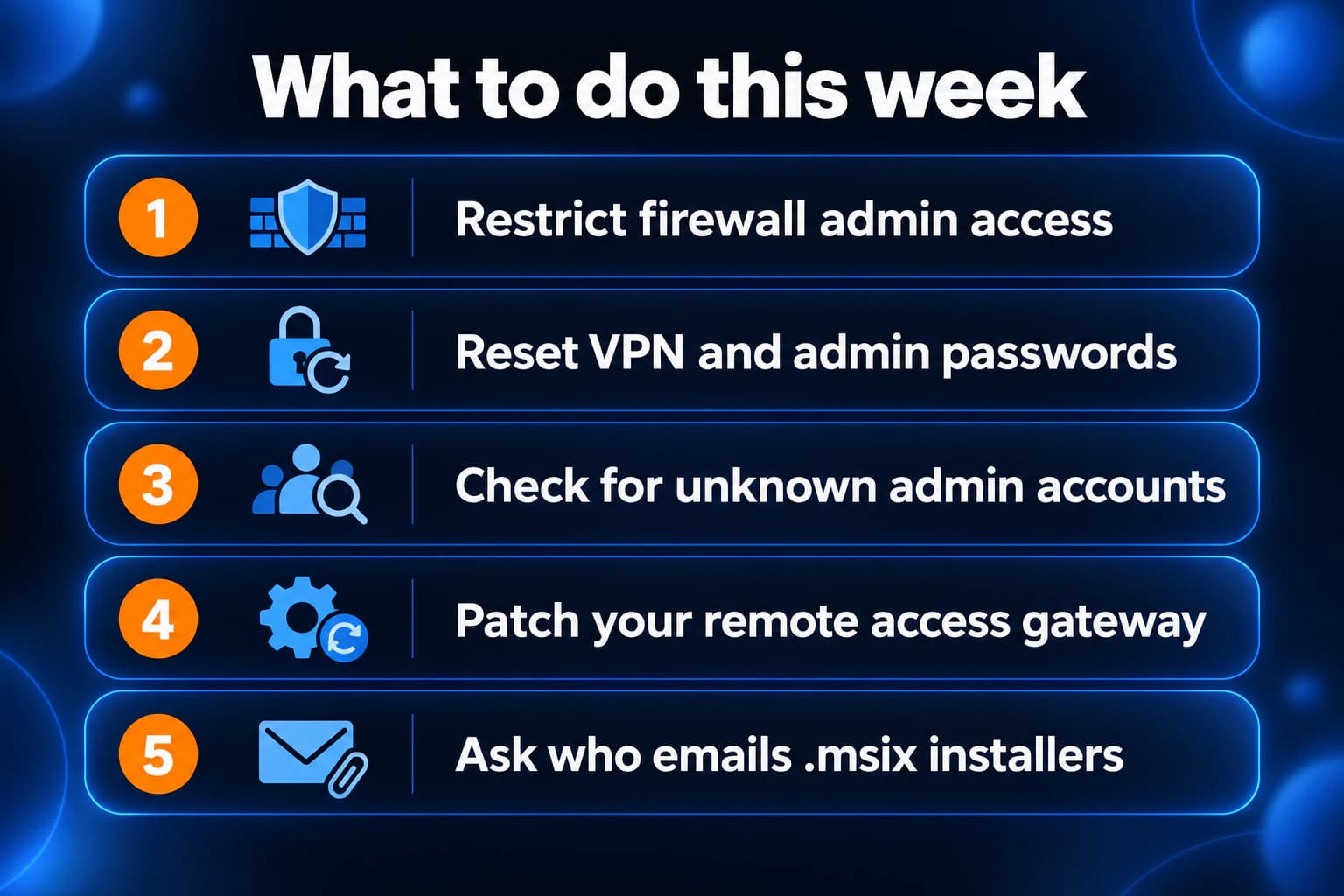
- Restrict FortiGate admin access from the internet.
- Reset Fortinet VPN and admin passwords and require MFA.
- Check firewalls for admin accounts you did not create.
- Install the SonicWall SMA1000 hotfix if you have one.
- Ask who receives .msix installers by email.
If you need someone who can handle these checks for you, reach out to us. We would be happy to help.
Sources
- FBI and U.S. Secret Service joint advisory, FortiBleed Operations Continue Targeting Exposed Systems Leading to Reports of Lockouts (October 6, 2026)
- Fortinet PSIRT, analysis of reported credential compromise of FortiGate devices
- Fortinet, enforcing PBKDF2 for administrator accounts in FortiOS 7.2.11 and later
- NVD, CVE-2026-102255
- SonicWall advisory SNWLID-2026-0017
- Microsoft 365 message center MC1488841 (admin sign-in required)
- Microsoft Learn, Set-OwaMailboxPolicy (AllowedFileTypes and BlockedFileTypes)
- Microsoft Support, blocked attachments in Outlook

Powerful IT Systems · Sussex, WI
Master's degree in Computer Science with 15+ years of hands-on IT experience serving Milwaukee-area businesses.