
Last week we wrote that FortiMail had an exploited flaw and only a workaround. That changed on October 5: Fortinet now lists fixed versions, so anyone who turned off a FortiMail feature to stay safe can now patch properly. Dell also fixed a critical bug in Dell System Update, the tool many server admins use to push BIOS and firmware updates to PowerEdge servers. The third item has a date on it: one of the Microsoft certificates that Windows PCs use to check their boot software expires on October 19.
The FortiMail and Dell items only matter if you run those products. The Secure Boot item touches nearly every Windows PC and server, so it is worth a look even if the other two do not apply.

FortiMail now has fixed versions for the exploited flaw
What happened
On October 1, Fortinet published FG-IR-26-175 for CVE-2026-104286, a critical path traversal flaw in FortiMail that "may allow an unauthenticated attacker to write arbitrary files on the underlying system via crafted HTTP or HTTPS requests." Fortinet says it "has been reported to be exploited in the wild." At first the advisory offered only a workaround. On October 5, Fortinet updated it with fixed versions. (Fortinet FG-IR-26-175)
CISA added CVE-2026-104286 to its Known Exploited Vulnerabilities catalog on October 1. (CISA KEV, NVD)
Who is affected
Anyone running FortiMail on these versions:
- 8.0.0 through 8.0.1: upgrade to 8.0.2 or above
- 7.6.0 through 7.6.6: upgrade to 7.6.7 or above
- 7.4.0 through 7.4.8: upgrade to 7.4.9 or above
- 7.2.0 through 7.2.9: there is no 7.2 fix; Fortinet says to move to the 7.4 branch or above
FortiMail is an email security gateway, so it sits in front of every message your office sends and receives. If your mail is filtered by a FortiMail box that you or a provider runs, this applies to you.
What to check or fix now
- Find out whether you have a FortiMail appliance or virtual machine, including one a provider manages for you.
- Upgrade to the fixed version for your branch. If you are on 7.2, plan the move to 7.4 or later.
- If you turned off the IBE (encrypted email) service last week as the workaround, decide whether to turn it back on after the upgrade. Check with whoever relies on encrypted email first.
- Check for signs of compromise. Fortinet lists two attacker IP addresses and log entries, including an "archive account" set up to send mail archives to a remote server. Any archive account or remote destination you did not create is a red flag.
How to prevent it
Keep the FortiMail webmail and admin pages off the open internet unless you truly need them there. Fortinet's own fallback advice was to limit webmail access to a trusted private network. Our October 4 brief covers the original workaround.
Dell System Update needs version 2.3.0.0 on PowerEdge servers
What happened
On October 1, Dell published DSA-2026-324, which fixes five flaws in Dell System Update (DSU). The most serious, CVE-2026-86360, is a path traversal bug rated 9.6. Dell says "an unauthenticated attacker with remote access could potentially exploit this vulnerability," that it "can be leveraged by an unauthenticated attacker to execute arbitrary code with root privileges," and that "successful exploitation may allow complete compromise of the vulnerable application and underlying operating system." The other four are rated high. (Dell DSA-2026-324)
Dell's advisory does not say any of the flaws are being exploited. The scoring for CVE-2026-86360 does note that some user action is needed for an attack to work, which lowers the odds but does not remove the need to patch. (NVD)
Who is affected
Any server with Dell System Update older than 2.3.0.0. DSU is the command-line tool admins use to apply Dell BIOS, firmware, and driver updates to PowerEdge servers. If a Dell PowerEdge server runs your file shares, line-of-business software, or virtual machines, ask whoever maintains it whether DSU is installed.
What to check or fix now
- Check each PowerEdge server for DSU and its version.
- Upgrade to DSU 2.3.0.0 or later. Dell says to do it "at the earliest opportunity."
- Update any server build images or install scripts that still pull an older DSU, or the old version will come back the next time a server is rebuilt.
How to prevent it
Treat server management tools like any other software that needs patching. They run with full control over the server, so a flaw in them is a flaw in the whole machine. Put them on the same patch list as Windows and your firewall. More on why this matters: the importance of regular software updates.
A Secure Boot certificate in Windows PCs expires October 19
What happened
Windows PCs and servers use Secure Boot to check that the software starting the computer is trusted before Windows loads. The certificates behind that check were issued in 2011, and Microsoft has been replacing them with 2023 versions. Two expired in June. The last one, Microsoft Windows Production PCA 2011, which signs the Windows boot loader, expires on October 19, 2026. (Microsoft KB5062710)
This does not mean PCs stop working. Microsoft says devices without the 2023 certificates "will continue to start and operate normally, and standard Windows updates will continue to install." What they lose is future protection for the boot process: they "will no longer be able to receive new security protections for the early boot process, including updates to Windows Boot Manager, Secure Boot databases, revocation lists, or mitigations for newly discovered boot level vulnerabilities."
Who is affected
Windows 10, Windows 11, and Windows Server (2012 with ESU through 2025) devices with Secure Boot turned on that have not received the 2023 certificates. Microsoft says newer devices may already have the certificates but still need the updated boot manager, and that some older devices may not take the update correctly, especially ones the manufacturer no longer supports. (Microsoft guidance for IT professionals)
What to check or fix now
- Check a few PCs of each model you own. Microsoft's guide lists two Windows event IDs: 1808 means the new certificates are applied, and 1801 means they are not. Microsoft also documents a certificate update status in the Windows Security app.
- If you manage PCs with Intune, Group Policy, or an RMM tool, use Microsoft's deployment options to roll the update out in stages, starting with a small test group.
- Expect it to take time. Microsoft says to "estimate 48 hours and one or more restarts for the certificates to apply."
- Check servers too. Windows Server is on Microsoft's list, and servers often go the longest between restarts.
- Install current BIOS or firmware updates from the PC or server maker, since the certificate update depends on the firmware handling it correctly.
How to prevent it
Keep a simple hardware list with make, model, and BIOS version. Microsoft's advice is to test one device of each type before rolling out broadly, and that is only easy if you know what types you have. If a model the manufacturer no longer supports will not take the update, Microsoft suggests considering replacement. Our Windows 10 end of support guide covers how to decide when an older PC is worth keeping.
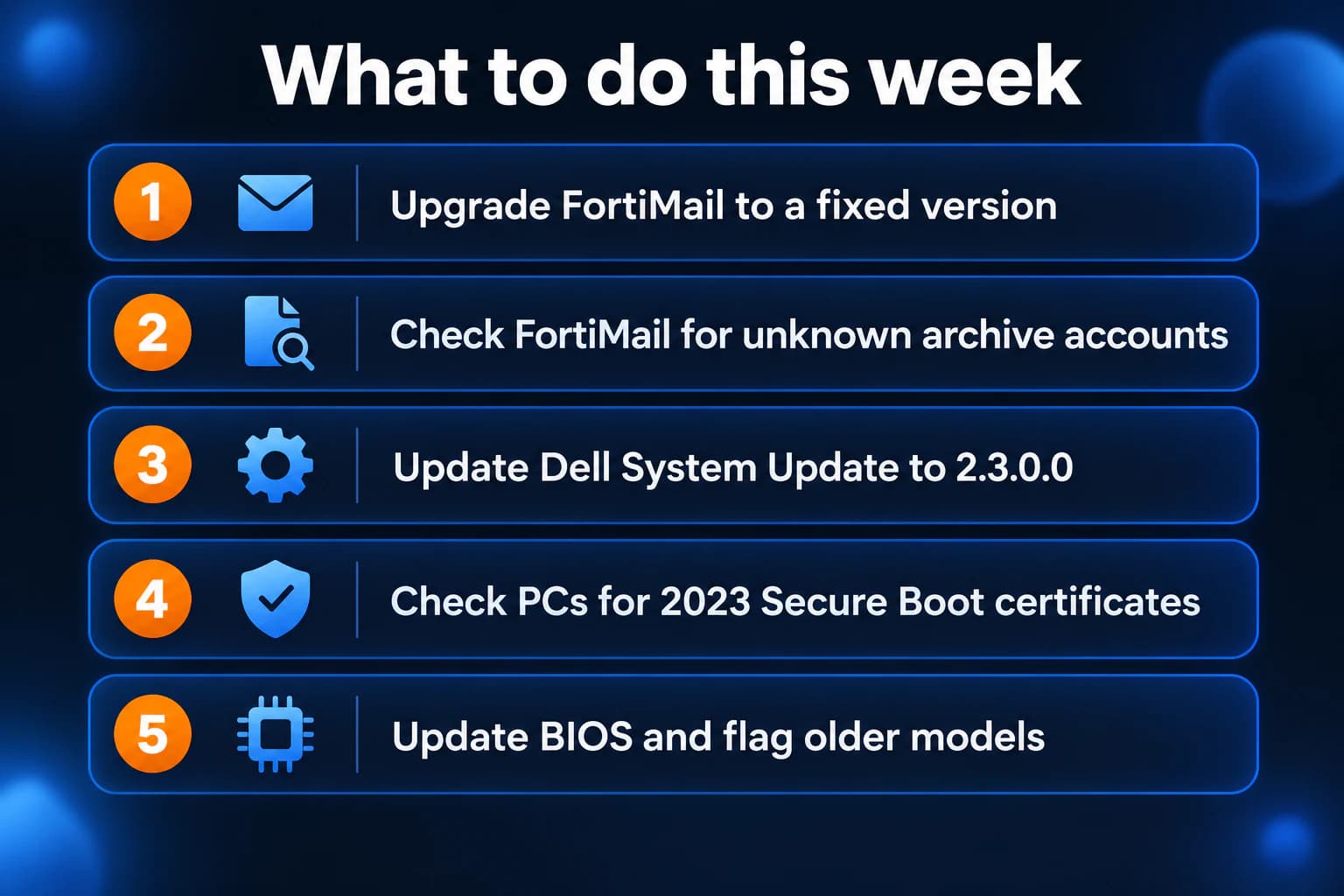
What to do this week
- Upgrade any FortiMail to 8.0.2, 7.6.7, or 7.4.9 or later, and move 7.2 systems to 7.4.
- Check FortiMail for archive accounts or remote destinations you did not create.
- Update Dell System Update to 2.3.0.0 or later on PowerEdge servers, including build images.
- Check whether your PCs and servers have the 2023 Secure Boot certificates (event 1808).
- Update BIOS and firmware, and flag older models that will not take the certificate update.
If you need someone who can handle these checks for you, reach out to us. We would be happy to help.
Sources
- Fortinet PSIRT advisory FG-IR-26-175 (updated October 5, 2026)
- CISA Known Exploited Vulnerabilities catalog
- NVD, CVE-2026-104286
- Dell Security Advisory DSA-2026-324
- NVD, CVE-2026-86360
- Microsoft Support, Windows Secure Boot certificate expiration and CA updates (KB5062710)
- Microsoft Support, Secure Boot certificate updates: guidance for IT professionals and organizations

Powerful IT Systems · Sussex, WI
Master's degree in Computer Science with 15+ years of hands-on IT experience serving Milwaukee-area businesses.