
Two of this week's items are follow-ups. Citrix published another critical NetScaler bug on October 8, and some of the builds it tells you to leave behind are the same ones it asked you to install last week. On the same day, CISA, the FBI, and partner agencies described a China-linked group that sprays passwords at mailboxes and hides behind a legitimate VPN program. The third item is slower: Microsoft says PCs and servers that fall behind on updates will stop reaching Windows Update in May or June 2027.
If you have a NetScaler that handles single sign-on, start there.

NetScaler needs another upgrade if it handles SAML sign-in
What happened
On October 8, Citrix published a critical bulletin for CVE-2026-107406, which it describes as a "memory overflow vulnerability leading to Remote Code Execution or Denial of Service" in NetScaler ADC and NetScaler Gateway. It carries a CVSS v4 score of 9.5. Citrix has not reported attacks using this bug, but it "strongly urges affected customers" to upgrade as soon as possible. (Citrix CTX697191)
The awkward part is the version list. Our October 5 brief said to move SAML-enabled appliances to 14.1-73.41 or 13.1-64.28 for the earlier NetScaler bug. Those builds are now on the affected list for this one when the appliance acts as a SAML identity provider.
Who is affected
Customer-managed NetScaler ADC and NetScaler Gateway configured as a SAML service provider or SAML identity provider. Per Citrix:
- 14.1-73.37 through 14.1-73.41 and 13.1-64.23 through 13.1-64.28 (and the matching FIPS and NDcPP builds): affected only when configured as a SAML identity provider
- Builds older than those: affected when configured as either a SAML service provider or identity provider
Citrix also names Secure Private Access hybrid deployments that use NetScaler instances. Citrix-managed cloud services and Citrix-managed Adaptive Authentication are updated by Citrix.
What to check or fix now
- Find every NetScaler in your setup, including one a software vendor or hosted desktop provider runs for you.
- Check the configuration for
add authentication samlAction(service provider) oradd authentication samlIdPProfile(identity provider). - Upgrade to 14.1-73.46 or 13.1-64.29 or later. FIPS appliances need 14.1-73.46 FIPS, and 13.1 FIPS and NDcPP appliances need 13.1-37.283 or later. (NVD CVE-2026-107406)
- If a vendor manages the appliance, ask them in writing which build it is on today.
How to prevent it
This is the third NetScaler upgrade in about two weeks. Plan for gateways to need patching on short notice, and keep a named person for each one so nobody has to work out who owns the box when the next bulletin lands.
CISA: a China-linked group is spraying passwords at mailboxes and hiding behind a VPN app
What happened
On October 8, CISA and partner agencies published advisory AA26-281A about threat actors enabled by Integrity Technology Group, a China-based company the advisory says has links to the Chinese government. They combine automated scanning, large botnets, and hands-on work to steal data, especially email. (CISA AA26-281A)
Two details matter for ordinary offices. First, the group uses an open source tool called EBurst for password spraying and password guessing against mailboxes. CISA says it targets accounts in Microsoft 365 and Exchange servers through many entry points, including Outlook on the web, Exchange Web Services, ActiveSync, and Autodiscover. Second, once inside, the actors install SoftEther, a legitimate VPN program, to keep access. CISA says they often name the installer conhost.exe or dllhost.exe so it looks like part of Windows, and that endpoint security "is less likely to flag SoftEther because it is a legitimate VPN software."
The same day, CISA added five old vulnerabilities from this advisory to its Known Exploited Vulnerabilities catalog. They are in ProFTPD, ISC BIND, Apache Struts, ONLYOFFICE Docs, and Strapi, and the oldest date from 2015. (CISA KEV catalog)
Who is affected
The named victims are in government, critical manufacturing, healthcare, IT, law enforcement, education, and religious organizations. The methods themselves are generic. Any office with mailboxes that accept password-only sign-ins, or old servers reachable from the internet, is exposed to the same approach.
What to check or fix now
- Require MFA on every mailbox and VPN account. CISA names webmail and VPNs specifically.
- Review sign-in logs for many failed attempts across different users, and for sign-ins at odd hours or from two distant places at once.
- If you run Exchange on premises, list which of its web services are reachable from the internet. CISA says defenders should include all of the interfaces EBurst uses.
- Look for SoftEther VPN installed on PCs or servers where nobody put it, and for conhost.exe or dllhost.exe running from an unusual folder.
- Ask whether anything running ProFTPD, BIND, Struts, ONLYOFFICE Docs, or Strapi is on the internet, and patch or retire it.
How to prevent it
CISA's first recommendation is to "disable unused services and ports," such as remote access or file sharing protocols. A short list of everything your office exposes to the internet, reviewed a couple of times a year, closes most of what this group scans for. Our Microsoft 365 security checklist covers the mailbox side.
Windows Update certificates expire in 2027, and out-of-date PCs will be cut off
What happened
On October 8, Microsoft announced that certificates Windows uses to trust Windows Update servers expire on May 17, 2027 and June 19, 2027. Replacement certificates already ship in monthly updates. Devices that do not have them by the applicable date "will stop connecting and receiving all types of updates from Windows Update." Microsoft says this does not apply to devices that get updates from Windows Server Update Services (WSUS). (Microsoft Windows IT Pro Blog)
This is a different change from the Secure Boot certificates we covered earlier.
Who is affected
Microsoft's table, by Windows version:
- Windows 11 25H2 and later: no action.
- Windows 11 24H2 and Windows Server 2025: September 2025 security update or later, before June 19, 2027.
- Other supported Windows 11 versions, Windows Server 2022, and supported Windows 10 versions: July 2026 security update or later, before June 19, 2027.
- Windows 10 Enterprise 2019 LTSC, Windows Server 2019, and Windows Server 2016: July 2026 security update or later, before May 17, 2027.
- Any other Windows version: upgrade to a supported version. Microsoft says these devices "will lose access to Windows Update services."
What to check or fix now
- Pull a list of every PC and server with its Windows version and last installed update.
- Flag anything on an unsupported version, and anything whose updates stalled before July 2026.
- Fix stalled machines now with normal updates or the Microsoft Update Catalog. Do not wait until spring.
- Put Windows Server 2016 and 2019 on the earlier May 17, 2027 date. (See our Windows Server 2016 end of support guide.)
How to prevent it
Machines that quietly stop patching are the ones that get cut off. A monthly report of which devices are behind catches them years before a certificate deadline does. More on why that matters in the importance of regular software updates.
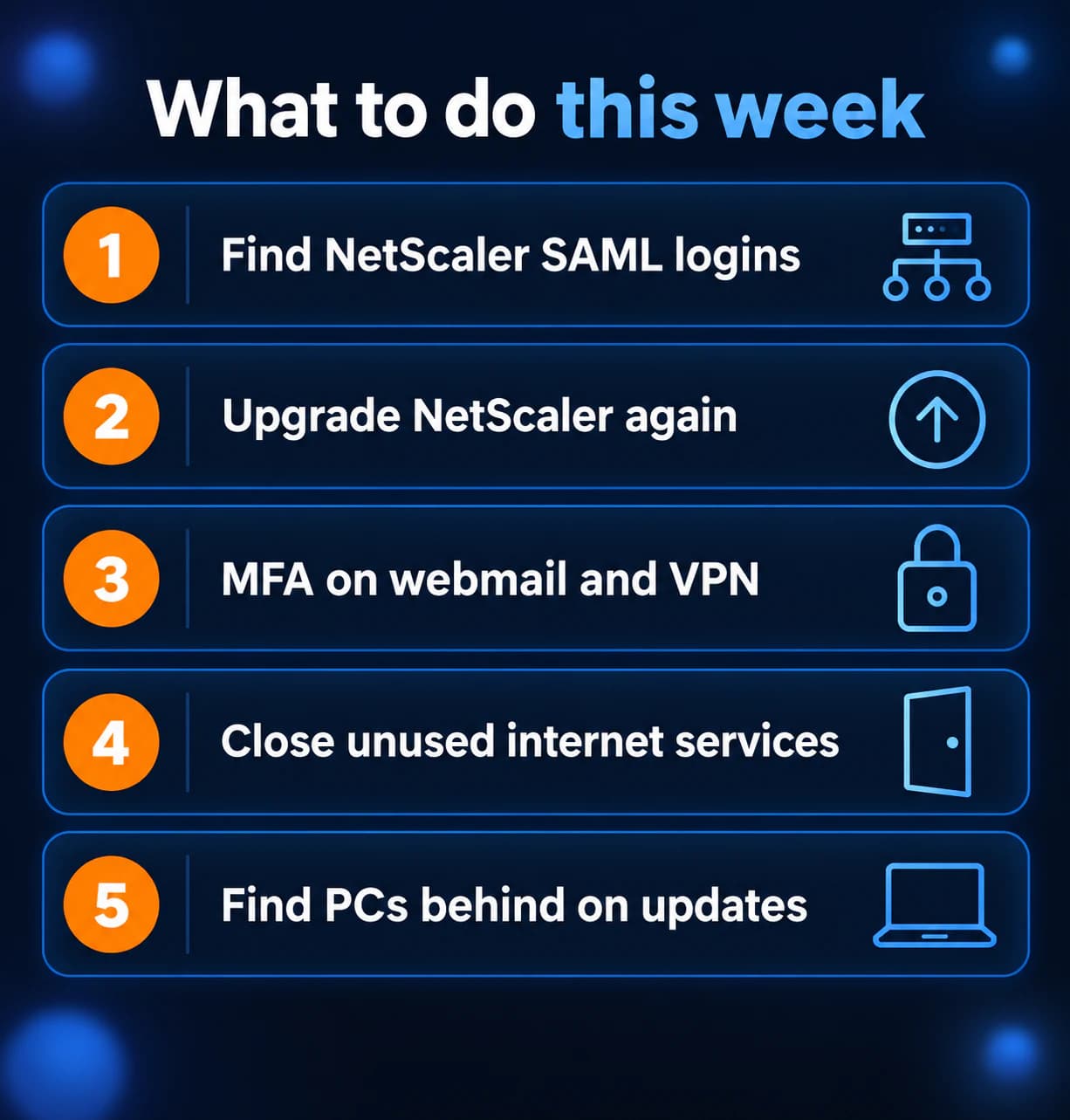
What to do this week
- Find any NetScaler that handles SAML sign-in.
- Upgrade it to 14.1-73.46 or 13.1-64.29 or later.
- Turn on MFA for every mailbox and VPN account.
- Close internet services and ports you do not use.
- List PCs and servers that are behind on updates.
If you need someone who can handle these checks for you, reach out to us. We would be happy to help.
Sources
- Citrix security bulletin CTX697191
- NVD, CVE-2026-107406
- CISA advisory AA26-281A, Chinese Government-linked Cyber Threat Actors Combine Automated and Hands-on Hacking Tools to Steal Sensitive Data (October 8, 2026)
- CISA Known Exploited Vulnerabilities catalog
- Microsoft Windows IT Pro Blog, Prepare for Windows Update certificate rotation in 2027 (October 8, 2026)

Powerful IT Systems · Sussex, WI
Master's degree in Computer Science with 15+ years of hands-on IT experience serving Milwaukee-area businesses.