
October's Patch Tuesday landed on October 13, and two of this week's three items come out of it. Microsoft fixed a Windows Shell bug that attackers are already using to get files past the "this came from the internet" warning. It also fixed five critical Outlook bugs that can be triggered just by a message showing up in the Reading Pane. The third item is a new Ivanti Connect Secure VPN flaw that was exploited before a fix existed.
Start with the Windows update, because that one is being used in attacks now. If your office has an Ivanti VPN appliance, put it on the same list.

Windows Shell zero-day lets files skip the internet download warning
What happened
Microsoft's October 13 updates fix CVE-2026-96951, a Windows Shell security feature bypass rated Important with a CVSS score of 8.8. Microsoft marks it "Exploitation Detected." According to Microsoft, an attacker who exploits it "could evade Mark of the Web (MOTW) defenses." Mark of the Web is the tag Windows puts on files that come from the internet. It is what triggers the warning prompts and extra checks when someone opens a downloaded file or an email attachment. (MSRC CVE-2026-96951)
CISA added the bug to its Known Exploited Vulnerabilities catalog the same day. (CISA KEV)
Who is affected
Supported Windows 10, Windows 11, and Windows Server versions. Microsoft describes an email or instant message attack where the user is sent a specially crafted file. The attacker still has to convince the person to open it or click a link, so this is a phishing tool, not something that runs on its own.
What to check or fix now
- Install the October 13 cumulative update and reboot. Microsoft lists these packages, among others:
- Windows 11 24H2 and 25H2: KB5127648
- Windows 11 23H2: KB5126653
- Windows 10 22H2 (Extended Security Updates): KB5126657
- Windows Server 2025: KB5126646
- Windows Server 2022: KB5126655
- Windows Server 2019: KB5126651
- Windows Server 2016: KB5126868
- Check your patch report for PCs that downloaded the update but are still waiting on a reboot. Those are not protected yet.
- Find laptops that are rarely on the office network or VPN and make sure they checked in this week.
How to prevent it
Staff training often says "Windows will warn you if a file is risky." This bug is a reminder that the warning can be bypassed. Teach people that an attachment they weren't expecting is suspicious whether or not Windows shows a prompt (our phishing examples guide shows what to look for), and keep your patch reports showing reboot status as well as install status.
Five critical Outlook bugs can be triggered from the Reading Pane
What happened
The same release fixes five critical remote code execution bugs in Outlook, each with a CVSS score of 9.8: CVE-2026-70242, CVE-2026-70291, CVE-2026-88156, CVE-2026-97016, and CVE-2026-97749. For CVE-2026-70242, Microsoft says "simply viewing the message in the Outlook Reading Pane could trigger the vulnerability, without the recipient opening the message or clicking anything in it." Microsoft lists the Reading Pane as an attack path for all five. (MSRC CVE-2026-70242)
Microsoft reports none of the five as exploited and rates exploitation "Less Likely." They are still worth fast patching. A bug that only needs an email to arrive and be previewed skips the "don't click" advice people have been taught.
Who is affected
Microsoft lists Microsoft 365 Apps for Enterprise, Office LTSC 2021, and Office LTSC 2024 for these bugs, and Office for Mac editions for two of them (CVE-2026-70291 and CVE-2026-88156).
One more thing for offices with one-time-purchase Office: Microsoft's lifecycle page lists Office LTSC 2021 and Outlook LTSC 2021 as ending support on October 13, 2026. This month's fix is the last one those PCs get. (Microsoft Lifecycle) Our October Microsoft 365 changes roundup covers the rest of this month's Microsoft changes.
What to check or fix now
- Check the Office build on each PC, not just Windows Update. In Outlook, go to File, then Office Account, then About Outlook. Office updates on its own schedule.
- Microsoft lists the fixed builds as 16.0.14334.20974 for Office LTSC 2021 and 16.0.17932.21056 for Office LTSC 2024. For Microsoft 365 Apps, compare against Microsoft's Office security release notes for your update channel.
- Look for PCs where Office updates are turned off or point to a file share that stopped getting new builds.
- Until a PC is updated, turning off the Reading Pane removes the path Microsoft describes. It is a stopgap, not a fix.
- Make a list of any PCs still on Office 2021 or Office LTSC 2021 and plan their move to a supported version.
How to prevent it
Treat Office like a separate product in your patch reporting. Plenty of offices see "Windows: up to date" and assume Outlook is too. A monthly check of Office build numbers across all PCs catches the ones that fall behind. More on why that matters in the importance of regular software updates.
Ivanti Connect Secure VPN zero-day was used before the fix shipped
What happened
On October 13, Ivanti disclosed CVE-2026-104935 in Ivanti Connect Secure, its remote access VPN appliance. The CVE record describes it as an authentication bypass "in ICS before version 25.1.3.0" that "allows a remote unauthenticated attacker to execute arbitrary commands." CISA added it to the Known Exploited Vulnerabilities catalog the same day. (NVD CVE-2026-104935)
Volexity, the security firm that found the attacks, says a group it tracks as UTA0576 began exploiting a fully patched appliance on October 3. The attackers chained this bug with a separate privilege escalation flaw that Ivanti has not fixed yet. According to Volexity, they went after Active Directory credentials, LAPS passwords, and BitLocker recovery keys. They also deleted log evidence and took steps to avoid Ivanti's Integrity Checker Tool. Volexity found no backdoor or web shell on the device. (Volexity)
Who is affected
Offices that run their own Ivanti Connect Secure appliance. The CVE record lists 25.1.3.0, 25.1.3.1, and 22.8R2.5 as unaffected, and says version 22.7R2.14 and earlier are not affected.
What to check or fix now
- Find out whether your office uses Ivanti Connect Secure, including one a vendor or parent company runs for you.
- Check the version and upgrade to the fixed release Ivanti lists for your code line, such as 22.8R2.5 or 25.1.3.0 and later.
- Don't treat a clean Integrity Checker result as proof the appliance is safe. Volexity says this attack was built to avoid that tool.
- Look for logins or connection attempts from the VPN appliance to your servers and domain controllers that it doesn't normally make. Volexity names lateral movement from the device as a sign that calls for a forensic review.
- If you find signs of compromise, plan to reset the domain credentials stored on the appliance and the local admin and BitLocker secrets kept in Active Directory, and bring in incident response help.
How to prevent it
Remote access appliances keep coming up in these briefs; last week it was NetScaler again. Keep a short list of everything that faces the internet, who owns each box, and how fast it gets patched. Watch for the follow-up release that fixes the privilege escalation flaw, since Volexity says it is still coming.
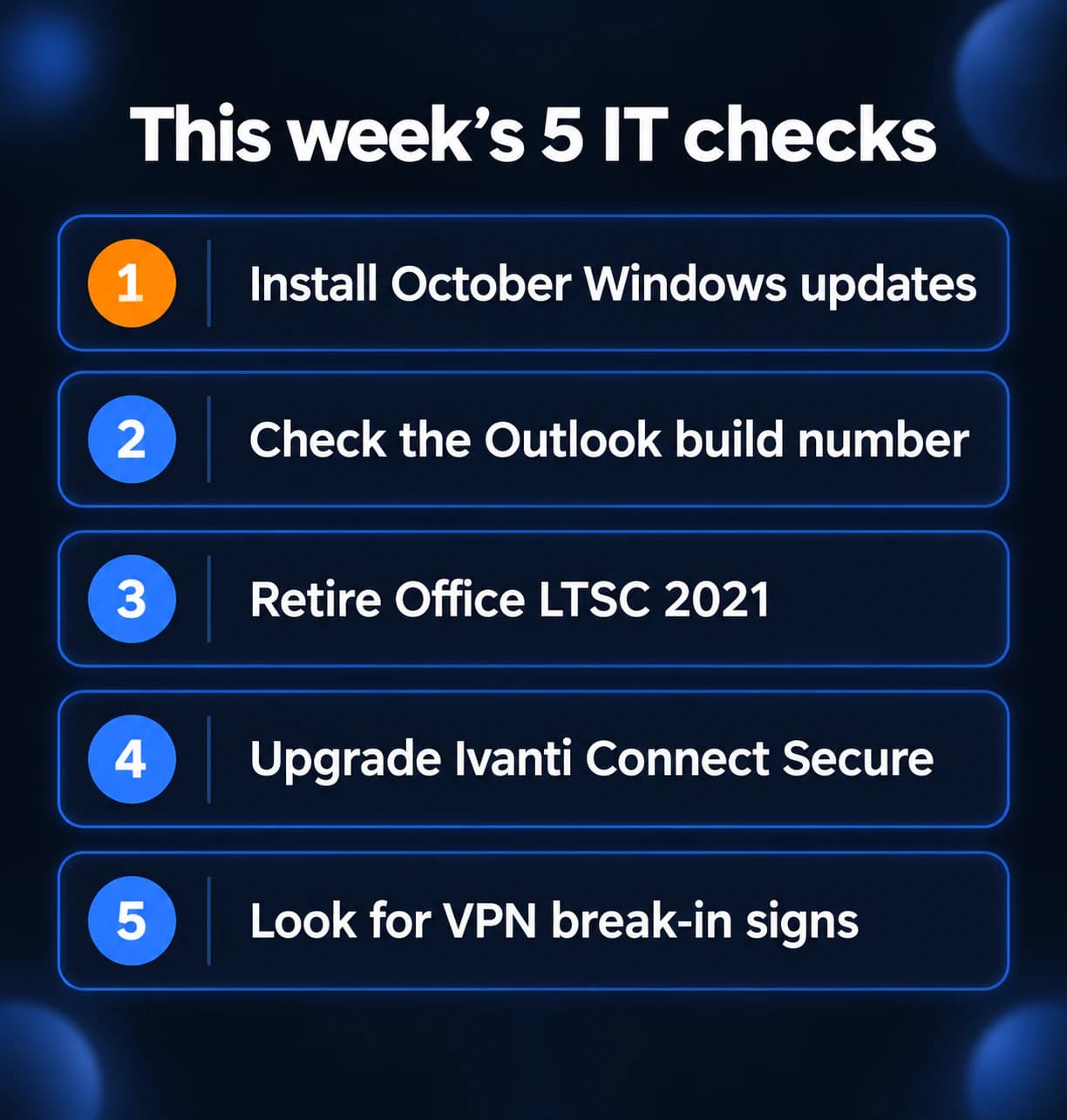
What to do this week
- Install the October 13 Windows updates on every PC and server, then reboot.
- Check the Office build number on each PC so you know Outlook got its October fix.
- Make a plan to replace Office 2021 and Office LTSC 2021, which received their last update this month.
- Upgrade any Ivanti Connect Secure appliance to a fixed release.
- Look for unusual connections from your VPN appliance to servers and domain controllers.
For the Microsoft 365 side beyond patching, see our Microsoft 365 security checklist. If you need someone who can handle these checks for you, reach out to us. We would be happy to help.
Sources
- Microsoft Security Response Center, CVE-2026-96951
- CISA Known Exploited Vulnerabilities catalog, CVE-2026-96951
- NVD, CVE-2026-96951
- MSRC, CVE-2026-70242
- MSRC, CVE-2026-70291
- MSRC, CVE-2026-88156
- MSRC, CVE-2026-97016
- MSRC, CVE-2026-97749
- Microsoft Lifecycle, products ending support in 2026
- NVD, CVE-2026-104935
- CISA Known Exploited Vulnerabilities catalog, CVE-2026-104935
- Volexity, chained exploitation of Ivanti Connect Secure zero-days (October 13, 2026)

Powerful IT Systems · Sussex, WI
Master's degree in Computer Science with 15+ years of hands-on IT experience serving Milwaukee-area businesses.