
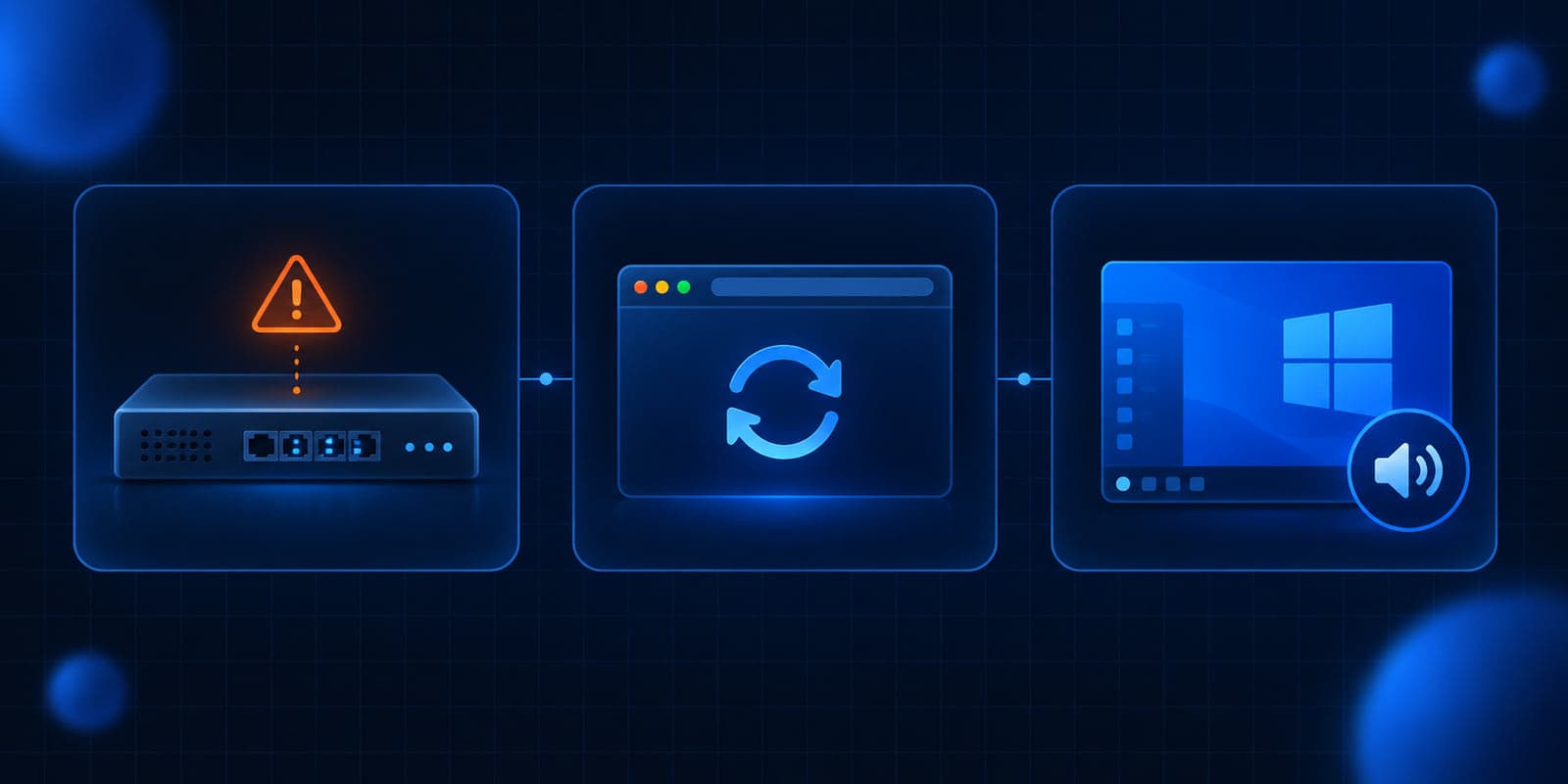
Three things came out over the weekend that are worth a few minutes this week. Citrix shipped another emergency NetScaler build for a SAML bug that attackers are already using, which means some gateways patched last week need to be upgraded again. Chrome 154 fixes a critical bug and nine high-severity ones, and Edge has the matching build. And Microsoft confirmed that a September Windows 11 preview update can make some older programs crash when they play certain audio.
Only the browser item applies to almost everyone. For the other two, the first question is simple: do we run this?
NetScaler gateways that use SAML need a second upgrade
What happened
On October 3, Citrix published a bulletin for CVE-2026-88779, a memory overflow in NetScaler ADC and NetScaler Gateway that leads to denial of service. Citrix rates it High, with a CVSS v4 score of 8.7. The precondition is that the appliance is configured as a SAML service provider or a SAML identity provider. (Citrix CTX697174)
Citrix's companion post says it "has observed targeted attacks on unmitigated NetScaler deployments which can lead to Denial of Service," that the service may stay unavailable if the condition is triggered repeatedly, and that it has not identified an impact on the integrity of customer data. CISA added CVE-2026-88779 to its Known Exploited Vulnerabilities catalog on October 4. (CISA alert, NVD)
This is a different bug from the two NetScaler zero-days patched on September 27. Citrix says that if you already upgraded for that earlier bulletin and your appliance uses SAML, you need to upgrade again with the new builds.
Who is affected
Customer-managed NetScaler ADC and NetScaler Gateway configured for SAML, on:
- 14.1 before 14.1-73.41
- 13.1 before 13.1-64.28
- 14.1 FIPS before 14.1-73.41 FIPS
- 13.1 FIPS and NDcPP before 13.1-37.282
Citrix also names Secure Private Access hybrid deployments that use NetScaler instances. Citrix-managed cloud services are updated by Citrix.
A lot of offices use a NetScaler without knowing it, often because a line-of-business vendor or a hosted desktop provider put one in front of their system. If single sign-on through Microsoft Entra or another identity provider lands on a Citrix login page, it is worth asking the question.
What to check or fix now
- Find out whether any NetScaler ADC or Gateway exists in your setup, including one a vendor runs for you.
- Check the configuration for
add authentication samlActionoradd authentication samlIdPProfile. Either one means the appliance meets the precondition. - Upgrade to 14.1-73.41 or 13.1-64.28 or later (or the matching FIPS/NDcPP build), even if you upgraded last week.
- If you cannot upgrade today, Citrix has released Global Deny List signatures as a stopgap for appliances already on 14.1-73.37 or 13.1-64.23. Citrix still says to install the fixed build as soon as possible.
How to prevent it
Keep a written list of every internet-facing device and who is responsible for patching it, including the ones vendors manage. The September NetScaler patch was not the end of it, and the offices that move fastest are the ones that already know where their gateways are. Our September 29 brief covers the earlier NetScaler bugs and the compromise check.
Chrome 154 and Edge 154 fix a critical browser bug
What happened
On October 1, Google moved Chrome Stable to 154.0.8037.97/.98 for Windows and Mac and 154.0.8037.97 for Linux. The release includes 11 security fixes, one rated Critical: CVE-2026-103628, an out-of-bounds write in WebGL. Nine more are rated High. Google's release note does not say any of them are being exploited. (Chrome Releases)
Microsoft released Edge Stable 154.0.4258.53 the same day, which it says "incorporates the latest Security Updates of the Chromium project." (Microsoft Edge security release notes)
Who is affected
Anyone using Chrome or Edge on Windows, Mac, or Linux, which is nearly every office.
What to check or fix now
- In Chrome, open Settings, then About Chrome, and confirm 154.0.8037.97 or later. In Edge, check Settings, then About Microsoft Edge, for 154.0.4258.53 or later.
- Restart the browser. Chrome and Edge download updates on their own, but the fix does not apply until the browser restarts, and many people leave theirs open for weeks.
- If you manage browsers with Intune, Group Policy, or an RMM tool, check the version report for machines stuck on 153 or older.
How to prevent it
Set a policy that prompts or forces a browser restart within a few days of an update. Both Chrome and Edge support a relaunch notification policy, and it closes the gap between "update downloaded" and "update installed." Related reading: our Chrome 153 brief and the importance of regular software updates.
A Windows 11 preview update can crash older apps that play Dolby Digital audio
What happened
On October 2, Microsoft confirmed a known issue with the September 22 Windows 11 preview update, KB5124010 (OS builds 26300.9550, 26200.9550, and 26100.9550). After that update "and later," some applications that decode AC-3 (Dolby Digital) audio might close unexpectedly. Microsoft says some apps fail to launch, and others work until a feature such as playing audio is used. (Windows release health)
Microsoft says the issue is most common in legacy applications that rely on Windows' built-in audio decoding, and that many modern apps include their own decoders and are not affected. Affected apps "may vary and can include games, media players, and certain productivity applications." There is no fix date yet. (KB5124010)
Who is affected
Windows 11 versions 26H2, 25H2, and 24H2 that installed KB5124010 or a later update. Windows Server is not listed as affected. In an office, the likely suspects are older programs that play recorded audio or video, such as training software, older media players, or apps that play back recorded calls or dictation.
What to check or fix now
- If someone reports that an older program started crashing in the last two weeks, especially when it plays sound, check whether KB5124010 is installed before reinstalling the app.
- If you manage updates centrally, hold optional preview updates on machines that run older audio or video software until Microsoft ships a fix.
- Before you approve October's security update, check the release health page for this issue. Microsoft says updates released September 22 "and later" can trigger it, so it is worth confirming the status first.
How to prevent it
Test optional preview updates on one or two machines before they reach everyone, and keep a short list of the older programs your office depends on. That list turns a vague "my app keeps closing" ticket into a five-minute check.
What to do this week
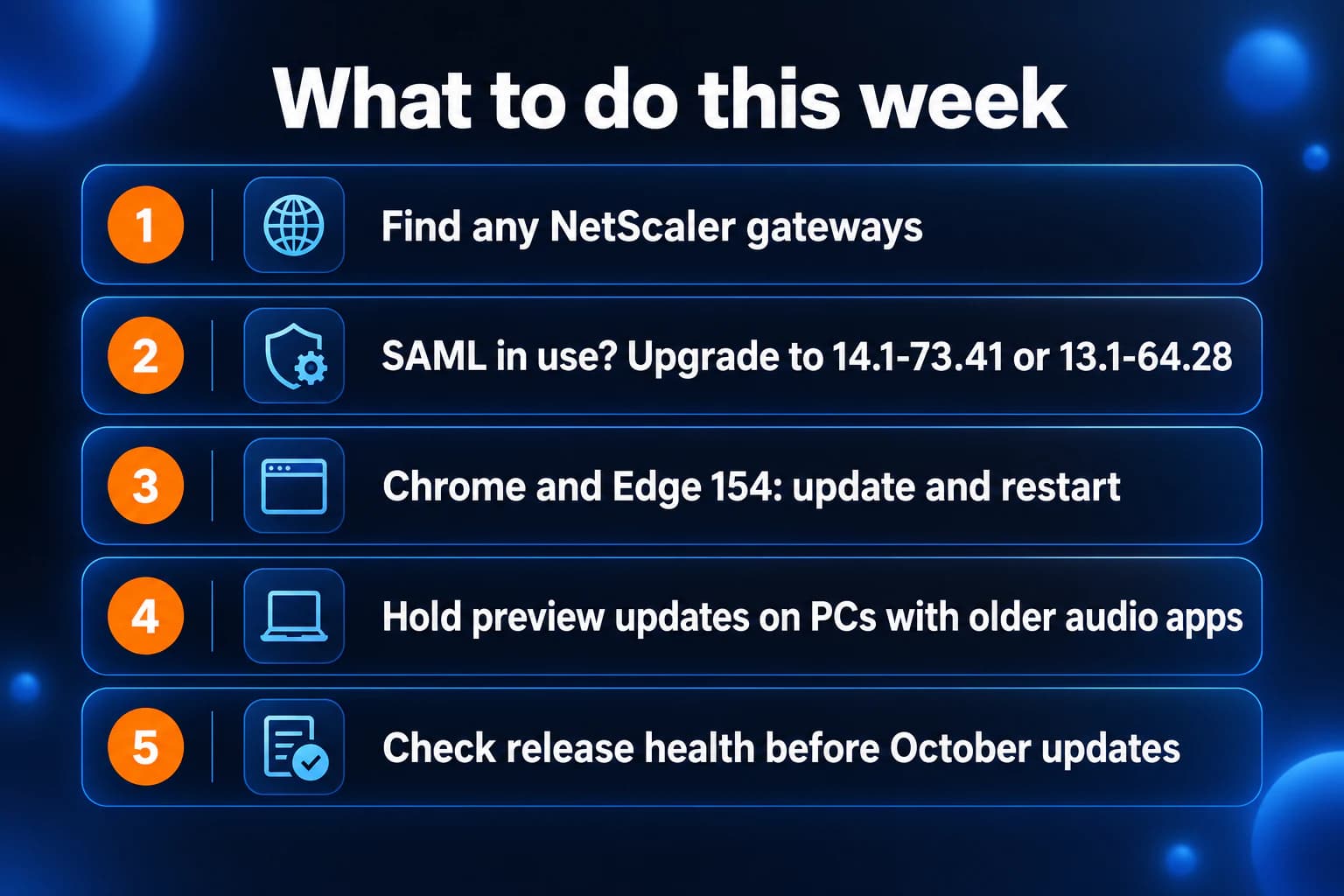
- Find out whether any NetScaler ADC or Gateway exists in your setup, including vendor-run ones.
- If it uses SAML, upgrade it to 14.1-73.41 or 13.1-64.28 or later, even if you patched last week.
- Confirm Chrome is on 154.0.8037.97 or later and Edge on 154.0.4258.53 or later, then restart browsers.
- Hold optional Windows preview updates on PCs that run older audio or video software.
- Check Microsoft's release health page for the AC-3 audio issue before approving October's Windows update.
If you need someone who can handle these checks for you, reach out to us. We would be happy to help.

Powerful IT Systems · Sussex, WI
Master's degree in Computer Science with 15+ years of hands-on IT experience serving Milwaukee-area businesses.