
Three things are worth an hour of someone's time this week. Citrix NetScaler gateways have two remote code execution bugs that attackers were using before a patch existed. Microsoft took down EvilTokens, a phishing service that got into more than 12,000 Microsoft 365 inboxes, but the trick it used still works against any tenant that allows device code sign-in. And an on-premises SharePoint Server bug patched in August is now being exploited.
None of these applies to every office. The first question for each is simple: do we run this? If the answer is yes, the checklist below is what to do about it.
Citrix NetScaler needs this week's build, and a compromise check before you patch
What happened
On September 27, Citrix published a bulletin covering eight vulnerabilities in NetScaler ADC and NetScaler Gateway, CVE-2026-88771 through CVE-2026-88778. Citrix says exploits of CVE-2026-88771 and CVE-2026-88772 "on unmitigated NetScaler deployments have been observed." (Citrix CTX697096)
CVE-2026-88771 lets an unauthenticated attacker run commands, and Citrix lists the precondition as "All NetScaler ADC and NetScaler Gateway deployments (Default configuration / No additional feature required)." CVE-2026-88772 is a memory overflow that can lead to code execution or denial of service when DTLS is enabled, which Citrix notes is on by default for a VPN virtual server.
CISA added both to its Known Exploited Vulnerabilities catalog the same day and says threat actors are "actively exploiting these vulnerabilities globally." (CISA alert) Help Net Security reports the attacks were used to plant webshells. (Help Net Security)
Who is affected
Customer-managed NetScaler ADC and NetScaler Gateway on:
- 14.1 before 14.1-73.37
- 13.1 before 13.1-64.23
- ADC FIPS before 14.1-73.37 FIPS
- ADC FIPS and NDcPP before 13.1-37.279
Citrix also names Secure Private Access hybrid deployments that use NetScaler instances. Citrix-managed cloud services are upgraded by Citrix.
If your remote access runs through a different VPN or you only use Citrix-hosted services, this item is not yours. It is worth asking your line-of-business vendors, though. Some hosted applications and older remote-access setups sit behind a NetScaler that nobody in the office thinks about.
What to check or fix now
- Confirm whether any NetScaler ADC or Gateway exists, including one a vendor installed.
- Before upgrading, run the indicators of compromise Citrix published through NetScaler Console. CISA's advice is to check for compromise first, because the update can remove forensic evidence.
- If anything looks wrong, preserve evidence first. Unit 42 lists a VPX snapshot, logs, a support bundle, and a packet engine core dump. (Unit 42)
- Upgrade to 14.1-73.37 or 13.1-64.23 or later (or the matching FIPS/NDcPP build).
- After patching, reset credentials that passed through the gateway if compromise is suspected, and review who has signed in through it recently.
How to prevent it
Keep an inventory line for every internet-facing appliance with its version and owner. Gateways are the devices attackers reach first, and the inventory is what lets you answer "do we run this?" in five minutes instead of an afternoon.
Device code phishing outlived EvilTokens, so block the flow if you do not use it
What happened
On September 22, Microsoft announced a court-authorized disruption of EvilTokens, a phishing-as-a-service platform. Microsoft says it "facilitated sophisticated business email compromise (BEC) campaigns that compromised more than 12,000 inboxes in over 10,000 organizations worldwide." (Microsoft Security Blog)
The method matters more than the takedown. Device code sign-in exists for TVs, printers, and meeting-room devices that cannot show a normal login page. The attacker starts that sign-in, then gets the victim to paste the code into Microsoft's real devicelogin page. The victim completes the password and MFA, and the attacker's session gets the tokens. Microsoft reports that attackers sometimes registered a new device within 10 minutes for long-term access, or waited hours before creating inbox rules and taking email.
Microsoft's own summary adds that access "could persist even after a password reset if the associated sessions and tokens were not also revoked." ( Microsoft On the Issues) SpyCloud, which helped with the disruption, says other commodity phishing kits now offer the same technique. (SpyCloud)
Who is affected
Any Microsoft 365 / Entra ID tenant where device code sign-in is allowed, which is the default unless someone has blocked it. Microsoft lists victims in construction, real estate, financial services, healthcare, wholesale distribution, and higher education.
What to check or fix now
- In Entra sign-in logs, filter for the device code authentication protocol and see who actually uses it. Most offices will find it limited to Teams Rooms or a few shared devices.
- Create a Conditional Access policy under Conditions > Authentication flows > Device code flow with Grant set to Block. Exclude break-glass accounts and any documented device accounts, start in report-only, then turn it on. (Microsoft Learn)
- If you rely on Teams devices that need the flow, Microsoft says to scope the exception to those device resource accounts.
- For any account that signed in by device code unexpectedly: revoke sessions, remove unknown registered devices and MFA methods, and check inbox rules and forwarding.
How to prevent it
Tell staff one plain rule: a legitimate email never asks you to copy a code and paste it into a Microsoft page. Then back that rule with the Conditional Access block, because a rule people remember on a good day is not a control. Related reading: Microsoft 365 passkeys before SMS MFA ends.
SharePoint Server CVE-2026-65660 is now exploited, six weeks after the patch
What happened
Microsoft fixed CVE-2026-65660 in the August 11 SharePoint updates. It was first listed as a medium spoofing issue and later revised to remote code execution. CISA added it to KEV on September 25. SecurityWeek quotes Microsoft's updated advisory: "As of 9/25/2026, Microsoft had reliable evidence of observed attacks against exploitation of this vulnerability." (SecurityWeek)
On its own the bug needs a low-privileged signed-in user. Previdian captured attempts that paired it with a separate anonymous-access weakness, which only works on sites configured to allow anonymous viewing. Previdian later tied the activity to a webshell at /_layouts/15/sphealth.aspx. (Previdian)
This is a different bug from the SharePoint Server chain in our August 31 brief. If you patched in August and stopped there, that was the right call; this item is the reason to confirm it actually landed.
Who is affected
On-premises SharePoint Server 2016, 2019, and Subscription Edition. The fixed builds listed are 16.0.5565.1001 (2016), 16.0.10417.20198 (2019), and 16.0.19725.20522 (Subscription Edition). (Previdian CVE page) SharePoint Online in Microsoft 365 is not named.
What to check or fix now
- Compare each farm's build against the fixed builds above. Microsoft's FAQ requires every applicable update package for the product, not only one.
- Look for
sphealth.aspxunder the_layouts/15folder and for POSTs toAddGallery.aspxordesigngallery.aspxwithDisplayMode=Editin IIS logs. - Review which sites allow anonymous viewing and turn it off where nobody needs it.
- If the server was exposed and unpatched, treat patching as the start of an investigation, not the end of one.
How to prevent it
Keep SharePoint Server off direct internet exposure where you can. CISA's guidance is to put an authenticating reverse proxy in front if it must be reachable. (eSecurity Planet summary of CISA guidance) If the farm mostly hosts documents, it may also be time to price a move to SharePoint Online.
What to do this week
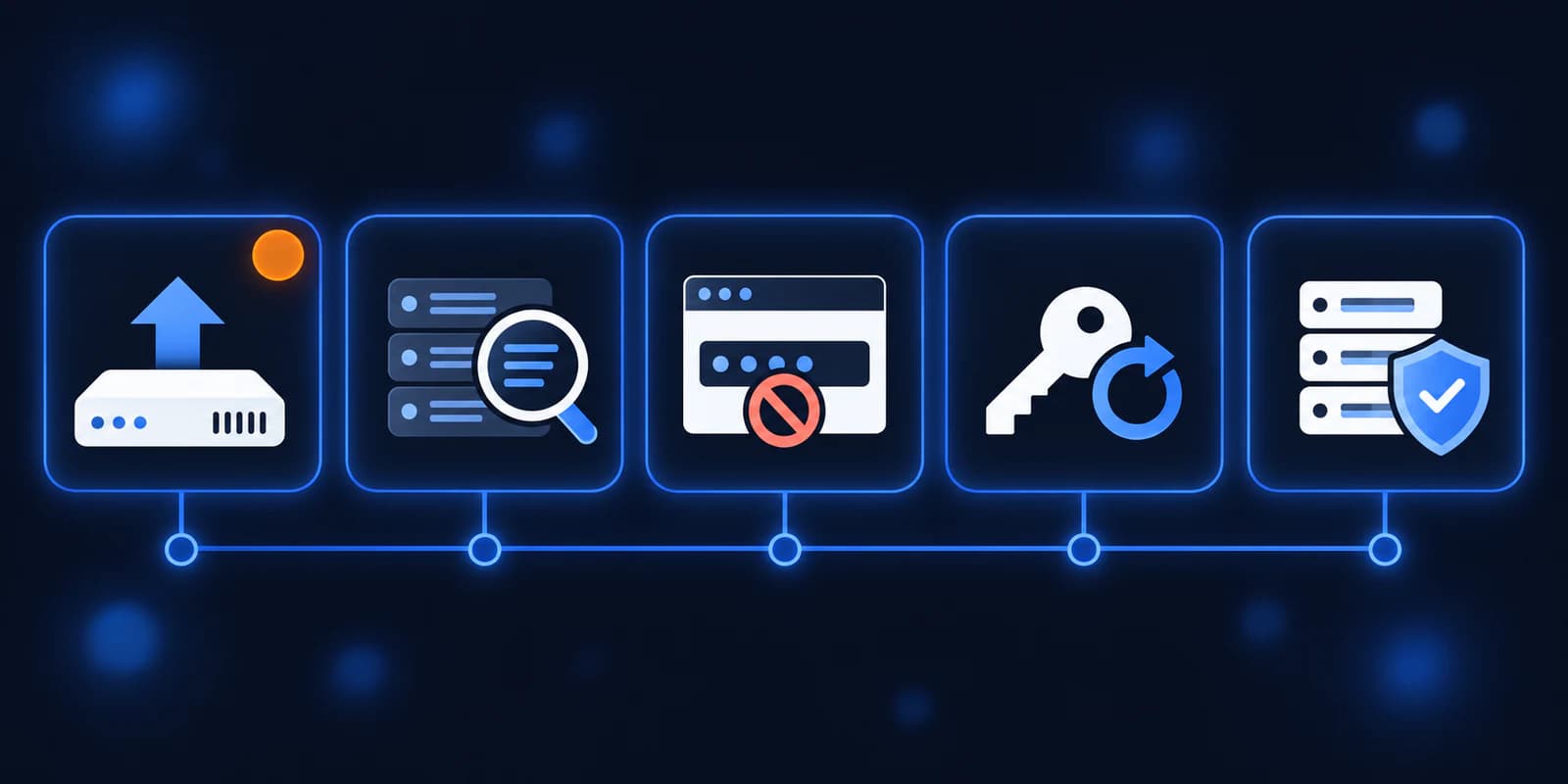
- Find out whether a NetScaler ADC or Gateway exists anywhere in your setup, including vendor-hosted ones, and get it to 14.1-73.37 or 13.1-64.23 after an IOC check.
- Pull 30 days of Entra sign-ins filtered to device code flow and list who uses it.
- Add a Conditional Access block on device code flow in report-only, then enforce it.
- Confirm on-premises SharePoint Server builds against the August fixed versions and look for
sphealth.aspx. - Update your list of internet-facing systems so the next "do we run this?" takes minutes.
If you need someone who can handle these checks for you, reach out to us. We would be happy to help.
Sources
- Citrix CTX697096 security bulletin
- CISA alert, September 27, 2026
- CISA Known Exploited Vulnerabilities catalog
- Microsoft Security Blog: Unmasking EvilTokens
- Microsoft Learn: block authentication flows
- SecurityWeek on CVE-2026-65660
- Previdian on two-stage SharePoint exploitation
- Unit 42 on the NetScaler zero-days

Powerful IT Systems · Sussex, WI
Master's degree in Computer Science with 15+ years of hands-on IT experience serving Milwaukee-area businesses.