
If someone supports your office remotely, this week's ScreenConnect attacks are worth a direct question to them. Attackers got into some ScreenConnect environments, and ConnectWise's early read points to add-on extensions rather than ScreenConnect itself. Apache also shipped a fix for a critical bug in its HTTP/2 code, and Microsoft confirmed two problems tied to recent Windows updates: November's update failing to install on some PCs, and SQL Server linked server connections piling up on servers.

ScreenConnect: attackers got in through an add-on, so check extensions and technician clients
What happened
ConnectWise says it is investigating unauthorized access to certain partner ScreenConnect environments. As of its November 12 update, it says it has found "no evidence of a compromise of ConnectWise infrastructure or that initial access involved a ScreenConnect vulnerability." Its initial assessment is that attackers may have abused independent third-party extensions from the RMM+ family to get in and deploy unauthorized remote-access software. ConnectWise disabled five extensions (Labtech Plus, RMM Plus, RMM+, RMM Plus Password Link, and RMM+ Password Link) in about 400 cloud environments as a precaution, and notes that having them installed does not by itself mean an environment was compromised.
Huntress reports that the attackers installed rogue ScreenConnect clients and a toolkit it calls SCKit on at least 288 endpoints across 48 organizations. Huntress found that RMM+ versions 1.0.31 and 1.0.32 would accept a blank access key if an administrator never set one. ConnectWise says the toolkit's attempt to spread from an infected PC to a connecting technician's workstation is blocked by the CVE-2026-84869 fix in ScreenConnect client 26.6.5, released September 8, 2026, and that researchers have not seen that spread succeed so far. We covered that 26.6.5 fix in an earlier threat brief.
Who is affected
Businesses whose IT team or IT provider uses ScreenConnect, cloud or on-premises, and especially environments with any of the five extensions installed. The technician side matters too: ConnectWise says updating a cloud console does not automatically update technician clients.
What to check or fix now
- Ask your IT team or provider whether they use ScreenConnect and whether any of the five listed extensions are installed. On-premises servers should disable them now, per ConnectWise.
- Confirm every technician workstation runs ScreenConnect client 26.6.5 or later. Check the installed version on each machine, not the console version.
- Turn off the Transfer Files permission for roles that do not need it while updates are pending.
- From a trusted device, revoke active ScreenConnect web sessions and identity-provider sessions, reset relevant credentials, and enforce MFA. ConnectWise notes that a password reset alone does not end existing sessions.
- If you suspect a compromise, investigate with separate security tools, not ScreenConnect itself, and include technician PCs that connected to affected devices.
How to prevent it
Treat remote access tools as the keys to every PC they reach. Keep an inventory of installed extensions and remove the ones left over from old projects, keep technician clients on current versions, and give file transfer and remote command rights only to the roles that use them.
Apache HTTP Server: install 2.4.71 if your site uses HTTP/2
What happened
On November 11, Apache released HTTP Server 2.4.71 with three security fixes. The most serious, CVE-2026-119618, is rated critical by Apache: a flaw in mod_http2 "can lead to RCE," meaning remote code execution on the web server. The release also fixes CVE-2026-106023, an important-rated mod_md crash, and one low-rated issue. Apache's advisory does not report attacks using these flaws.
Who is affected
Apache HTTP Server 2.4.55 through 2.4.70, and standalone mod_h2 2.0.8 through 2.0.42. The vulnerable code is in HTTP/2 handling. Apache's documentation says the default Protocols setting is http/1.1 only, so servers matter most where HTTP/2 (h2 or h2c) has been turned on. This can include your website, a customer portal, or a server your web host or software vendor manages for you.
What to check or fix now
- Find out what runs your website and any portals: ask your web host or developer whether they use Apache and which version.
- On servers you manage, check the version (
httpd -vorapache2 -v) and update to 2.4.71 or your Linux distribution's patched package. - Check whether HTTP/2 is on: look for
Protocolslines that includeh2orh2cin the Apache configuration. - If you cannot update today, discuss turning HTTP/2 off until you can, and confirm the site still works afterward.
How to prevent it
Keep a short list of every internet-facing server, who maintains it, and how it gets patched. Many offices only find out who owns the website server when something breaks.
Windows: November's update can fail to install, and SQL Server linked servers can pile up connections
What happened
Microsoft added a known issue on November 11 to the Windows 11 update KB5132061: "November security update might fail to install on some devices." Affected PCs may retry the install repeatedly or show error 0x80070306, 0x800f0989, or 0x800f0993. Microsoft says a repair is "automatically running in affected devices connected to the internet and using Windows Update," that affected devices "should be repaired in 24 to 48 hours starting from November 11, 2026, 10am PT," and that the update then installs on its own.
Separately, Microsoft confirmed that after Windows updates released October 13, 2026, and later, "connections created by SQL Server linked server queries might remain open after the queries complete." Connections to external databases can accumulate and slow the server over time. Oracle and PostgreSQL connections are among those known to be affected. Microsoft says it will fix this with an out-of-band update "in the next few days."
Who is affected
The install failure: Windows 11 PCs receiving KB5132061. The SQL Server issue: servers running SQL Server linked server queries through OLE DB providers. Microsoft lists Windows Server 2012 through Windows Server 2025 and several Windows 10 and Windows 11 versions as affected platforms. Many line-of-business apps run on SQL Server without the office knowing it uses linked servers, so ask your software vendor if you are unsure.
What to check or fix now
- In your patch tool, or in Settings > Windows Update on each PC, look for PCs stuck retrying the November update or showing one of the three error codes.
- Keep those PCs online and on Windows Update so Microsoft's automatic repair can reach them. Do not reinstall Windows over this.
- If a PC still fails after the 48-hour window, Microsoft says to contact Microsoft Support.
- If you run SQL Server with linked servers, watch the number of open connections to external databases and plan around slowdowns.
- Microsoft says restarting the SQL service or closing idle connections relieves load temporarily, but can interrupt active work. Do it after hours, and install the out-of-band fix when it ships.
How to prevent it
Do not judge patching by whether the update was offered. Check that it actually installed, and give servers that run business databases a short watch period after each monthly update. This week's Patch Tuesday brief covers the other November fixes, and we explain why regular software updates matter.
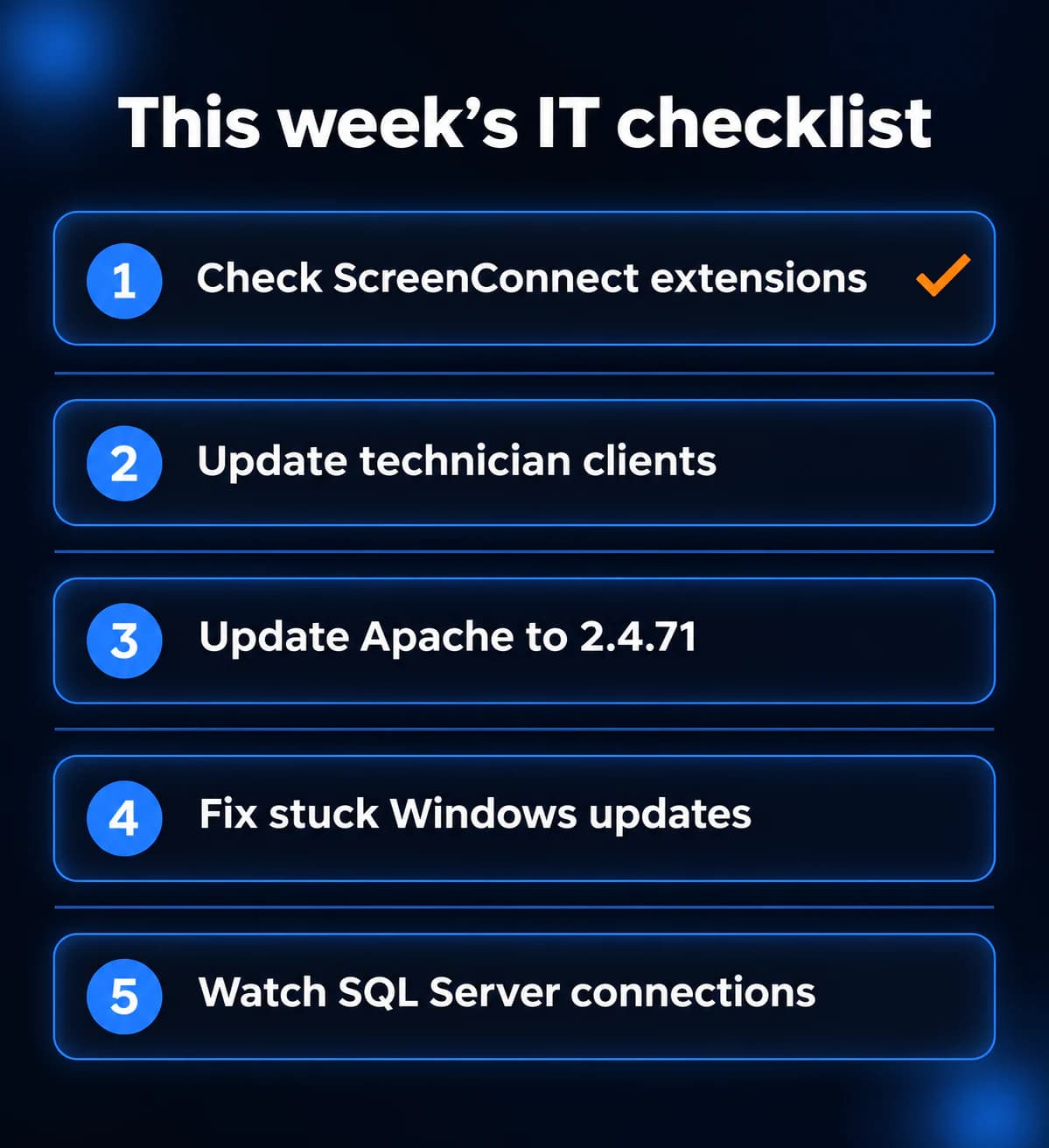
What to do this week
- Ask whoever supports you remotely if they use ScreenConnect and whether any RMM+ family extensions are installed.
- Confirm every ScreenConnect technician client is on 26.6.5 or later.
- Update Apache HTTP Server to 2.4.71, or confirm with your web host that it is done.
- Find PCs where the November Windows update is stuck, and recheck them after Microsoft's 48-hour repair window.
- If you use SQL Server linked servers, watch for slowdowns and install Microsoft's fix when it ships.
If you need someone who can handle these checks for you, reach out to us. We would be happy to help.
Sources
- ConnectWise advisory, ScreenConnect precautionary extension disabling and partner guidance
- ConnectWise security bulletin, ScreenConnect 26.6.5 (CVE-2026-84869)
- NVD, CVE-2026-84869
- Huntress research on SCKit and RMM+
- Apache HTTP Server 2.4 vulnerabilities (CVE-2026-119618, CVE-2026-106023)
- NVD, CVE-2026-119618
- Apache core documentation, Protocols directive
- Apache HTTP Server download page
- Microsoft Support, KB5132061 November 10, 2026 update and known issues
- Microsoft Windows release health, Windows 11 version 23H2 known issues
- Microsoft Windows release health, Windows Server 2025 known issues

Powerful IT Systems · Sussex, WI
Hands-on IT experience serving Milwaukee-area businesses.