
Exchange Web Services (EWS) enforcement starts rolling out on October 1, Publisher is gone for Microsoft 365 subscribers, older SharePoint guest links start failing, and Teams Live chat and Google Calendar sync go away. None of this needs a project plan for a typical office. Most of it needs one admin, one afternoon, and a list of which vendors still touch your mailboxes.
Every date below comes from Microsoft. Rollout reaches tenants at different times, so confirm each item in your own Message Center before you act on it.
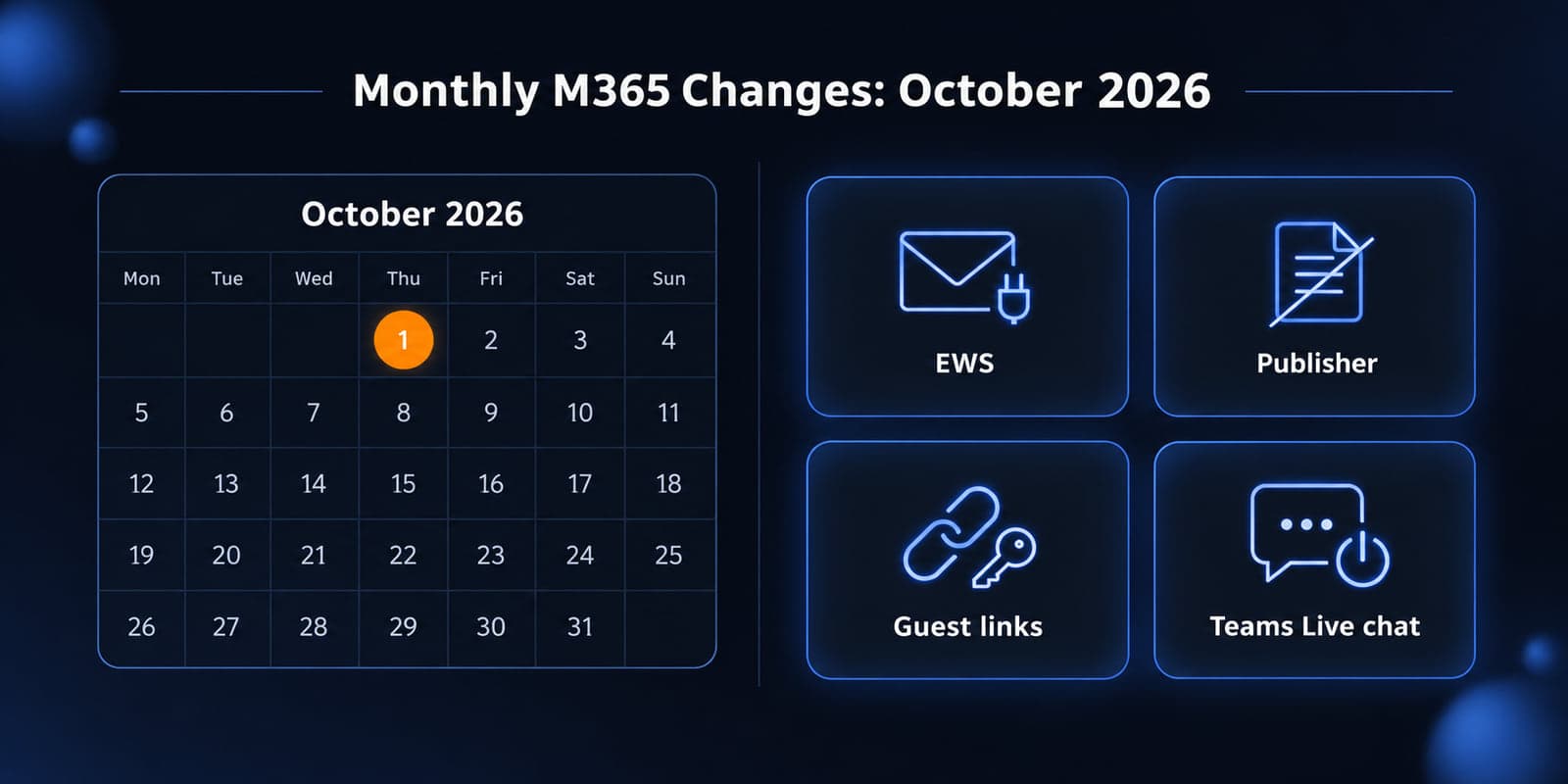
Already rolling out
EWS enforcement in Exchange Online. Microsoft said that beginning October 1, 2026, it will start enabling the new behavior where a tenant with EWSEnabled set to True needs an allowed App ID list for EWS to work. Tenants still at Null get changed to False as the rollout reaches them, which blocks EWS for all apps at that point. What changed recently: in a September 4 post, Microsoft said it will build a list for you if you have not, based on the previous 60 days of usage, and warned that it may miss applications that run infrequently and may include apps you no longer want to have access. A list you configured yourself is not overwritten.
Who it affects: anyone with a third-party tool that reads mail through EWS. In small offices that usually means backup, archiving, document management, CRM add-ins, and scan-to-email or copier software. Full retirement starts April 1, 2027.
What to do: pull the EWS usage report, list the App IDs you actually need, and set them yourself. Do not trust a 60-day automatic list if you run a quarterly or year-end job. If something breaks this month, setting EWSEnabled back to True with the right list restores access, with a service interruption in between. If your scanners or apps also send mail through Microsoft 365, see our SMTP changes for scanners and apps.
Publisher is gone for subscribers. Microsoft 365 subscribers cannot access Publisher after October 1, 2026, and cannot open or edit .pub files in Publisher. Perpetual Publisher 2021 keeps working but loses support on October 13. If someone in the office still has newsletters or forms in .pub, they need a machine with perpetual Publisher to convert them to PDF or Word now, or they need to rebuild them.
SharePoint and OneDrive guest links (SharePoint OTP retirement). Microsoft rescheduled phase 2 to begin October 1 and complete by October 31. External users who were shared "specific people" links under the old SharePoint one-time passcode flow, and who have no Entra B2B guest account, will see access denied. Anyone links are not affected. Guests still sign in with a one-time code; it now runs through Entra B2B instead of SharePoint.
Who it affects: firms that share files with clients, outside counsel, CPAs, or vendors by email. Expect an "I can't open the link" call from a client. The fix is to reshare at least one item with that person, or create the guest account.
Coming this month
Teams Live chat ends October 5. After that date, incoming chats from the website widget are no longer relayed to Teams and any widget left on a site is hidden. Remove the widget (the tag with id="chatbot") from your website and tell whoever answered those chats.
Teams and Google Calendar sync ends in October. Microsoft has not published a specific day. Previously matched calendars stop syncing and admins lose the setup page in the Admin app in Teams. Save any account matching information first. Users who schedule Teams meetings from Google Calendar can use the Microsoft Teams Meeting add-on for Google Workspace.
The Admin app in Teams, Outlook, and Microsoft365.com is retiring. Microsoft says it will no longer be supported or available starting in October 2026, with rollout expected to finish by mid-October. Use the Microsoft 365 admin center and Teams admin center instead. This is the same app that holds the Live chat and Google sync settings, so do those two items first.
Office 2021 and Office LTSC 2021 lose support October 13. Same date for Windows 11 Home and Pro version 24H2. If a reception PC or a shared workstation still runs a one-time-purchase Office 2021, it stops getting security updates after this month's Patch Tuesday.
Security, identity, and compliance
Legacy risk policies in Entra ID Protection retire October 1. Microsoft's guidance is to migrate user risk and sign-in risk policies to Conditional Access. This only matters if you have Entra ID P2 (or Microsoft 365 E5) and turned those policies on in the old ID Protection screens. Most Business Premium tenants never had them. If you did, rebuild them in Conditional Access and check the old ones are gone.
SSPR registration campaign starts October 5. Microsoft's Entra post says a registration campaign begins October 5, 2026, and from November 9, 2026, self-service password reset accepts only registered methods. Phone numbers and email addresses that sit on the user object but were never registered stop working for password reset. Users will start seeing registration prompts this month. Tell staff it is legitimate, because a surprise "register your phone" prompt looks exactly like phishing.
Passkey defaults and the February 1, 2027 end of Microsoft-provided SMS and voice have not changed. If you have not run that cleanup, see Microsoft 365 Passkeys: What to Do Before SMS MFA Ends.
Licensing and admin gotchas
- The automatic EWS list is a guess, not a decision. If Microsoft builds it for you, review it. It can contain apps you no longer want reading mail.
EWSAllowedAppIDsreplaces the whole list when you set it. Include every App ID each time you change it, and allow up to 24 hours before testing.- Publisher is not covered by "just reinstall Office." Subscribers cannot install it after October 2026.
- Guest access problems are a SharePoint problem now owned by Entra. If guest invitations are restricted in Entra, internal users may not be able to reshare to fix a broken link. Check who can invite guests before October 31.
Worth testing
- After setting your EWS list, run your backup, archiving, and any scan-to-email job once and confirm it completes. Changes to the list can take a day to apply.
- Send a fresh "specific people" link to one outside address that has never been a guest and confirm the person can sign in with a code.
- Have one staff member try self-service password reset end to end with a registered method before the November 9 cutover.
Ignore for now
- Cross-tenant Free/Busy and calendar sharing moving to Cross-Tenant Access Policy. If you have no organization relationships, there is nothing to do.
- Microsoft Graph migration for in-house EWS code. Plan it before April 2027, but most small offices do not own any EWS code; their vendors do.
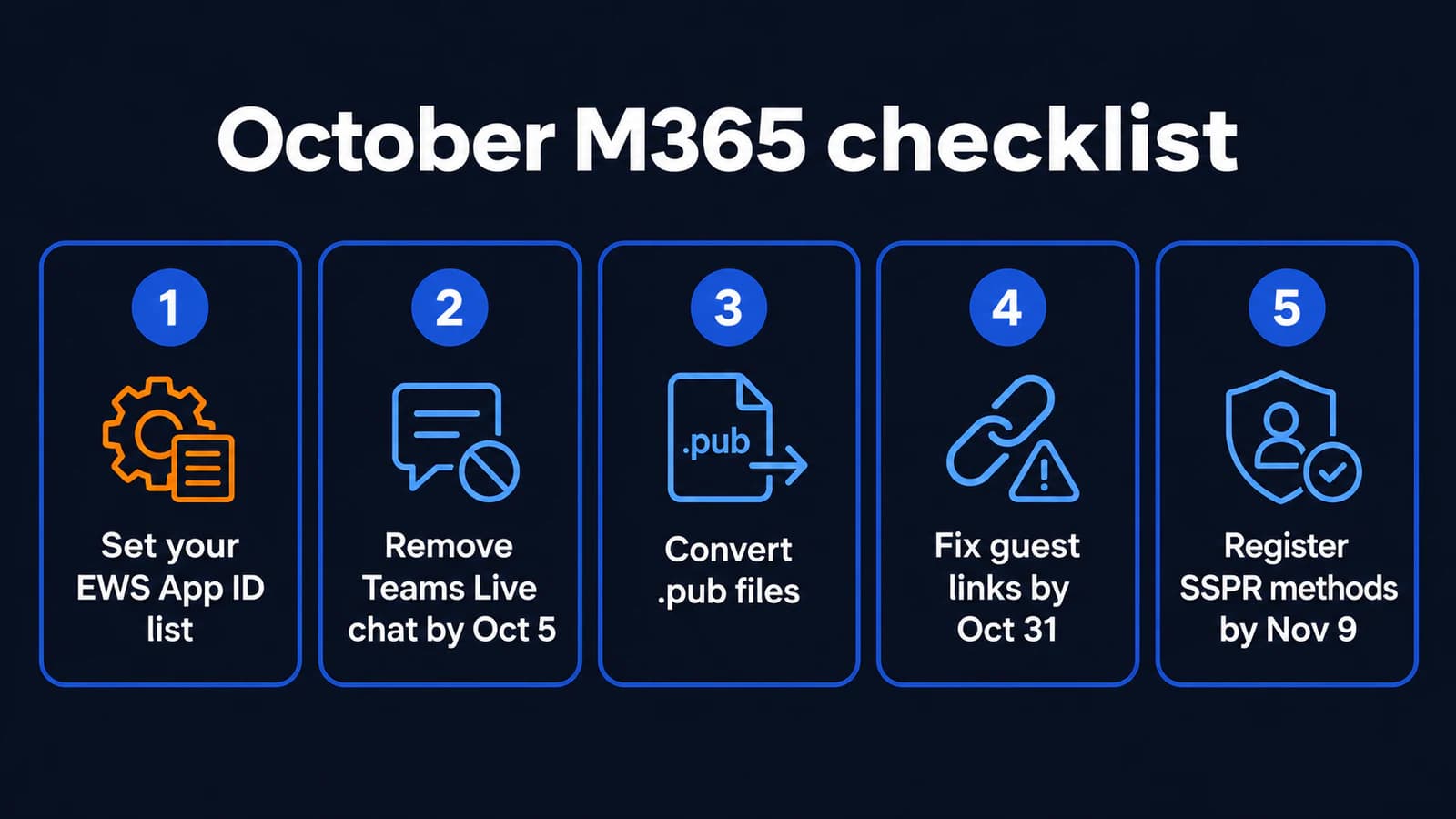
October action list
- Today: run the EWS usage report, list required App IDs, set
EWSAllowedAppIDs, and setEWSEnabledto True only if you still need EWS. - By October 5: remove the Teams Live chat widget from your website and save Google Calendar sync matching data if you used it.
- This week: convert any remaining .pub files, and find any PC still on Office 2021.
- Before October 31: run the SharePoint external sharing report, create guest accounts for regular outside collaborators, and warn staff that some old links will need resharing.
- Before November 9: check Entra user registration details so everyone has a registered SSPR method.
If you would rather have someone else run through this list, Powerful IT handles these Microsoft 365 checks for offices around Milwaukee, Waukesha, and Brookfield. Call us and we can tell you which items apply to your tenant.
Sources
- Exchange Team: Take control of your EWSAllowedAppIDs list
- Exchange Team: Exchange Online EWS, Your Time is Almost Up
- MC1447678: Prepare for EWS retirement (archive)
- Microsoft Support: Publisher end of support
- MC1243549: Retirement of SharePoint OTP (archive)
- Microsoft Learn: External sharing FAQ
- Microsoft Learn: Teams Live chat
- Microsoft Learn: Teams and Google Workspace calendar sync
- MC1462922: Admin app retiring (archive)
- Microsoft Learn: ID Protection risk policies
- Microsoft Entra blog: security updates
- Microsoft Lifecycle: Ending Support in 2026

Powerful IT Systems · Sussex, WI
Master's degree in Computer Science with 15+ years of hands-on IT experience serving Milwaukee-area businesses.