
Two of this week's items are about the tools that guard or run a network: a firewall and a remote management platform. When one of those is compromised, the attacker gets the same reach your IT team has. The third is smaller and easy to fix yourself: an ad blocker that a malicious website could turn against you.

Check Point firewalls: a root bug used in real attacks, fixed in the November Jumbo Hotfix
What happened
Check Point published advisory sk1000362 for CVE-2026-123039, a local privilege escalation in the Gaia OS Dynamic CLI service. A root process listens on a local socket that any local user can write to, and it runs whatever command it receives as root. Check Point says it "observed an active exploit of this vulnerability against a couple of dozen customers." CISA added CVE-2026-123039 to its Known Exploited Vulnerabilities catalog on November 13.
Check Point's blog describes the attack chain. Attackers first got in through PHP2Shell, the PHP flaw in the Mobile Access Portal that Check Point fixed with a hotfix on October 23. They then used the Dynamic CLI bug to become root and stay on the device. Check Point says the activity ran from October 30 to November 4, hit only a couple of dozen unpatched systems in a single region, and in a limited number of cases included destructive activity.
Who is affected
Per sk1000362: Check Point Force Firewalls, Management and Log Servers, Multi-Domain Security Management and Multi-Domain Log Server, and Maestro Orchestrator on R81, R81.10, R81.20, R82, R82.10, and R82.20. Spark Firewalls and Smart-1 Cloud are not affected by this CVE, but Check Point says Spark Firewalls are affected by the PHP flaw and should run the latest GA version.
What to check or fix now
- Install the November Jumbo Hotfix on every Management Server and Security Gateway. The fix is in R82.20 Take 14, R82.10 Take 52, R82 Take 132, and R81.20 Take 174 or later.
- If you run Mobile Access on an internet-facing gateway, do that one first.
- On each firewall or cluster member, run the three
grepchecks against/var/log/dynamicCli.loglisted in sk1000362. Commands that do not use the normal Clish wrapper need investigation. - After patching, confirm
ls -l /tmp/dynamic_socketshows0660, not0777. - If you cannot patch today, sk1000362 explains how to stop the
dynamic_serverprocess. Some Dynamic CLI commands will stop working until you turn it back on.
How to prevent it
The advisory lists no fix for R81 and R81.10, which are end of support, so plan an upgrade if you still run them. Keep the Gaia Portal and management access limited to trusted networks, and treat firewall hotfixes like Windows updates: on a schedule, not when someone remembers. Our guide on why your business needs a strong firewall covers the basics.
N-able N-central: compromise indicators for servers with the Legacy API turned on
What happened
N-central is a remote monitoring and management (RMM) platform that many MSPs and IT teams use to run their clients' computers. On November 9 and November 12, a researcher published N-central zero-day flaws and exploit code without going through N-able's reporting channels. N-able briefly took its hosted servers offline, then shipped N-central 2026.4 HF2 for the internet-facing, unauthenticated flaws.
The second set of exploits needs the Legacy API, which is off by default. On November 13, N-able published indicators of compromise "relevant only to customers who have not disabled the Legacy API." The listed activity downloads files named jup.sh and xmrig.tgz from 157.20.241.16 and connects outbound to that address and to 139.99.69.109 and 79.76.51.56. N-able also temporarily turned off the Intune integration as a precaution, and says a further hotfix, HF3, will remove the Legacy API for good.
Who is affected
Anyone running N-central, hosted or on-premises. If an outside IT company manages your computers, ask whether they use N-central. Their server has the same reach into your PCs that they do.
What to check or fix now
- On-premises: confirm the server is on 2026.4 HF2, and keep it off the internet until it is.
- Confirm the Legacy API is disabled. If someone turned it on, follow N-able's instructions to turn it off.
- Upgrade agents and probes. N-able says this applies to hosted and on-premises customers.
- Search firewall and server logs for the IP addresses and URLs in N-able's November 13 list.
- If you work with an MSP, ask them two questions: do you use N-central, and have you finished these steps?
How to prevent it
Keep RMM servers off the open internet where you can, turn off features you do not use, and require MFA on every RMM account. Watch for HF3 and install it when it ships. Remote tools keep showing up in these briefs: last week's ScreenConnect brief covered attacks through a third-party add-on.
uBlock Origin: update to 1.75.4 or later, then look at your own filters
What happened
On November 15, uBlock Origin's developer published a high-severity advisory titled "Universal XSS from website-driven element picker." In the Firefox version, a malicious web page could load the extension's element picker out of sight and control it. After one click anywhere on the page, it could add a trusted filter. Trusted filters can run script on other websites, so the attacker's code could run on a site you trust. The report adds that the same trick could pull out the matching secret value in the Chromium version.
The fix shipped quietly before the details went public: version 1.75.4 on November 3, with more hardening in 1.76.0 on November 8. The advisory does not report any attacks on real users.
Who is affected
uBlock Origin 1.75.2 and lower. The advisory centers on Firefox. The researcher says uBO Lite had a similar but less serious issue.
What to check or fix now
- Open the browser's extensions page (
about:addonsin Firefox,edge://extensionsin Edge) and check the uBlock Origin version. It should be 1.75.4 or later. - If it is older, update the extension and restart the browser.
- Open the uBlock Origin dashboard, go to "My filters", and delete any rule you did not write, especially lines containing
+js(.
How to prevent it
Browser extensions run inside every website your staff opens. Keep a short list of approved extensions, push them through Intune or group policy where you can, and let them update automatically. We covered risky browser extensions in an earlier brief.
What to do this week
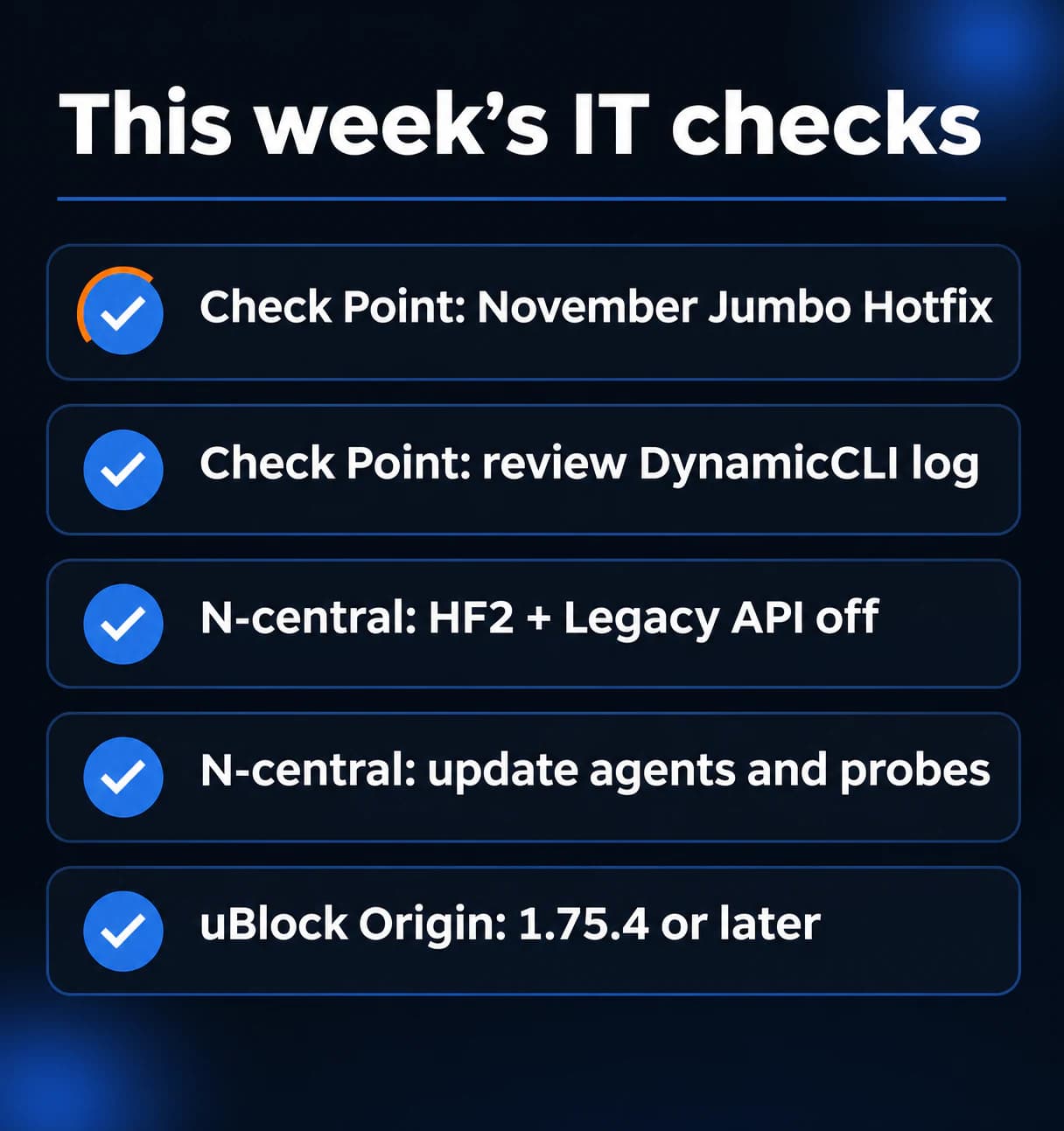
- Install the November Jumbo Hotfix on every Check Point Management Server and Security Gateway, internet-facing Mobile Access gateways first.
- Run the sk1000362 log checks on each Check Point firewall and investigate anything outside the normal Clish wrapper.
- If you or your MSP run N-central, confirm 2026.4 HF2 is installed and the Legacy API is off.
- Update N-central agents and probes, and search logs for the IP addresses N-able published on November 13.
- Check every uBlock Origin install for version 1.75.4 or later, and clear any filters nobody wrote.
If you need someone who can handle these checks for you, reach out to us. We would be happy to help.
Sources
- Check Point sk1000362 (CVE-2026-123039)
- Check Point security advisory blog, PHP2Shell and local privilege escalation
- CISA Known Exploited Vulnerabilities catalog
- N-able, New Security Update on N-central (November 13)
- N-able, Vulnerability Remediation Update (November 13)
- N-able, Update on N-central 2026.4 HF2
- uBlock Origin security advisory GHSA-cmqw-9r2w-6wv2
- uBlock Origin releases
- Researcher write-up on the uBlock Origin element picker issue

Powerful IT Systems · Sussex, WI
Hands-on IT experience serving Milwaukee-area businesses.